 ARCADE
How to make a game like Minecraft
Gather, craft, build, survive the night. Here is how to make your own block building game in the spirit of Minecraft, in your browser and without code.
Minecraft showed the world how fun it is to collect blocks and build anything you can imagine. Lots of players dream of making their own version, with their own world, their own rules and a twist nobody has tried yet.
You do not need to copy Minecraft to capture what makes it great. This guide breaks down its core loop (gather, craft, build, survive) and shows how to build your own block game with Morph, our little AI companion. Arcade is not affiliated with Minecraft or Mojang: the goal is to make something original that feels just as good.
What makes a great block building game
Block games feel endless, but they rest on four simple ingredients.
🧱 A blocky world
Simple shapes and bright colors that are easy to read and fun to change.
⛏️ Gathering
Wood, stone and rare materials to collect and carry.
🛠️ Crafting and building
Turn materials into tools, walls and shelters.
🌙 A reason to build
Night falls, a storm comes, a beacon needs repairing.
How to make a block building game, step by step
Here is the path from an empty field to a block world players want to stay in.
Choose your twist
What makes your world different?
Build the world
A small, readable map first.
Add gathering
Wood, stone, one rare thing.
Add crafting and building
Few recipes, clear rewards.
Give players a reason
Night, storms, a quest.
Playtest and share
Watch what players build.
1. Choose your twist
Start with the one thing that makes your game different: a world on the back of a giant turtle, a floating island that shrinks, an underwater base, a block world where every night the ground changes color.
A twist gives players a reason to try your game instead of the one they already know.
2. Build the world
Start small: one valley, one island, one forest. A small world that is fun to explore beats a huge empty one.
Describe the landscape to Morph, our little AI companion: trees for wood, rocks for stone, a cave with something rare. Then walk around it and add details where it feels empty.
3. Add gathering
Let players collect 2 or 3 basic materials and 1 rare one. Show the inventory on screen so every pickup feels like progress.
Place the rare material somewhere players have to explore or take a risk to reach.
4. Add crafting and building
Keep crafting simple at first: wood gives a wall, stone gives a stronger wall, the rare material gives a light or a tool. Each recipe should unlock something new to do.
Building is the heart of the game, so make placing blocks quick and satisfying.
5. Give players a reason
Freedom is great, but a goal keeps players building. The classic one: build a shelter before night falls. Others: restore a beacon, protect the village, reach the top of the map.
Show a timer or a day and night cycle so players feel the pressure.
6. Playtest and share
Ask a friend to play for 10 minutes and watch what they do first. If they wander without building, the goal is not clear enough. If they build right away, you have a hit.
Then publish your game on Arcade and share the link.
The block game loop
Most block building games follow the same loop. Here it is, with what to add at each step of a first version:
| Loop step | What the player does | What to add first |
|---|---|---|
| Explore | Walks around and discovers the world | A small map with one secret spot |
| Gather | Collects materials | Wood, stone and one rare material |
| Craft | Turns materials into useful things | 3 to 5 simple recipes |
| Build | Places blocks to make a shelter or a base | Quick, satisfying block placing |
| Survive | Stays safe through the night or the storm | A day and night timer |
Once this loop is fun, add more: new materials, more recipes, animals, a second area.
Start with a ready-made idea
Not sure how to begin? Here is a starting idea for a block building game. Not your style? Roll another one. Copy it, paste it in Arcade and you will have a first playable version to shape. Then change the details to make it truly yours.
Make a block building game called "Turtle Island". The world is a small blocky island on the back of a giant walking turtle. The player gathers wood and stone, crafts walls and torches, and must build a shelter before night. At night, glowing crabs come out of the water. Show the inventory, the time until night and the controls on screen.
Paste it and build on ArcadeBlock game ideas to start from
- Turtle Island: Build a shelter on a giant walking turtle.
- Sky Beacon: Repair a beacon on floating islands before the storm.
- Deep Base: Build an underwater base before your oxygen runs out.
- Snow Fort: Build a fort before the blizzard, trade with a yeti.
- Candy Valley: A world made of candy blocks.
- Block Village: Protect a tiny village and help it grow.
Want more? The game idea generator writes a full concept in one click, and our list of 100 video game ideas has plenty more.
Block games made on Arcade
Made by creators like you. Click one to play it free in your browser.
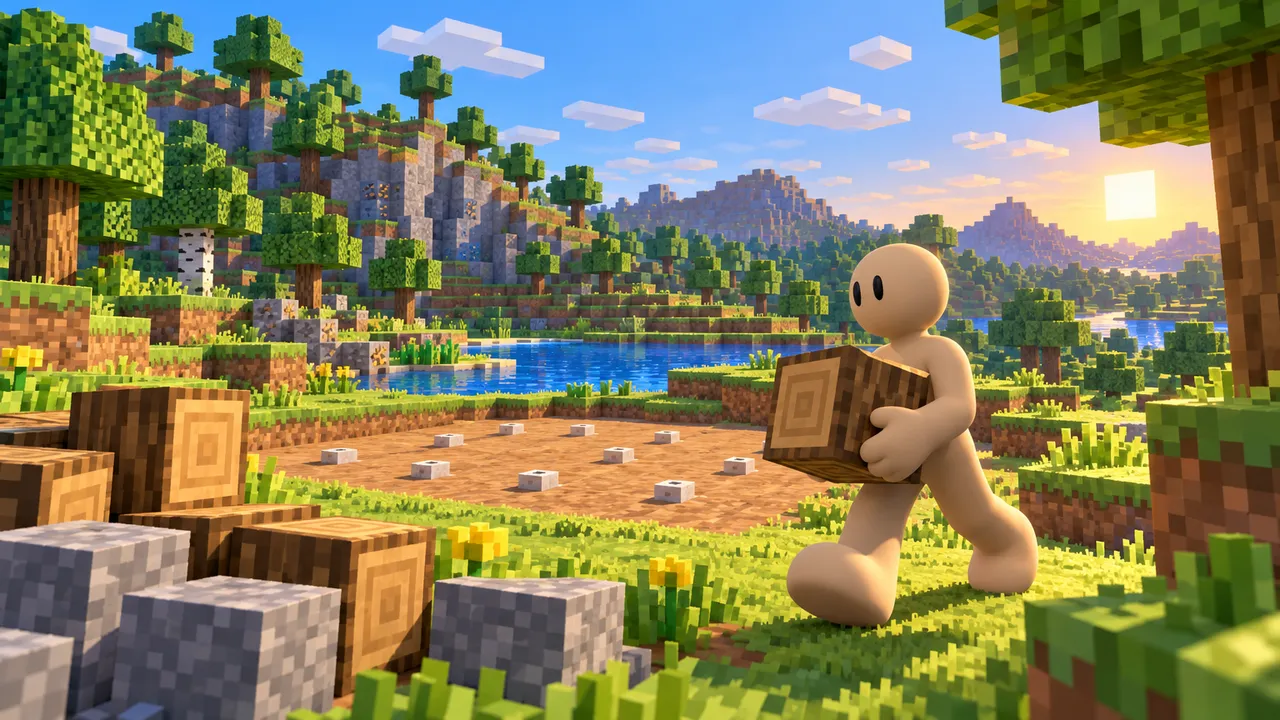
Explore a blocky world, gather wood and stone, and build your shelter before night falls.
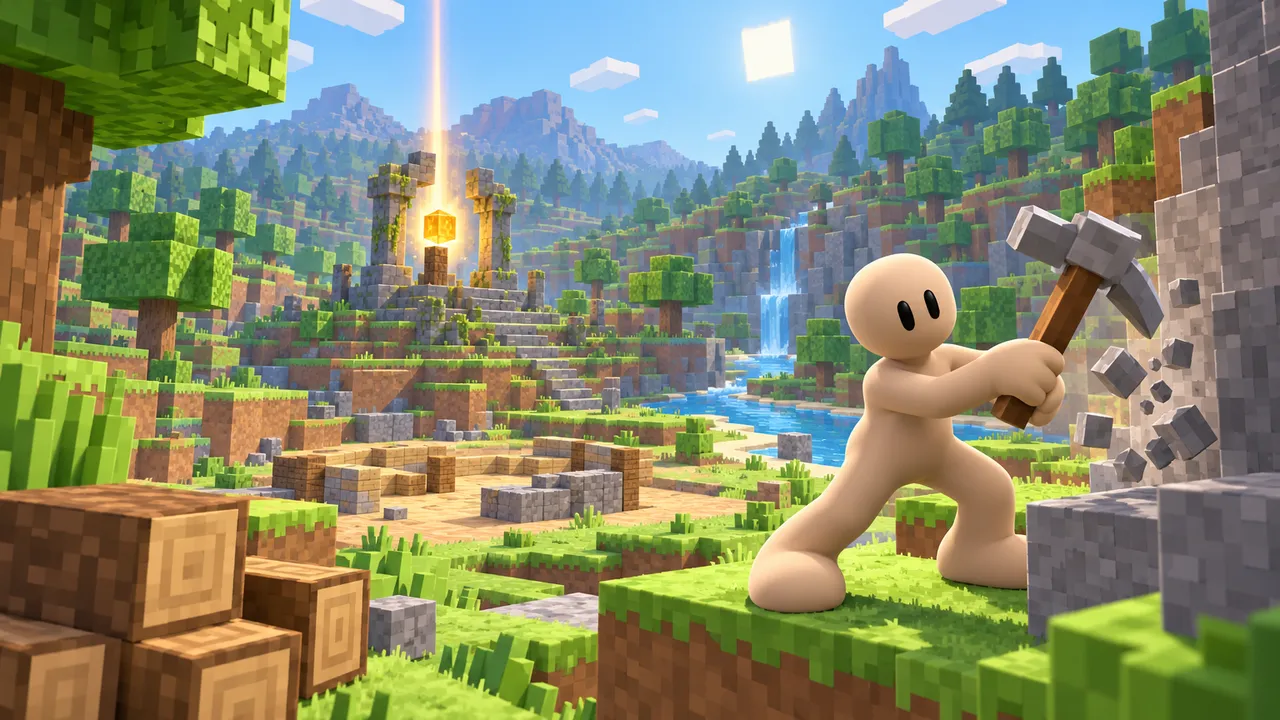
Gather wood and stone in a bright block valley, build your own paths and restore the ruined beacon before daylight runs out.
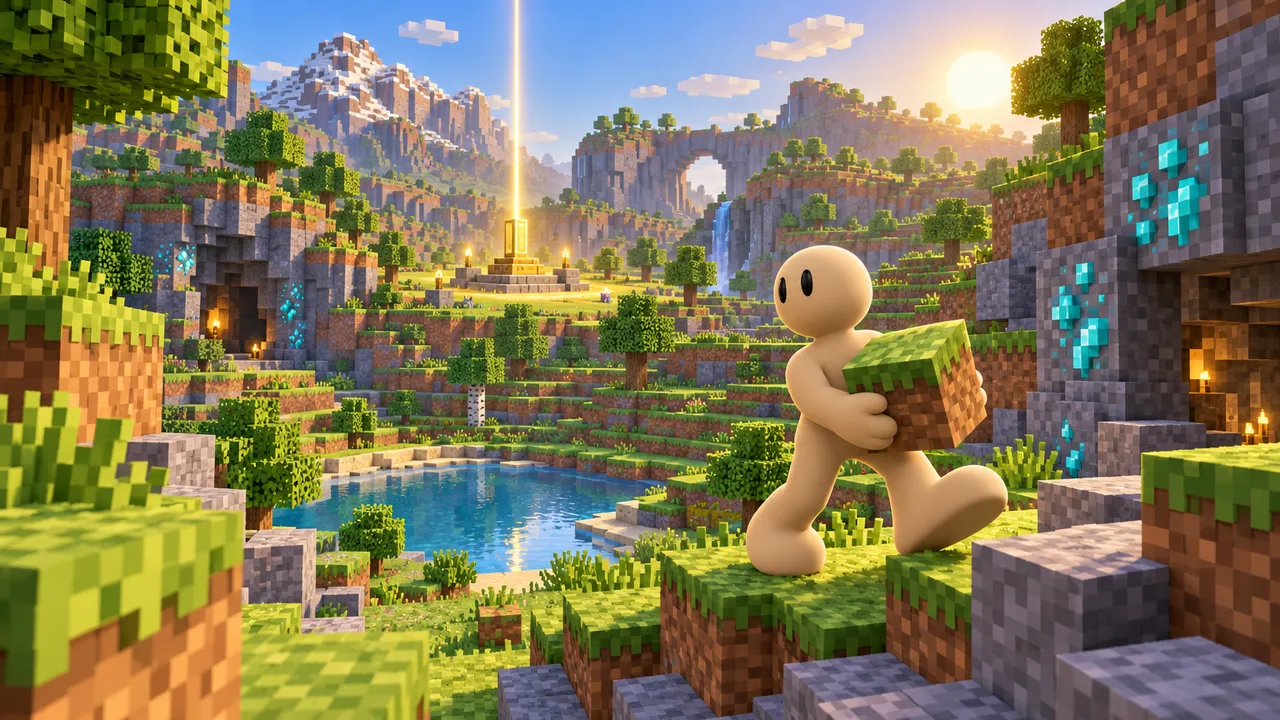
Mine, craft tools and build at your own pace in a sunny block wilderness full of sheep and cows.
Common mistakes to avoid
These are the reasons players leave a block game in the first minutes.
A huge empty world
Big maps with nothing to do feel boring, not free.
No goal at all
Without a reason to build, many players stop after a minute.
Slow building
If placing a block takes too long, building stops being fun.
A straight copy
Players already have Minecraft. Give them a twist they cannot get there.
Build your own block world
Tell Morph, our little AI companion, what you want to make and watch it come to life, right in your browser. No coding, no downloads, free.
Make your block gameCurious how it works? See how our AI game maker turns your idea into a playable game with Morph.
FAQ
Can I make a game like Minecraft without coding?
Yes. On Arcade you describe your world, your materials and your goal to Morph, our little AI companion, and it builds a playable game you can keep changing by chatting. No code needed.
Is Arcade free?
Yes. Arcade is free: build, publish and share your games in your browser, on a computer or a phone.
Can I use the Minecraft name or characters?
No. Minecraft is a trademark of Mojang. Make your own world, your own name and your own characters, inspired by the gameplay but not copied.
Can players build in my game?
Yes. Gathering materials and placing blocks is the heart of a block game, and you can describe exactly how you want building to work.
Can I add a day and night cycle?
Yes. Ask for a day and night timer and decide what happens at night: monsters, a storm, darkness or a cold that drains health.
Can people play my block game on their phone?
Yes. Arcade games run in the phone's browser with touch controls, so friends can open your link and play right away.
What else can I make on Arcade?
Almost any genre: survival, tycoon, obby, racing, horror. Our guide on how to make a survival game is a great next step.