 ARCADE
How to make a video game
You do not need to be a programmer, an artist or a studio to make a game in 2026. This guide shows you how to make a game in 10 steps, from "I have an idea" to "my friends are playing it".
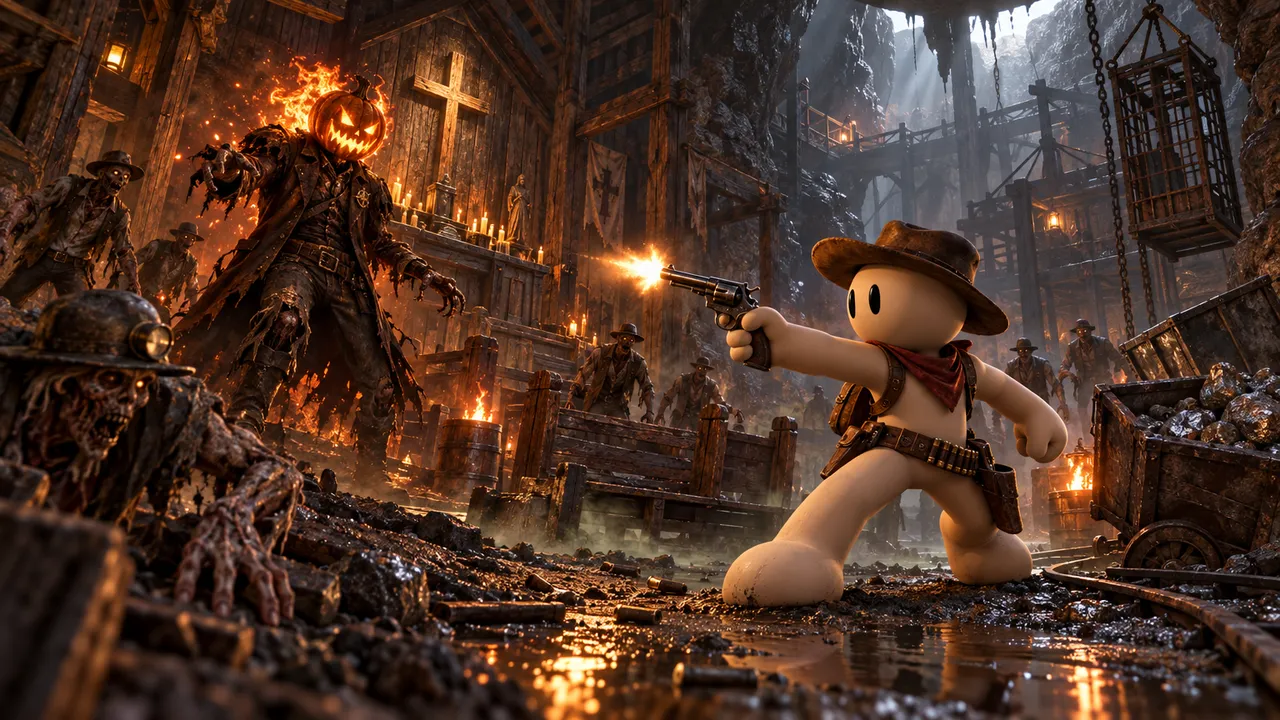
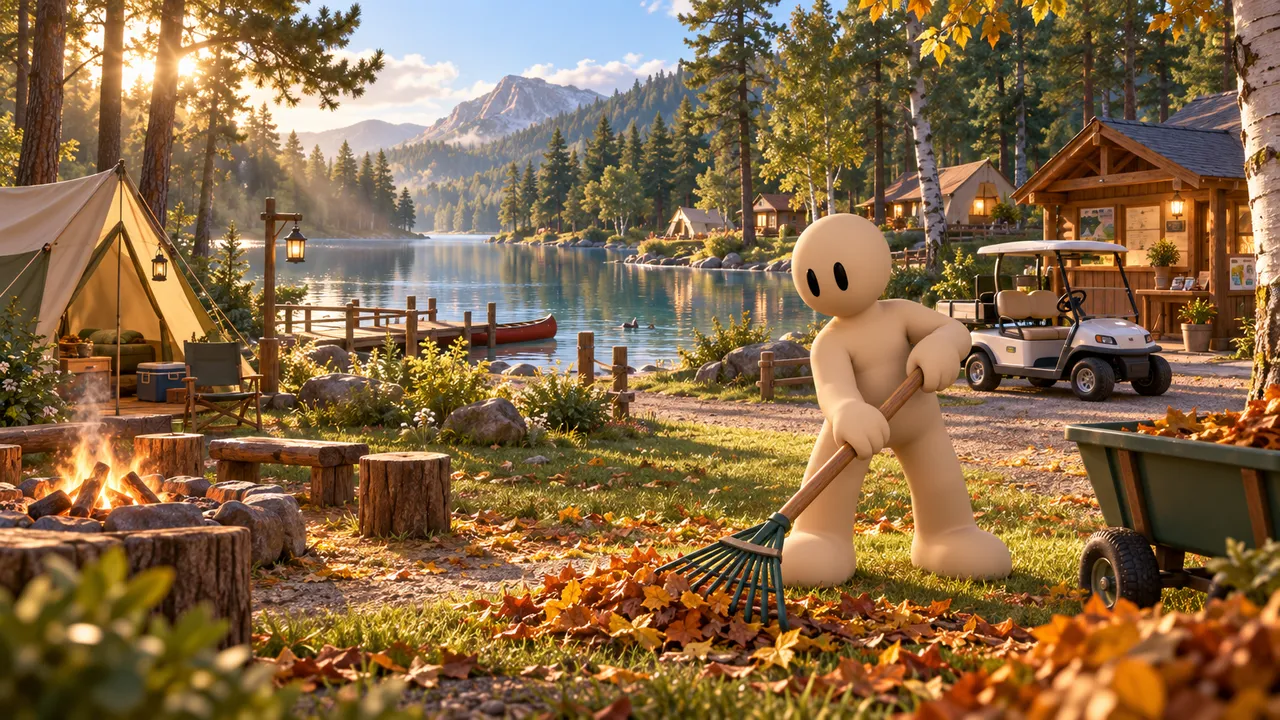
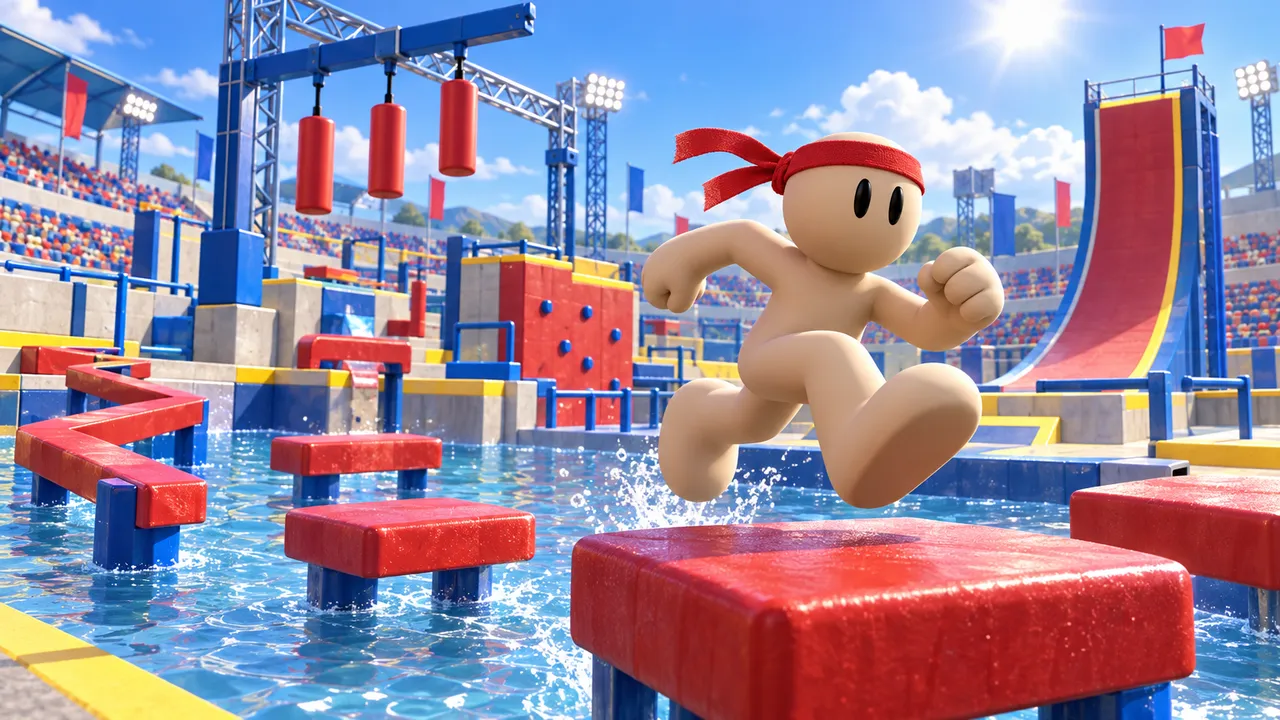
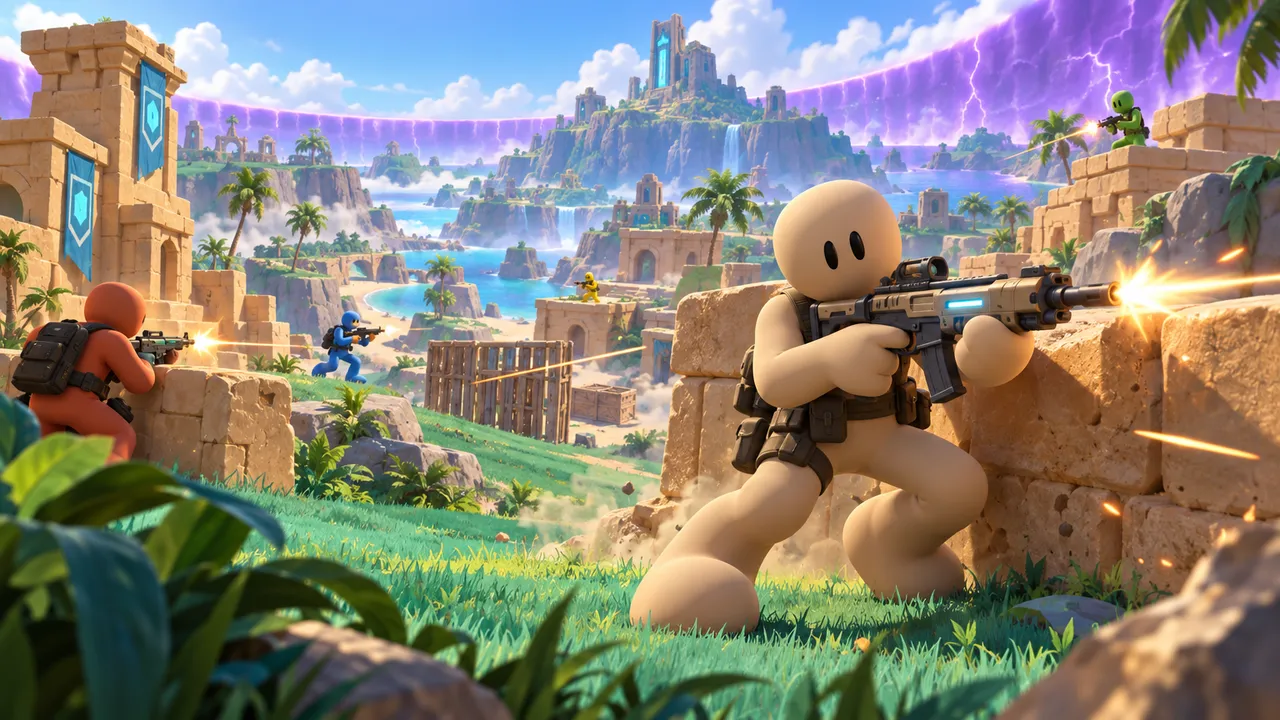
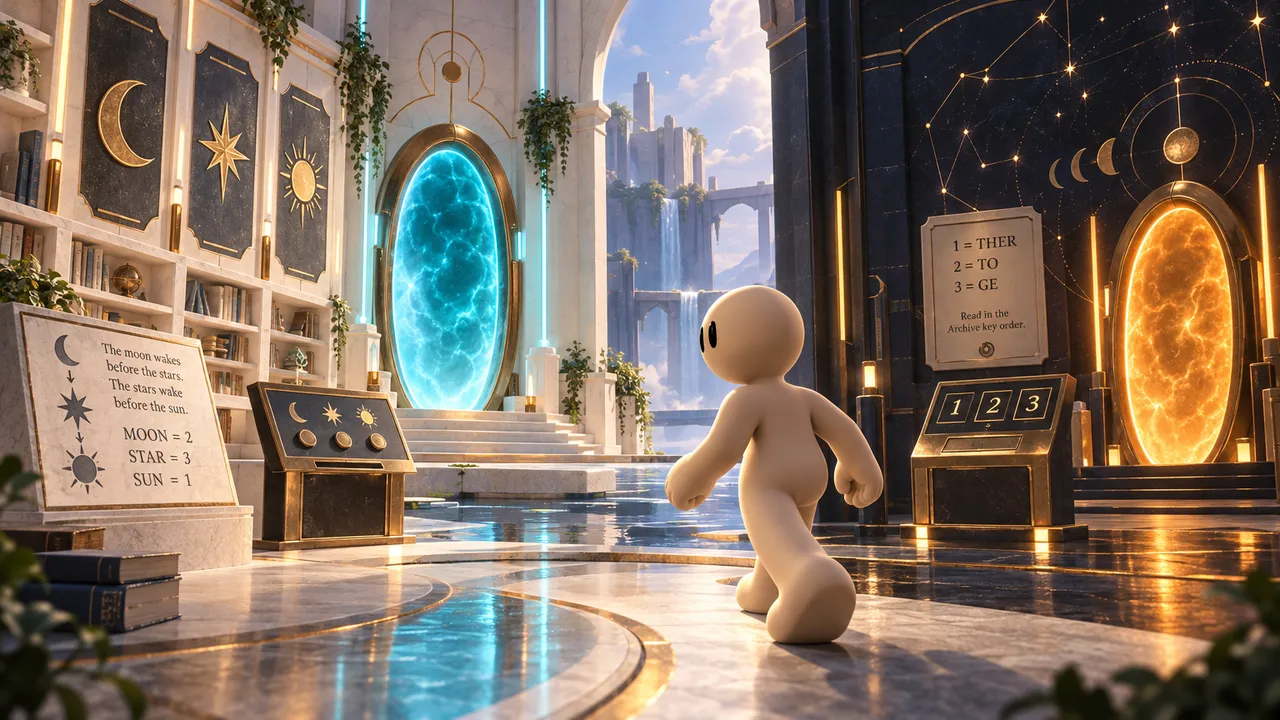
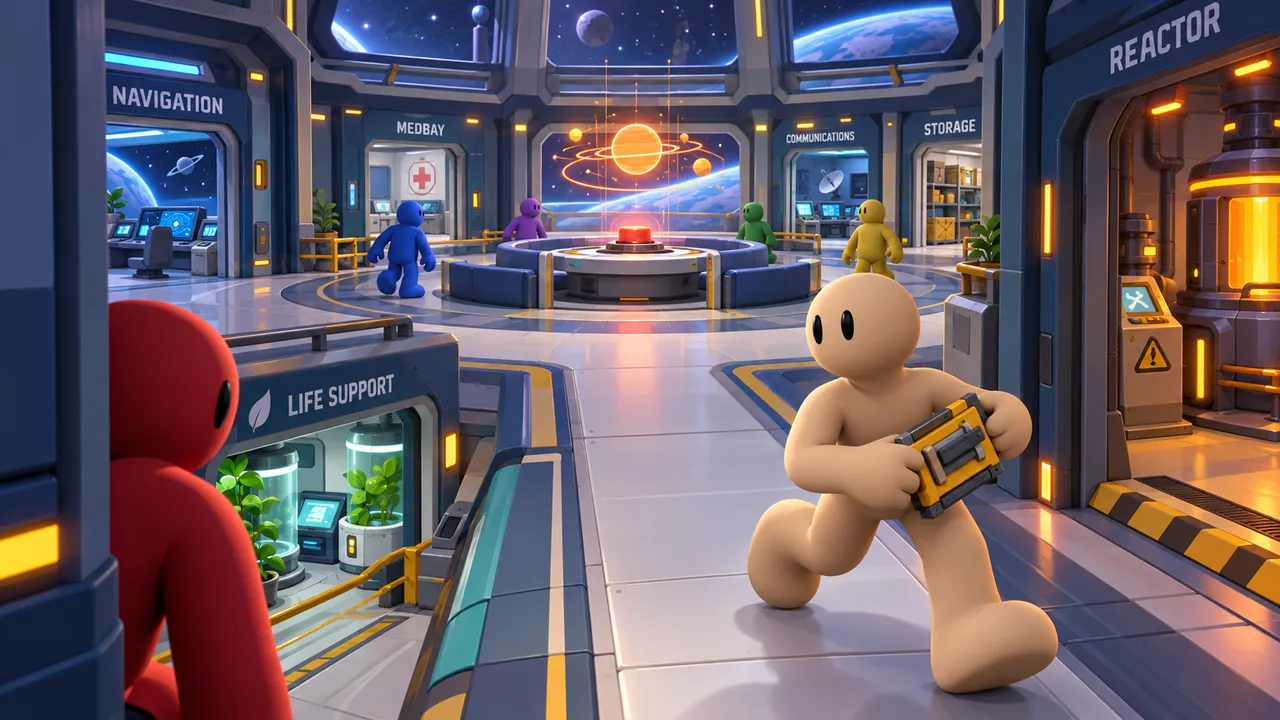
Games made by creators on Arcade
The 10 steps at a glance
- Start with one idea, in one sentence
- Keep it small
- Choose the right tool
- Build the core loop first
- Give players a clear goal
- Build a world worth exploring
- Add challenge and progression
- Polish: look, sound and feel
- Playtest with real people
- Publish and keep improving
1. Start with one idea, in one sentence
Every good game can be explained in one sentence: "Survive the night shift in a toy store where the mascots move when the cameras are off." If you cannot say it in one sentence, your idea is probably three games at once. Pick the one that excites you most.
Out of ideas? Browse our list of 100 video game ideas or try the game idea generator, which gives you a complete concept and a prompt you can build right away.
2. Keep it small
The number one reason first games never get finished is size. An open world RPG with 50 quests can take years. A single haunted house with one monster and one goal is a weekend. Start with:
- One map (a house, an arena, an obstacle course)
- One main mechanic (hide, jump, shoot, serve customers)
- One goal (escape, survive, earn, reach the top)
You can always add more after people play it. You cannot get back the months spent on a game nobody plays.
3. Choose the right tool
There are three ways to make a game today. None is "the best". It depends on your goal and how much time you want to invest.
| Traditional engines | No-code engines | AI game makers | |
|---|---|---|---|
| Examples | Unity, Godot, Unreal | GDevelop, Construct, Scratch | Arcade, Rosebud AI, Astrocade |
| Coding | Yes (C#, GDScript, C++ or Blueprints) | Visual logic blocks | None needed, you describe it |
| Time to first playable game | Weeks to months | Days | Minutes |
| Best for | Learning to be a pro developer | Learning game logic, exporting | Making and sharing games fast |
| Cost to start | Free | Free plans | Free (Arcade) |
If your goal is a career in game development, learning an engine is worth it. If your goal is to make the game in your head and play it with friends, an AI game maker gets you there in an afternoon. On Arcade, you describe your game to Morph, Arcade's building assistant, then shape the world, the characters and the rules visually.
4. Build the core loop first
The core loop is what the player does over and over: see a monster, hide, wait, move to the next room. Or: serve a customer, earn coins, buy an upgrade, serve faster. Before you add anything else, make that loop fun on its own.
Action
What the player does every few seconds: jump, hide, shoot, cook.
Reward
What they get: coins, progress, a new area, survival.
Upgrade
How rewards make them stronger or faster.
Repeat
The loop starts again, a little harder.
If moving around or the main action feels bad, no amount of content will save the game. Test it early: can you move, jump, interact, win and lose?
5. Give players a clear goal
Players decide in about 10 seconds whether they keep playing. If they do not understand what to do, they leave. When your game starts, show on screen:
- The goal: "Find 5 fuses and restore the power."
- The controls: which keys or buttons move, jump, interact and attack.
- How to win and how to lose: a timer, a health bar, a score.
This sounds obvious, yet it is the most common thing missing in new games. A simple start screen fixes it.
6. Build a world worth exploring
An empty map feels unfinished, even if the mechanics work. Fill the space with things that support the game: decor that sets the mood, obstacles that create challenge, items to collect, NPCs to meet or avoid. Every area should give the player a reason to be there.
Also check the edges: players will try to walk off the map, climb walls and fall through the floor. Make sure they cannot get stuck or fall into the void.
7. Add challenge and progression
A game that never gets harder gets boring. A game that is hard from the start makes people quit. Start easy, then add difficulty slowly: faster enemies, trickier jumps, more customers at once. Give players something to work toward: upgrades, new areas, a leaderboard or a boss at the end.
If your game needs opponents, make sure there are some. A fighting game with nobody to fight, or a multiplayer game when nobody else is online, feels broken. NPC enemies and bots solve this.
8. Polish: look, sound and feel
Polish is what makes a game feel good: a sound when you collect a coin, a small shake when you get hit, music that matches the mood, a cover image that makes people click. You do not need a lot, but a few touches change everything. Pick one visual style and keep it consistent.
9. Playtest with real people
You know your game too well to judge it. Watch a friend play it without helping them. Where do they get stuck? What do they ignore? When do they smile? Write it down, fix the biggest problem, and test again. Three rounds of playtesting will improve your game more than three weeks of building alone.
10. Publish and keep improving
Finished is better than perfect. Publish your game, share the link with friends and communities, and listen to feedback. On Arcade, publishing puts your game on the marketplace where players can find it, play without an account and rate it, and you can keep updating it as you learn.
The most common beginner mistakes
No goal on screen
Players do not know what to do in the first 10 seconds and leave.
Empty map
A big space with nothing in it. Smaller and fuller is better.
Broken main mechanic
You cannot hit the enemy, the car does not move, the button does not work.
No one to play against
A battle or multiplayer game without NPC opponents or bots.
Too big too soon
Ten half-built levels instead of one great one.
Never tested
Publishing without watching anyone else play it.
Make your first game today
Describe your idea on Arcade and build it in your browser. No coding, no downloads, free.
Start your gameFAQ
Can I make a video game for free?
Yes. Many tools are free to start, and Arcade is free: you can build, publish and share your game in your browser without paying.
Can I make a game without coding?
Yes. No-code engines use visual logic, and AI game makers like Arcade let you build by describing what you want.
How long does it take to make a video game?
With an AI game maker, a small first game is playable in minutes and can feel finished in an afternoon. With a traditional engine, expect weeks. Big games take teams years. Start small.
What is the easiest type of game to make first?
An obby (obstacle course), a simple tycoon or a short escape room. They have one clear mechanic and one clear goal.
Do I need to know how to draw or make music?
No. Game makers come with ready-made assets, and AI tools can create a world from your description. You can always add your own art later.
Where can I publish my game?
On Arcade, you publish to the Arcade marketplace and share a link. Tools like Unity or GDevelop let you export to stores like Steam or the App Store.