 ARCADE
Obby maker: make your own obby
Sky courses, lava floors, moving platforms, checkpoints. Describe the obstacle course you want and Arcade, a free obby creator in your browser, builds it with you. No coding.
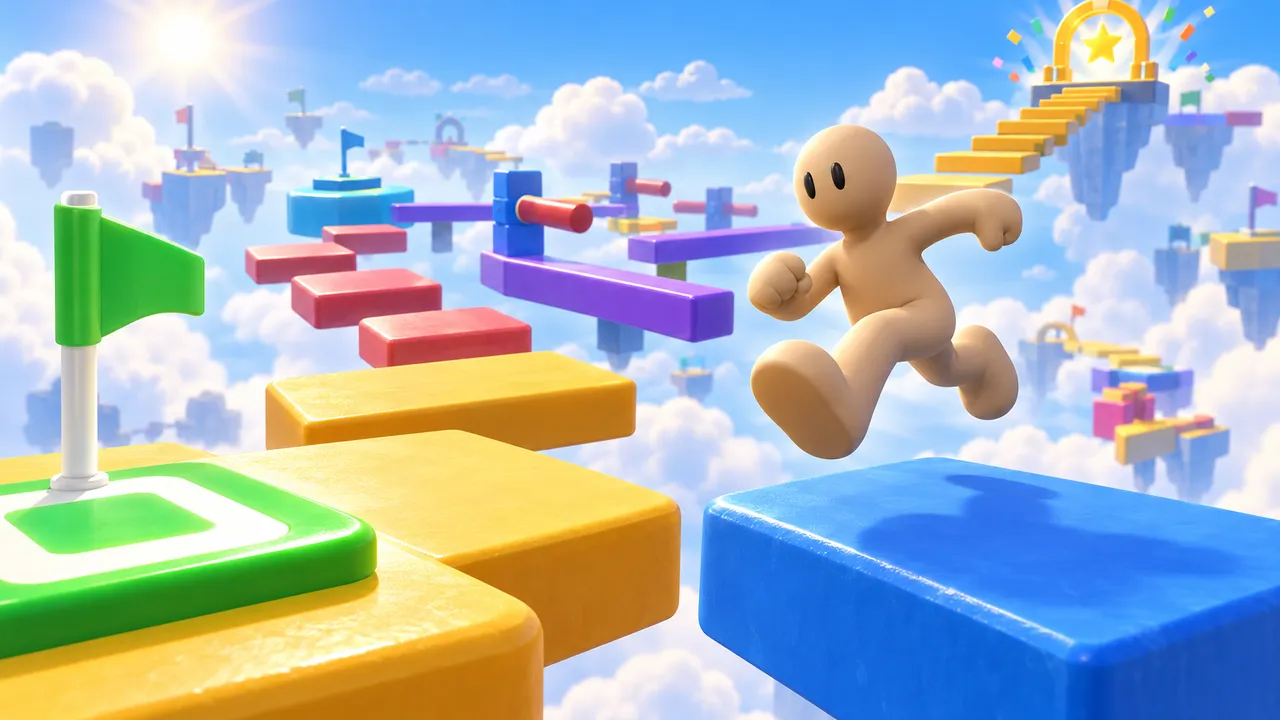
How to make an obby on Arcade
Pick a theme
Sky islands, a candy world, a lava castle, a giant kitchen. The theme shapes every obstacle.
Lay out the course
Describe it to Morph, Arcade's building assistant: "20 jumps across floating platforms, getting harder, with lava below".
Add the twists
Moving platforms, disappearing blocks, trampolines, speed pads. And checkpoints so falls are not too punishing.
Test and publish
Run it yourself from start to finish, fix the impossible jumps, then publish and share the link.
Obby design tips
Start easy, end hard
The first jumps should be almost impossible to miss. Players who succeed early keep going. Save the brutal sections for the end.
Checkpoints every few obstacles
Restarting the whole course after one mistake makes people quit. Place a checkpoint after every hard section.
Add a reason to replay
A timer, coins to collect or a leaderboard turns a one-time run into a game people come back to.
Show the finish line
A visible goal (a tower top, a glowing portal, a trophy) pulls players forward. Let them see where they are going.
Mix rhythm and rest
Alternate tense sections (narrow beams, moving platforms) with easy ones. A short calm stretch after a hard jump makes the next challenge feel fair.
Make it fair on a phone
Many players will run your course with their thumbs. Keep gaps readable, avoid jumps that need pixel-perfect timing early on, and test it on your own phone before you publish.
Obstacle ideas for your obby
The best obbies combine a few obstacle types and use them in new ways as the course goes on. Pick three or four to start.
🟥 Kill bricks
Red blocks or lava that send you back to the last checkpoint. The classic.
↔️ Moving platforms
Platforms that slide, rise or spin. Timing becomes part of the challenge.
👻 Disappearing blocks
Blocks that vanish a second after you land. Keep moving or fall.
🦘 Trampolines
Bounce pads that launch you to platforms you could never reach with a jump.
⚡ Speed pads
Strips that boost your speed for a long jump, or make a tight turn harder.
🧊 Ice floors
Slippery surfaces where stopping is the hard part.
🔄 Spinning bars
Rotating beams that sweep across the path. Jump them or duck under.
🌉 Glass bridges
Two paths, one is fake. Guess right or start over.
Theme ideas
- Sky islands: floating platforms above the clouds, with a trophy at the top.
- Candy world: lollipop poles, gummy bridges and chocolate rivers.
- The floor is lava: a house, a school or a mall where only the furniture is safe.
- Space course: hop between planets with low gravity jumps.
- Giant kitchen: run across counters, jump between pans and dodge the toaster.
- Tower climb: a new obstacle type on every floor, all the way to the roof.
Example: describe your obby to Morph
On Arcade you build by describing what you want to Morph, Arcade's building assistant. The more precise you are, the closer the first version is to what you have in mind. Here is a starting idea you can copy and change. Roll the dice for another one, and make it yours: every obby on Arcade should feel different.
Make an obby called "Cloud Climb". The player jumps across floating platforms above the clouds to reach a golden trophy at the top. Make it 3 sections that get harder: easy wide jumps first, then moving platforms, then disappearing blocks over lava. Put a checkpoint at the start of each section and a timer that shows the best time. Show the goal and the controls on screen when the game starts.
Build it on ArcadeOnce the first version is ready, walk the course yourself and keep adjusting: "make the third jump shorter", "add a checkpoint before the lava", "make the moving platforms slower".
Obbies made on Arcade
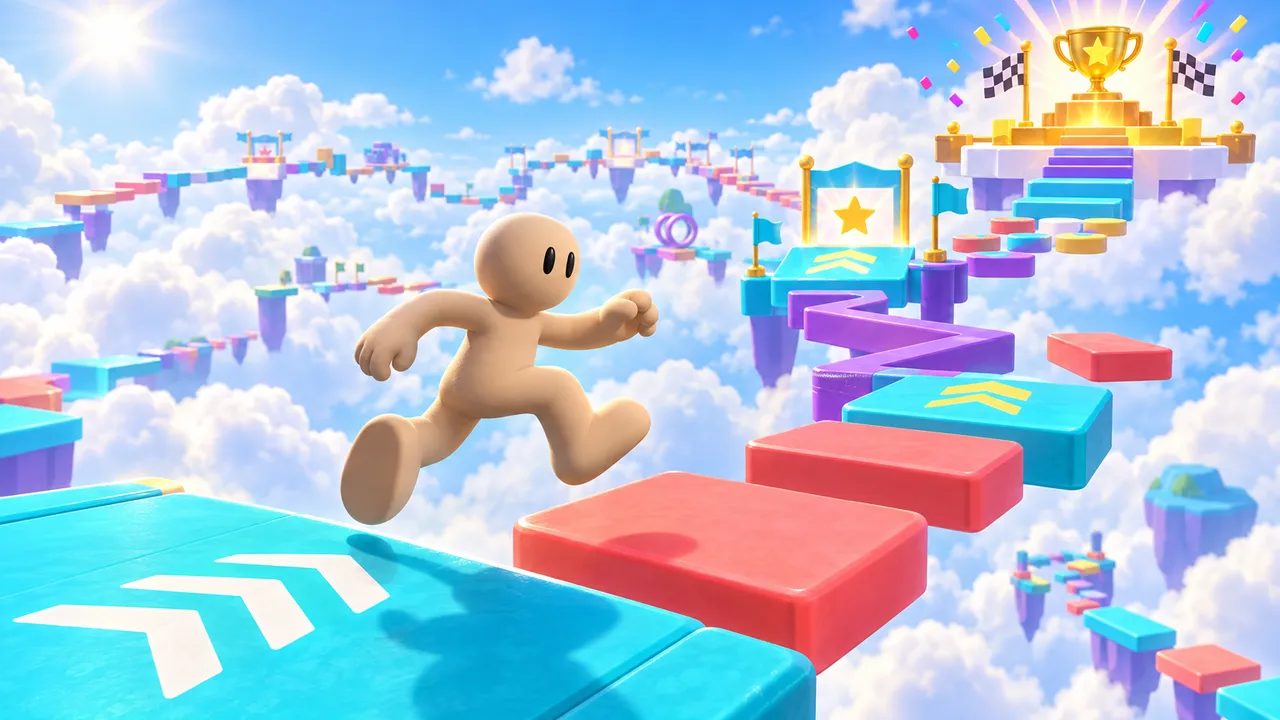
Jump through colorful obstacle courses, reach checkpoints and collect wins. Earn 10 wins to unlock a golden VIP glow and badge.
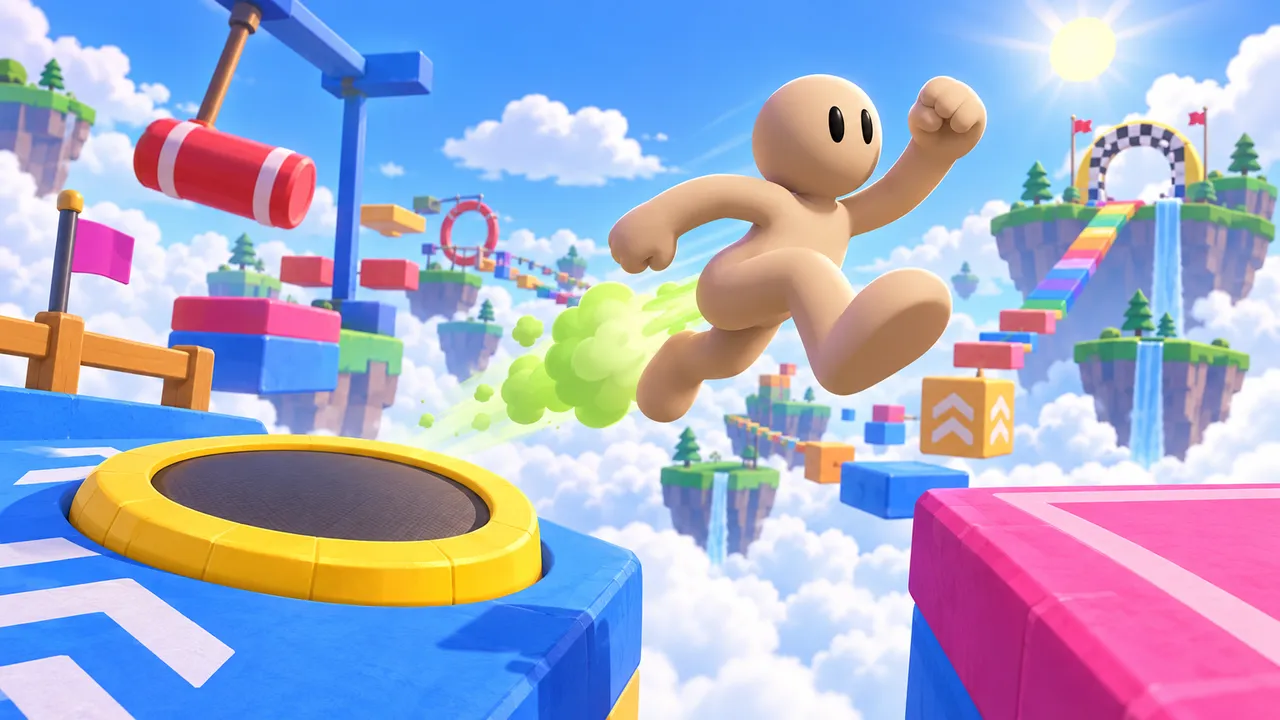
Fart-boost your way across a sky obstacle course of trampolines, swinging hammers and floating islands to the finish.
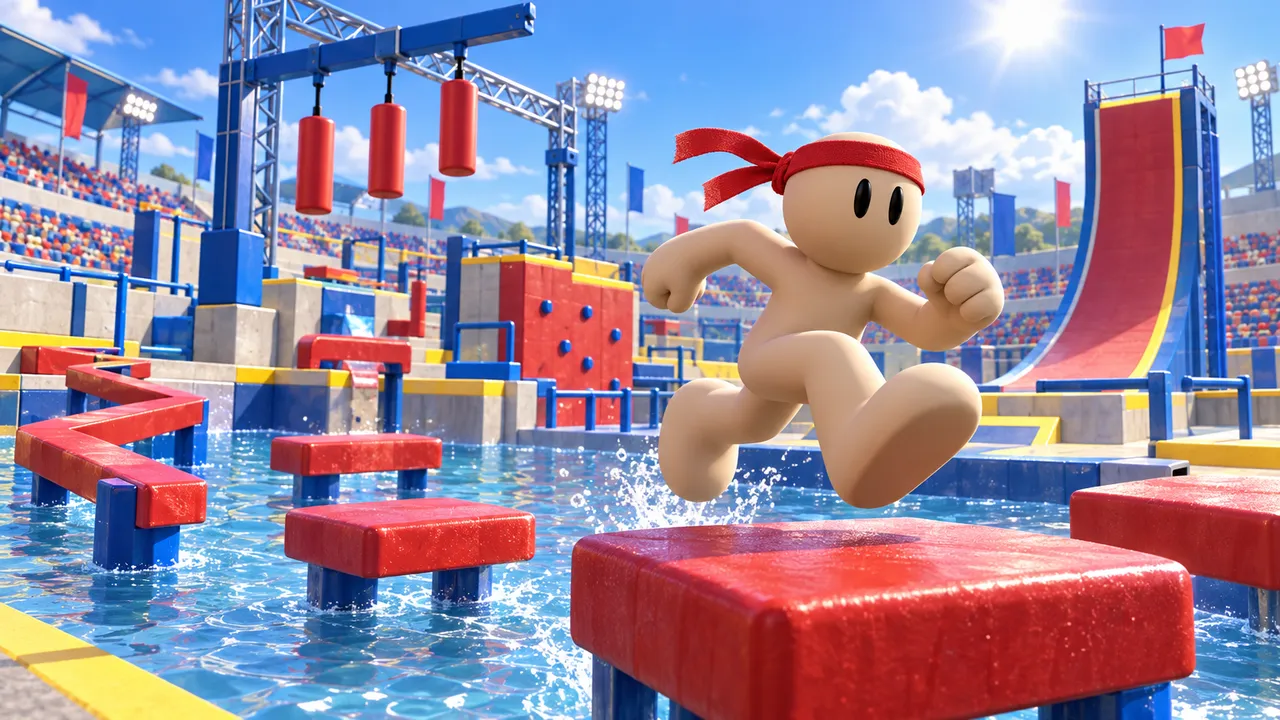
Run, jump, balance and climb through a stadium obstacle course. Reach the summit before time runs out, but one splash ends your attempt.
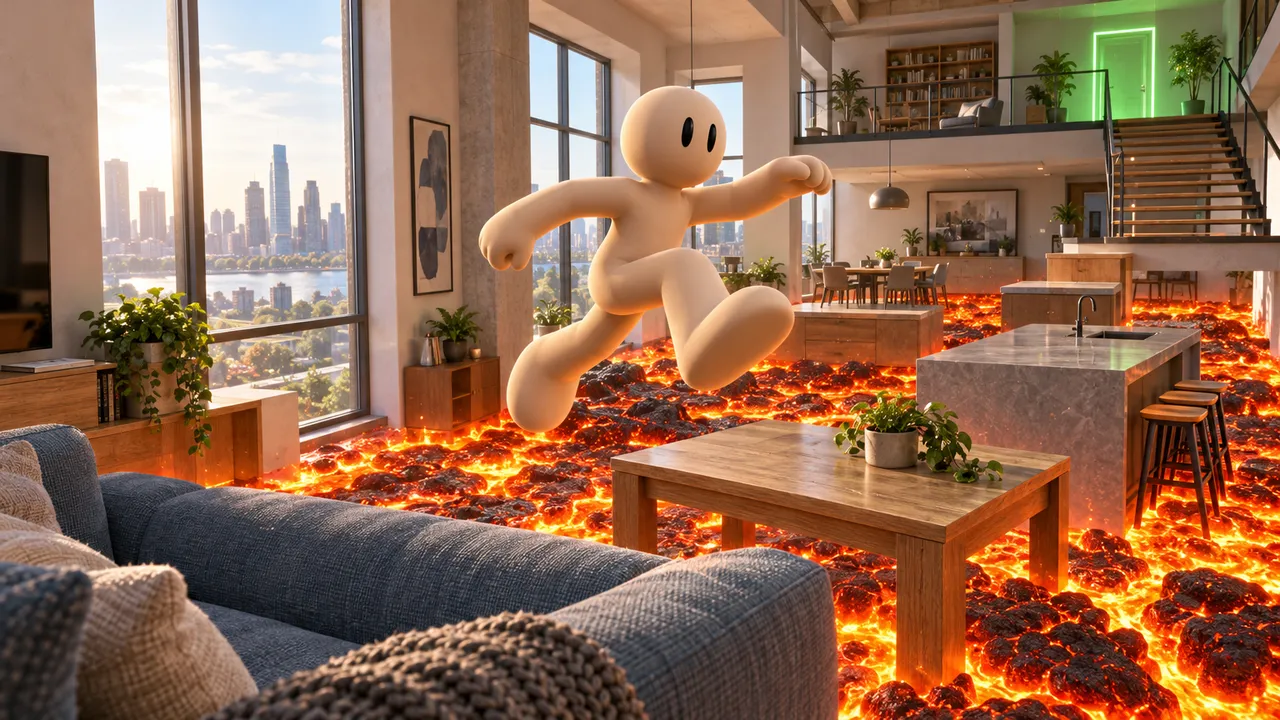
Leap across furniture in a realistic apartment where the floor has become lava. Reach the refuge before time runs out, and don’t miss a landing.
Your course, live today
Build your obby in your browser and share it with friends. No coding, no downloads. Arcade is free.
Make an obbyFAQ
What is an obby?
An obby is an obstacle course game: players run, jump and climb across platforms and traps to reach the finish without falling. The word was made popular by Roblox players.
Can I make an obby without coding?
Yes. On Arcade you describe your course and edit it visually. No scripts needed.
Can I add checkpoints and a timer?
Yes. Ask for checkpoints, a timer or coins to collect, and adjust them until the course feels right.
Can my friends play my obby?
Yes. Publish it on Arcade and share the link. Your friends play in their browser or on their phone, with no download and no account needed.
Can I make a multiplayer obby?
Yes. Arcade supports multiplayer games, so your friends can race the same course together from a link.
How long does it take to make an obby?
A first playable course takes minutes. Most creators then spend a session or two polishing the jumps and adding checkpoints after watching friends play.