The 8 best free game makers in 2026
You do not need to pay, or even learn to code, to make your first game. But "free game maker" covers very different tools: some you use in minutes, some you learn for months. Here is who each one is for.
Every tool on this list lets you make a game without paying. What changes is how you build (describing, dragging blocks, events or code), what kind of game you can make, and where people end up playing it. Each pick below gets the same treatment: what it does best, where it falls short and what "free" really includes.
Quick picks
- Easiest, no code at all: Arcade
- Best for kids learning to code: Scratch
- Best no-code engine with exports: GDevelop
- Best to reach Roblox players: Roblox Studio
- Best free engine if you are ready to code: Godot
- Best for 2D games you may sell one day: GameMaker
- Best for quick casual phone games: Astrocade
- Best AI maker with access to the code: Rosebud AI
At a glance
| Tool | What is free | How you build | Where |
|---|---|---|---|
| Arcade | Everything | Describe it, then edit visually | Browser, computer and phone |
| Scratch | Everything | Code blocks | Browser |
| GDevelop | Free plan, paid from $7.99 / month | Event sheets, AI agent, optional JavaScript | Browser, desktop, phone apps |
| Roblox Studio | Everything | Building tools, Luau scripts, AI Assistant | Windows, Mac |
| Godot | Everything, open source | GDScript or C# code | Desktop, web editor |
| GameMaker | Free for non-commercial use | GML Visual blocks or GML code | Desktop |
| Astrocade | Free to create | Describe it, remix others | Browser, iPhone, Android |
| Rosebud AI | 10,000 credits a week | AI chat, code tab on paid plans | Browser |
The 8 best free game makers, in detail
Here is what each tool does best, where it falls short and what you get for free.

Arcade
Best for: your first game, no code at allDescribe your game to Morph, Arcade's building assistant, then shape the world, the characters and the rules visually. Your game goes on the Arcade marketplace, where players find it and play it without an account, and your friends join you from a link.

Scratch
Best for: kids learning to codeThe free block-based coding platform first made at the MIT Media Lab and now run by the nonprofit Scratch Foundation. You snap code blocks together to make stories, animations and simple games, and share them with a huge community.

GDevelop
Best for: a no-code engine you grow intoAn open source 2D and 3D engine where you build logic with event sheets instead of code, with an AI agent to help. The free plan lets you publish as many web games as you like and export to Android or desktop once a day.

Roblox Studio
Best for: reaching Roblox playersRoblox's free desktop editor for Windows and Mac, with a built-in AI Assistant that can create objects and scripts. You publish straight to Roblox's huge audience, but most real games need Luau scripting.

Godot
Best for: a free pro engine, if you will codeA free, open source engine for 2D and 3D games, loved by indie developers. You script your game in GDScript, a beginner-friendly language, or in C#, and export to desktop, mobile and the web.

GameMaker
Best for: 2D games you may sell one dayA classic 2D engine behind many indie hits. Beginners can start with GML Visual, a drag and drop block system, then move to GML code. It is free for non-commercial use, and a one-time $99.99 license lets you sell your game.

Astrocade
Best for: quick casual phone gamesDescribe a short casual game and let AI build it, or remix someone else's. Games appear in Astrocade's feed on the web and in its iPhone and Android apps, and creators earn based on plays.

Rosebud AI
Best for: AI help with access to the codeBuild with Rosie, an AI chat assistant, in the browser. The free plan comes with 10,000 credits a week in eligible regions, and paid plans add a code tab, then code download and a Windows build for Steam.
How to choose a free game maker
Do you want to write code?
This is the question that matters most. If you never want to see code, pick Arcade, Astrocade or GDevelop. If you want to learn coding gently, Scratch and GameMaker's visual blocks are made for that. If you are ready to learn a real language, Godot is the best free engine there is, and Roblox Studio is the way into Roblox.
How fast do you want something playable?
On Arcade and Astrocade, a first version is playable in minutes. GDevelop, GameMaker and Scratch take a few evenings to learn. Godot and Roblox Studio take weeks before your game feels like a real game. None of these is wrong: it depends on whether you want to make one game now or learn a skill for years.
Where will people play it?
A game nobody plays is no fun to make. Arcade, Astrocade, Roblox and Scratch come with players already there. With GDevelop, Godot and GameMaker, you export your game and bring players to it yourself, on itch.io, Steam, the app stores or your own site.
What kind of game is it?
For worlds you walk, drive and explore with friends, look at Arcade, Roblox Studio, GDevelop or Godot. For short one-minute phone games, Astrocade. For 2D platformers and arcade games, GameMaker and GDevelop are great. For a first animated story or a simple game made at school, Scratch.
What "free" really means
Free does not always mean the same thing, so it is worth knowing where the limits are before you start:
- Free for everything: Arcade, Scratch, Godot and Roblox Studio do not ask you to pay to make and publish a game.
- Free plan with limits: GDevelop's free plan limits AI credits and Android or desktop exports to one a day. Rosebud AI's free plan runs on weekly credits.
- Free until you sell: GameMaker is free for non-commercial use, and you buy a license once you start selling your game.
What makes a game maker easy?
The easiest game makers have three things in common. You see a playable result early, so you stay motivated. You can fix things by describing or clicking, not by searching an error message. And someone actually plays your game at the end. That is why tools that build from a description, like Arcade, feel so much easier for a first game: the gap between your idea and something you can play is minutes, not weeks.
Not sure what to make? The game idea generator gives you a full concept in one click, and our guide on how to make a video game walks you through the whole process.
Games made for free on Arcade
Made by creators like you, without code. Click one to play it free in your browser.

Halloween night turns into a race against midnight: ring doorbells, follow eerie whispers and get home in time.
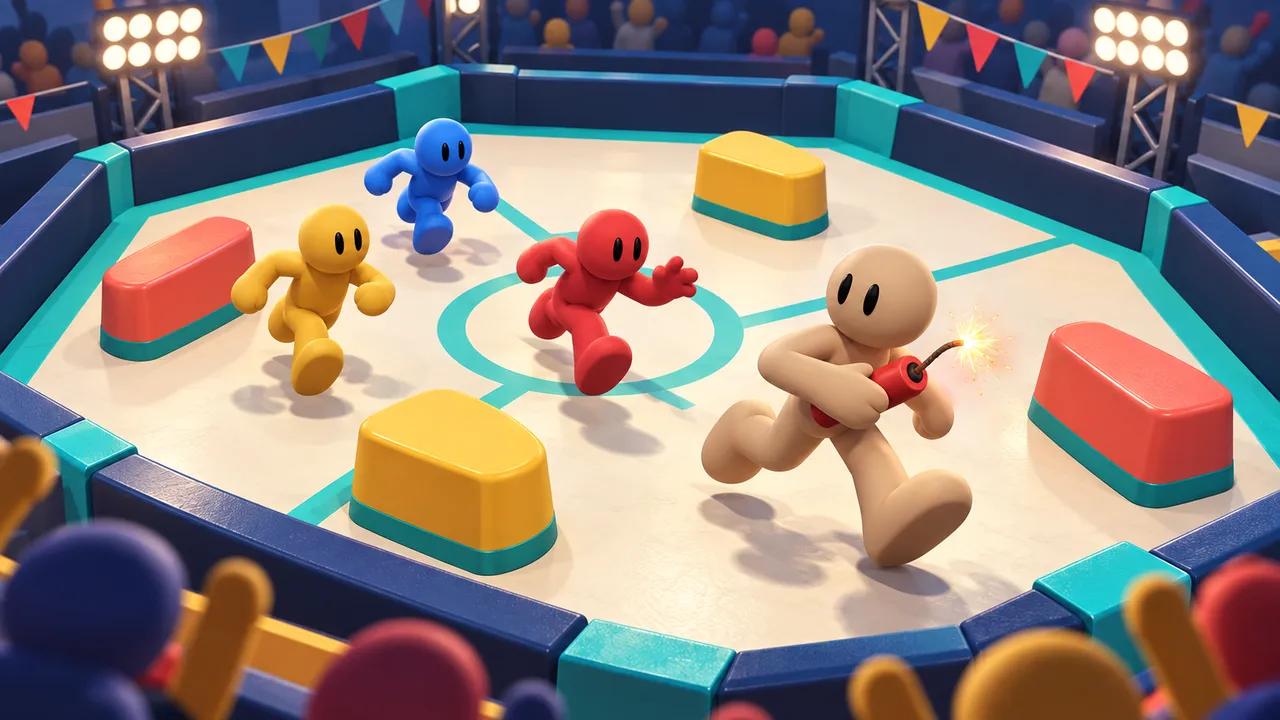
Grab dynamite and throw it at your rivals in a packed party arena.

Murdered for your riches, you come back as a ghost to haunt the three thieves who took everything.
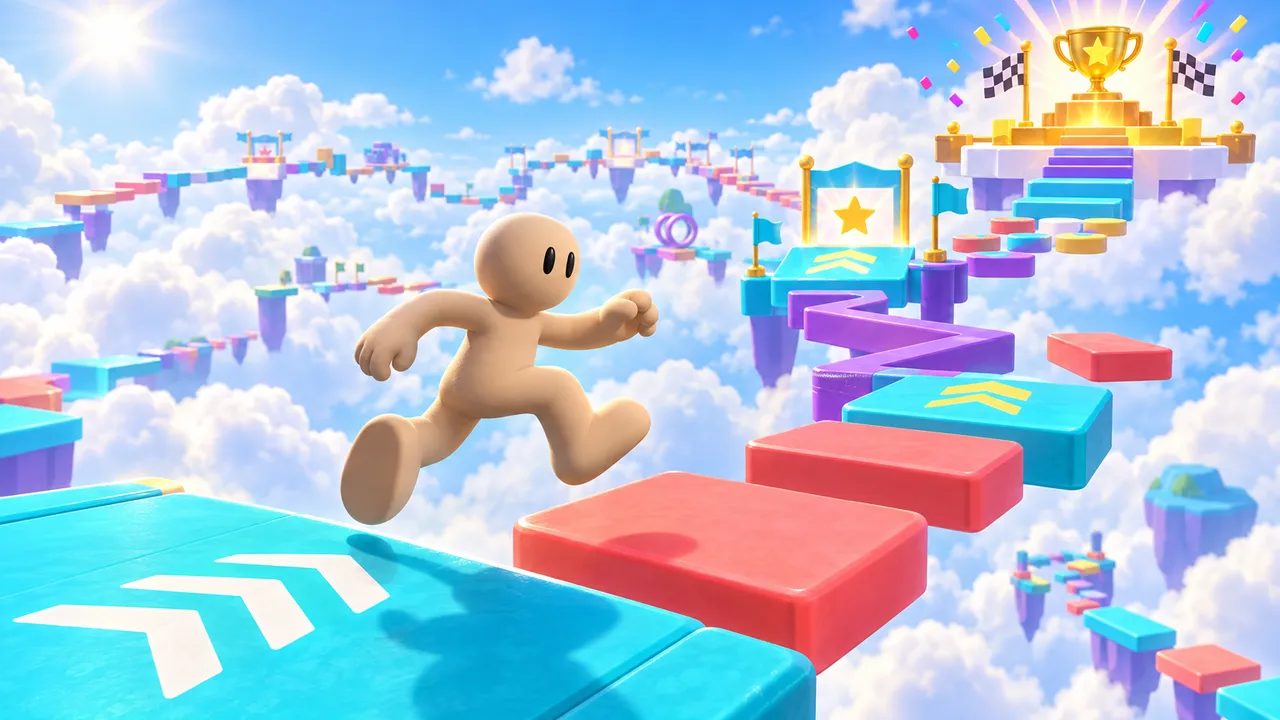
Jump through colorful obstacle courses, reach checkpoints and collect wins. Earn 10 wins to unlock a golden VIP glow and badge.
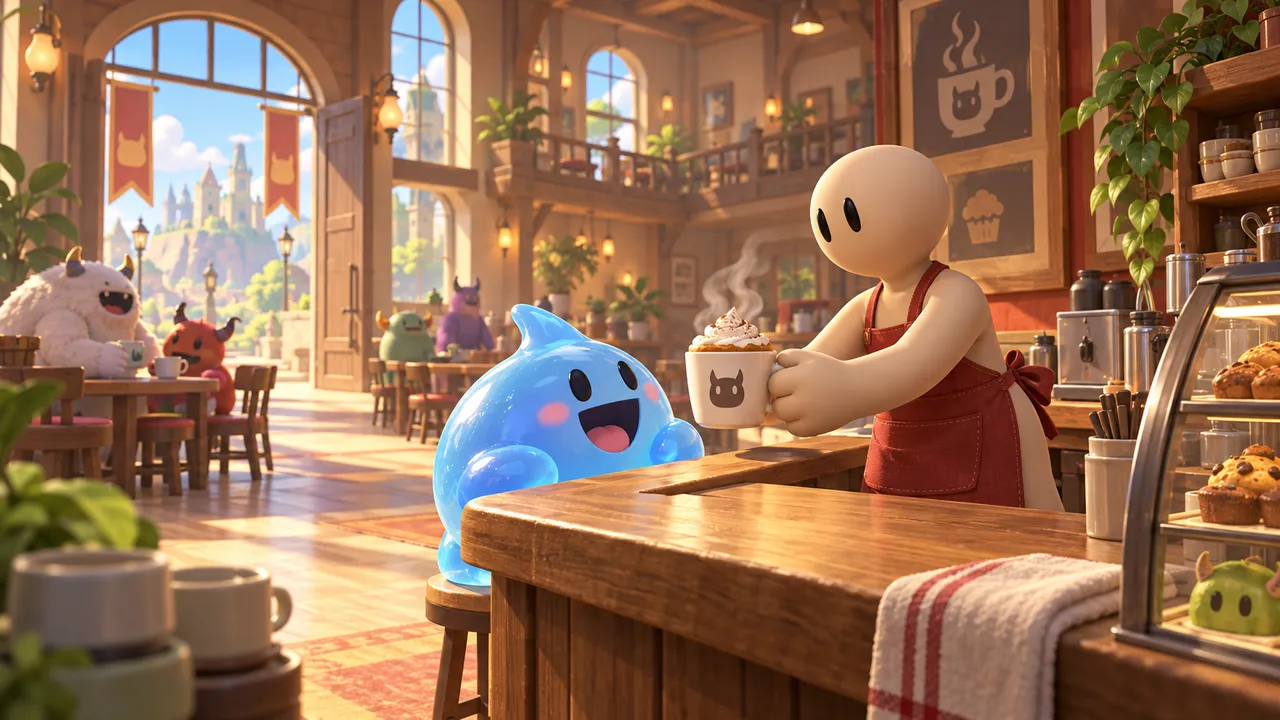
Run a café where the customers are monsters. Serve, earn, invest in better equipment and hire staff.
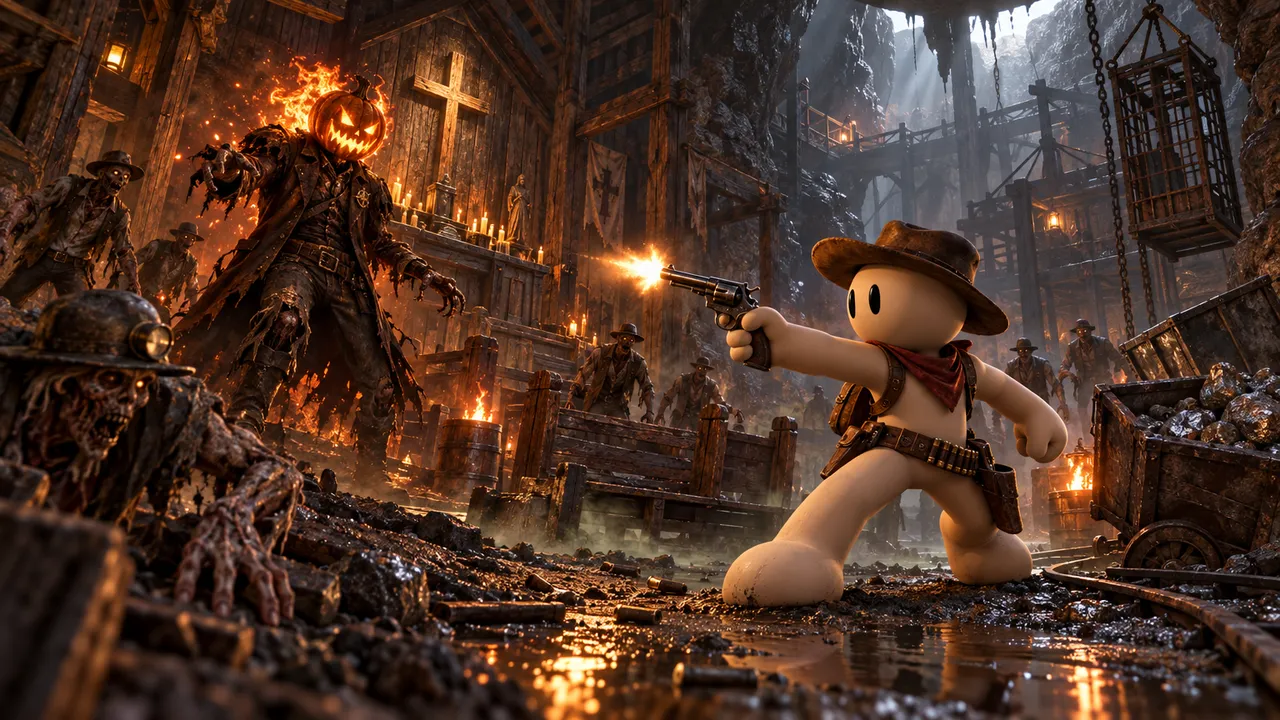
1887. Trapped in the cursed Widow's Silver Mine, a lone prospector survives one horror after another to destroy the undead outlaw Black Jack Mortimer.
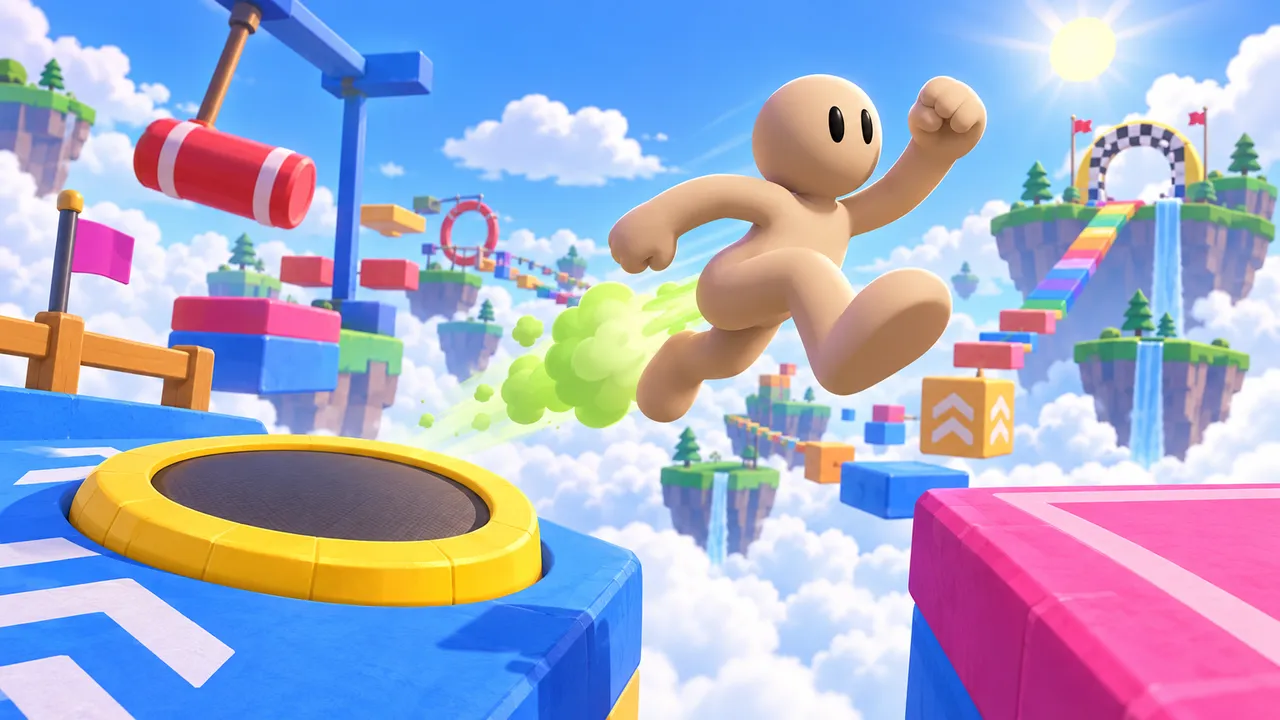
Fart-boost your way across a sky obstacle course of trampolines, swinging hammers and floating islands to the finish.

Find a beautiful spot, set up your first pitches and grow your campsite as more campers arrive.
Make your first game for free
Describe your game and build it in your browser on Arcade. No coding, no downloads.
Create your gameFAQ
What is the easiest free game maker?
Arcade is one of the easiest: you describe your game to Morph, Arcade's building assistant, and build it in your browser, without code or downloads. Astrocade is also very easy for short casual games.
Can I make a game for free without coding?
Yes. Arcade, Astrocade and GDevelop all let you make games without writing code, and all have free options.
What is the best free game maker for beginners?
For a first game with no code, Arcade. For kids who want to learn coding, Scratch. For beginners ready to learn an engine, GDevelop or GameMaker's visual blocks.
Which free game makers work in the browser?
Arcade, Scratch, GDevelop, Astrocade and Rosebud AI all run in the browser. Godot also has a web editor. Roblox Studio and GameMaker need a desktop download.
What is the best free game engine?
If you are ready to code, Godot: it is free, open source and powerful for 2D and 3D. If you prefer no code, GDevelop is the best free engine built around visual events.
Can I make a 3D game for free?
Yes. Roblox Studio, GDevelop and Godot all support 3D at no cost. On Arcade, every game is a world you walk, drive and explore, built from your description, and it is free too.
Can I sell a game made with a free game maker?
It depends on the tool. Godot lets you sell your game freely. GameMaker needs a paid license to sell. GDevelop requires its Pro plan for companies earning more than $50K a year. Arcade games are shared on the Arcade marketplace, where creators are rewarded through regular contests and a creator pool based on plays.