Godot vs GameMaker
For a 2D game and a gentle start with blocks, GameMaker. For a free engine you never pay for, even when you sell, and room to grow beyond 2D, Godot. Below: languages, licenses, exports and famous games, plus a route for people who would rather not code.
 GodotFree, open source engine
 GameMaker2D engine since 1999
The short answer
Never coded, want a 2D game, like the idea of starting with blocks? GameMaker is the gentler start. Want one engine for any project, with no license to buy when you start selling? Godot is the safer long-term bet. Both have shipped hit indie games, so neither is a wrong choice.
And if you mostly want your idea playable this week, without learning an engine at all, there is a third road at the end of this page.
Two engines, two philosophies
Godot is a community-driven, open source engine under the MIT license. Everything in your game is a scene made of nodes, and scenes nest inside each other, which keeps big projects tidy. You write logic in GDScript, which reads a lot like Python, or in C#. It has dedicated 2D tools and also handles fully modeled worlds with lighting and cameras. The download is small and there is no paid tier at all.
GameMaker has been around since 1999 and is built for 2D first. You work with rooms, objects, sprites and events: "when this object is created", "every step", "when it collides with that". Beginners can snap together GML Visual blocks, then move to GML Code, a C-style scripting language that looks a bit like JavaScript. It is free for non-commercial use, and a one-time Professional license ($99.99) lets you sell on desktop, web and mobile.
Head to head
🧑💻 Learning to code
Godot~You write GDScript from day one. It is one of the friendliest languages around, but it is still code: variables, functions, signals. (Godot removed its visual scripting in version 4.)
GameMaker✓Start with GML Visual blocks, then move to GML Code at your own pace. The same project can teach you both.
GameMaker has the smoother first week. Godot asks you to code sooner, but GDScript is easy to read and the skills carry over to other languages.
🕹️ Making a 2D game
Godot✓A real 2D engine inside the engine: pixel coordinates, tilemaps, 2D physics and animation, not a flattened version of something else.
GameMaker✓Everything is designed around 2D: sprite editor, room editor, tile sets and a workflow tuned for platformers, shooters and RPGs.
Close to a tie. GameMaker feels quicker for classic arcade-style 2D games, while Godot's scenes and nodes give you more structure as a project grows.
🌍 Beyond 2D
Godot✓Fully modeled worlds with lights, cameras and physics are part of the engine, so you can switch styles on your next project.
GameMaker~It has some functions for it and a few creators push it there, but it is not what GameMaker is built for, and tutorials are rare.
If there is any chance your next game leaves the flat screen, Godot keeps that door open.
💸 Selling your game
Godot✓Sell anywhere with no license fee and no royalties. The MIT license only asks you to include Godot's copyright notice with your game.
GameMaker~Buy the Professional license once ($99.99) to sell on desktop, web and mobile. Console releases need the Enterprise subscription.
Neither engine takes a cut of your sales. The difference is the license you buy upfront with GameMaker.
Famous games made with each
| Engine | Games | What they show |
|---|---|---|
| Godot | Brotato, Dome Keeper, Cassette Beasts, Buckshot Roulette | Small teams shipping very different genres, from arena survival to monster-taming RPGs |
| GameMaker | Undertale, Hyper Light Drifter, Katana Zero, Pizza Tower | Stylish 2D games with tight controls and a strong art direction |
Undertale was made largely by one person, and Brotato started as a solo project too. The idea and the polish counted for more than the engine.
Which one should you choose?
GameMakerGameMakerGodotGodotGodot Arcade
The third option: skip the engine learning curve
Godot and GameMaker take months to learn well. Worth it if game development is the skill you want. But plenty of people comparing the two really want one thing: to make a game and watch people play it. That is what Arcade is for.
On Arcade you build with Morph, an AI buddy, in your browser. You explain the idea, play the first version, then change it in the chat: "make the jumps longer", "add a boss at the end", "give the player a double jump". When it feels right, you publish it on the Arcade marketplace and share it with the world. Nothing to install, and friends join multiplayer games from a link.
The trade-off: Arcade has no code export and no standalone builds for Steam or the app stores, so your game lives on Arcade. To sell on Steam, pick Godot or GameMaker. To check whether an idea is fun before you spend months in an engine, Arcade is a quick test.
Quick arcade games made on Arcade
Built with Morph, with no editor to learn. Click one to play it free in your browser.
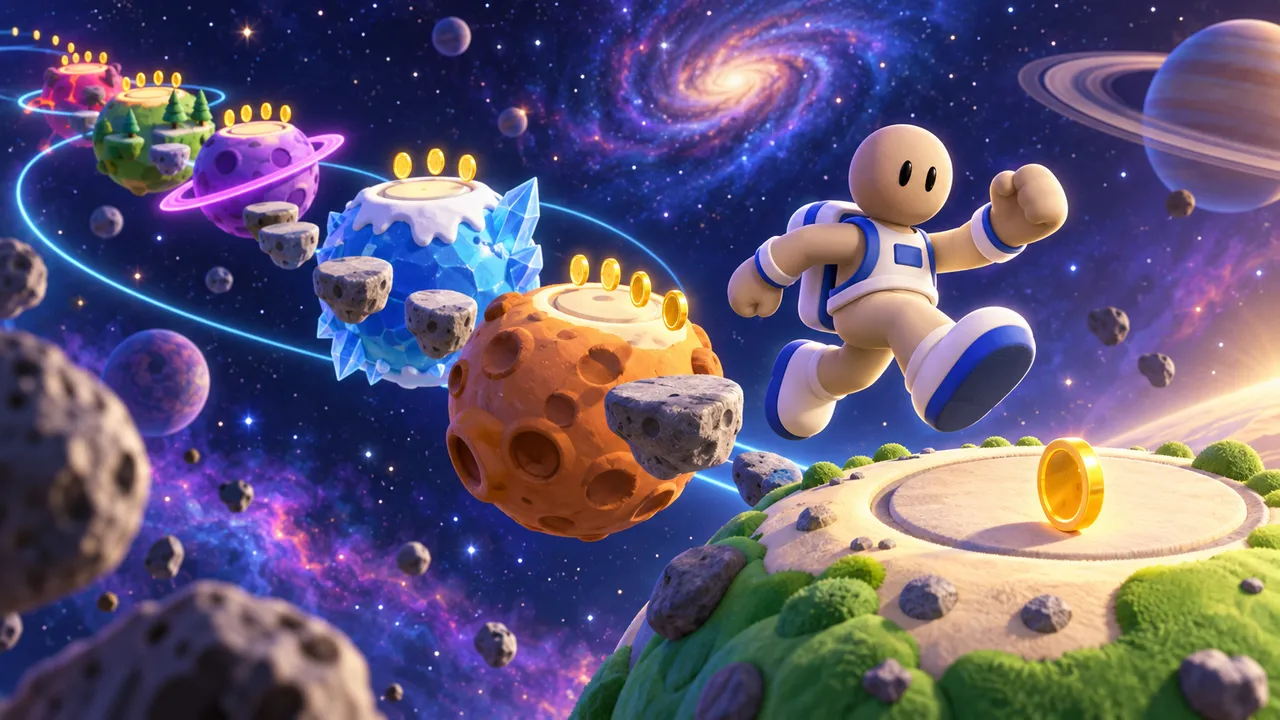
Jump between planets as an astronaut, collect gold and reach 500 points, then try the endless mode.
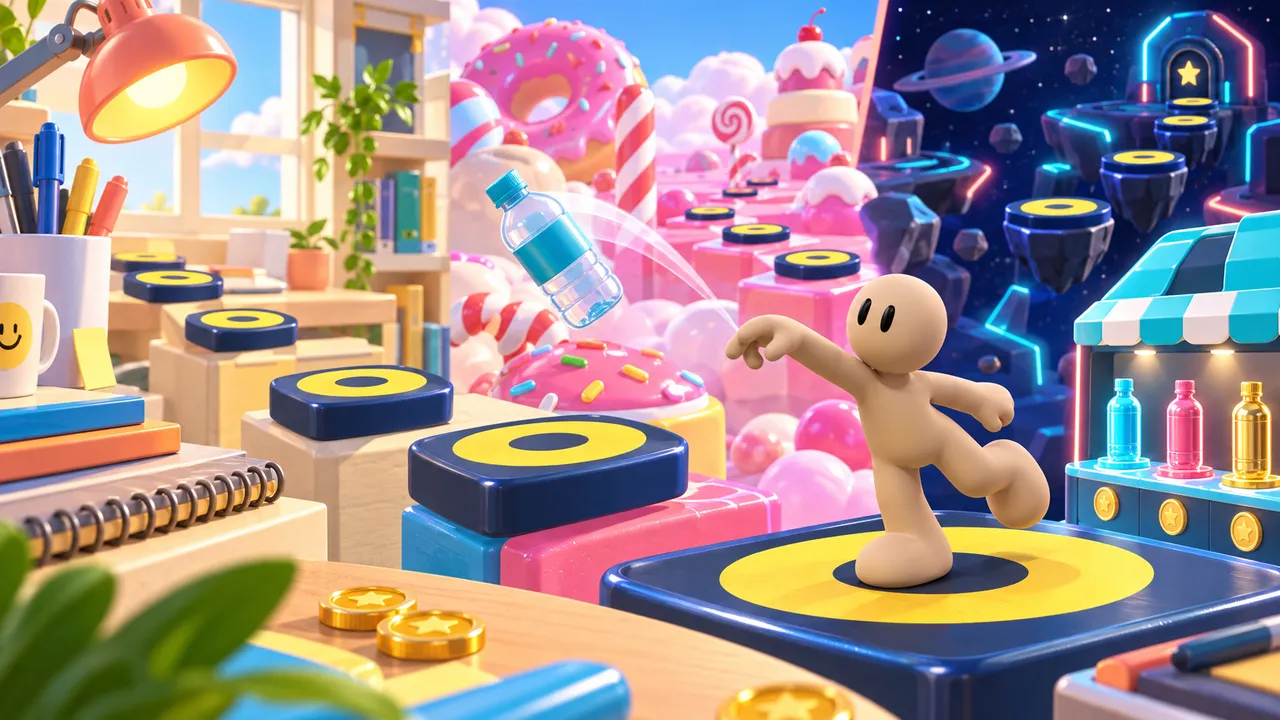
Flip across three colorful obstacle courses, earn coins for clean landings, and unlock fresh bottle styles in the shop.

Run through a glowing neon maze and grab every cherry. Quick rounds that are easy to start and hard to stop.

Race through a glowing neon city, dodge obstacles and scoop up coins with magnets, shields and score boosts.
Test your idea before you pick an engine
Build a quick version with Morph and see if it is fun before you commit months to an engine. Free, in your browser.
Build your game on ArcadeFAQ
Is Godot better than GameMaker?
Neither wins for everyone. Godot is free for every use, open source and covers 2D and fully modeled worlds. GameMaker focuses on 2D, is easier for total beginners thanks to GML Visual, and needs a one-time license once you sell.
Is GameMaker free?
GameMaker is free for non-commercial use. To sell your game on desktop, web and mobile you buy the Professional license once for $99.99. Console releases need the Enterprise subscription.
Is Godot really free?
Yes. Godot is open source under the MIT license, with no fees and no royalties, even if your game sells very well.
Which is easier for beginners, Godot or GameMaker?
Most beginners find GameMaker easier in the first week because they can start with blocks. Godot asks for GDScript right away, though it is a short, readable language.
What language does Godot use? And GameMaker?
Godot uses GDScript, a Python-like language, or C#. GameMaker uses GML, either as visual blocks (GML Visual) or as code (GML Code).
Can I make a game without learning Godot or GameMaker?
Yes. On Arcade you build your game with Morph in the browser and keep improving it by chatting. You cannot export it to Steam, but you can publish it on the Arcade marketplace and share it with the world.