 ARCADE
How to make a game with ChatGPT
Ask ChatGPT for a complete game in one HTML file, save it, open it in your browser, then improve it one request at a time. That works well for small games like Snake or a simple runner. This guide walks through each step, then covers the parts ChatGPT leaves to you.
The short answer
Yes, ChatGPT can make a game: it writes the code, and you save and run it yourself. For a small single-player game like Snake, Pong or a simple runner, the results are often good on the first try. For a bigger game with characters, multiplayer and players to find it, you take on a developer's job, or you switch to a tool made for building games.
What ChatGPT is good at (and not)
ChatGPT is a general assistant, not a game platform. It has no level editor and nowhere to publish games. It writes text and code, and it can create images. So the real question is how much of your game can come from code alone, and how much code you are ready to look after.
| Task | With ChatGPT |
|---|---|
| Write a small game in one HTML file | Works well for classic arcade games |
| Explain the code, brainstorm ideas, names and levels | One of its strengths |
| Fix bugs | Works if you paste the error and the code back |
| Keep a big project consistent | Gets harder as the code grows across many files |
| Art and sound | It can create images for sprites and backgrounds. Preparing them and loading them into the game is up to you |
| Multiplayer | Needs a server you set up and run |
| Publishing and players | You host the files and bring players yourself |
How to make a simple game with ChatGPT, step by step
1. Ask for one HTML file
The easiest format is a single HTML file with the game inside it, drawn on a canvas, with no extra libraries. A message like this works well:
"Write a complete game in a single HTML file using JavaScript and the canvas element, with no external libraries. The game: a cat runs on its own and jumps over boxes when I press space or tap the screen. Show the score and a game over screen with a restart button."
2. Run it
Paste the code into a plain text editor, save it as game.html and open it in your browser. ChatGPT's canvas can also preview simple HTML in the chat, which is handy for quick checks.
3. Change one thing at a time
Request small changes: "make the cat jump higher", "add coins to collect", "speed up every 10 points". Ask for the full updated file each time, so you never merge pieces of code by hand. Keep a copy of the last version that worked.
4. Fix what breaks
When something breaks, open the browser's developer console (F12 on most computers), copy the red error and paste it back along with your code. That fixes most problems, though it can take a few rounds.
5. Add art and sound
Your first version will be colored rectangles. For real characters, you need image files saved next to your game and code that loads them. ChatGPT can draw sprites and backgrounds and write the loading code, but you will crop, name and place the files yourself. For sound, use effects you have the rights to, or ask for simple beeps made with the browser's audio features.
6. Put it online
Nobody else can play a file sitting on your computer. Upload it to itch.io, which accepts HTML games, or to a free static host such as GitHub Pages. Then share the link and find players on your own.
Where it gets hard
A fun prototype in one evening is common. Stalling a week later is too. The usual reasons:
📄 The code gets long
After a few hundred lines, each change risks breaking something else, and pasting the whole file back gets clumsy.
🎨 Everything looks like boxes
Characters, worlds and animation take real work beyond the code.
🌐 Multiplayer needs a server
Playing together means networking code and a server that stays online.
👥 No players
Your game has no home where people browse and discover new games.
That is not a failing of ChatGPT, just the gap between writing code and running a game. If learning to code is your goal, these walls are the lessons, and ChatGPT is a patient teacher for them.
When an AI game maker is easier
If you care about the game more than the code, a tool made for building games removes most of those steps. On Arcade you work with Morph, an AI buddy, in the browser. You talk through your idea, play the first version, then keep changing it in the chat, just like you would with ChatGPT. The difference is that the world, the characters and the hosting are handled for you. When it is ready, you publish it on the Arcade marketplace and share it with the world from a link.
| Step | ChatGPT | Arcade |
|---|---|---|
| Build by chatting | Yes | Yes |
| Save and run files | You do it | Nothing to manage |
| Worlds and characters | You add assets | Built with your game |
| Multiplayer | Set up a server | Supported |
| Publishing | Host it yourself | Publish on the Arcade marketplace |
| Players | Find them yourself | Players browse the marketplace |
| Access to the code | Full | No code export |
That last row matters. If you want every line of code in your hands, stick with ChatGPT or a game engine. If you want a game people can play tonight, Arcade is the shorter road.
Try the same idea on Arcade
Make a runner game called Rooftop Cat. A cat runs on its own across city rooftops at sunset and jumps over chimneys and boxes. Add fish to collect for points, a speed boost every 10 fish and a game over screen with the best score. Show the controls when the game starts.
Build it on ArcadeGames made on Arcade, no code involved
Each started as an idea described in plain words. Click one to play.
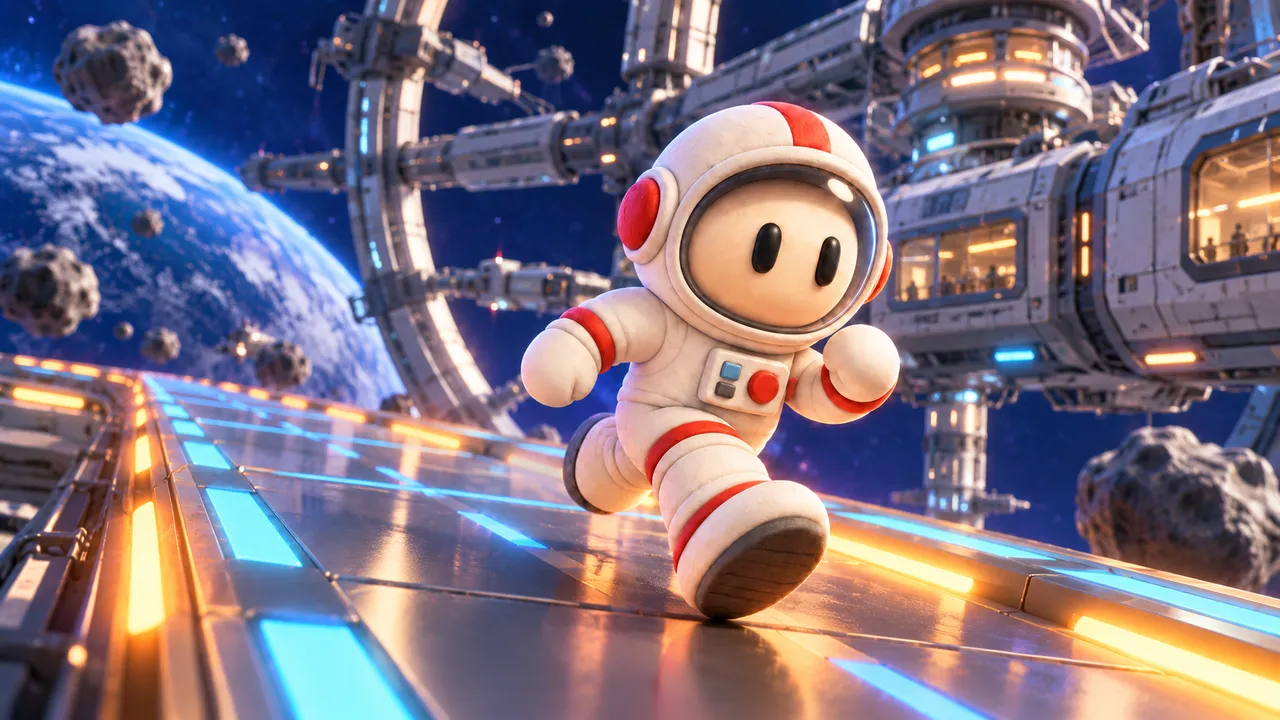
Sprint along a space station track in an astronaut suit, dodge the obstacles and see how far you get.

Race through a glowing neon city, dodge obstacles and scoop up coins with magnets, shields and score boosts.
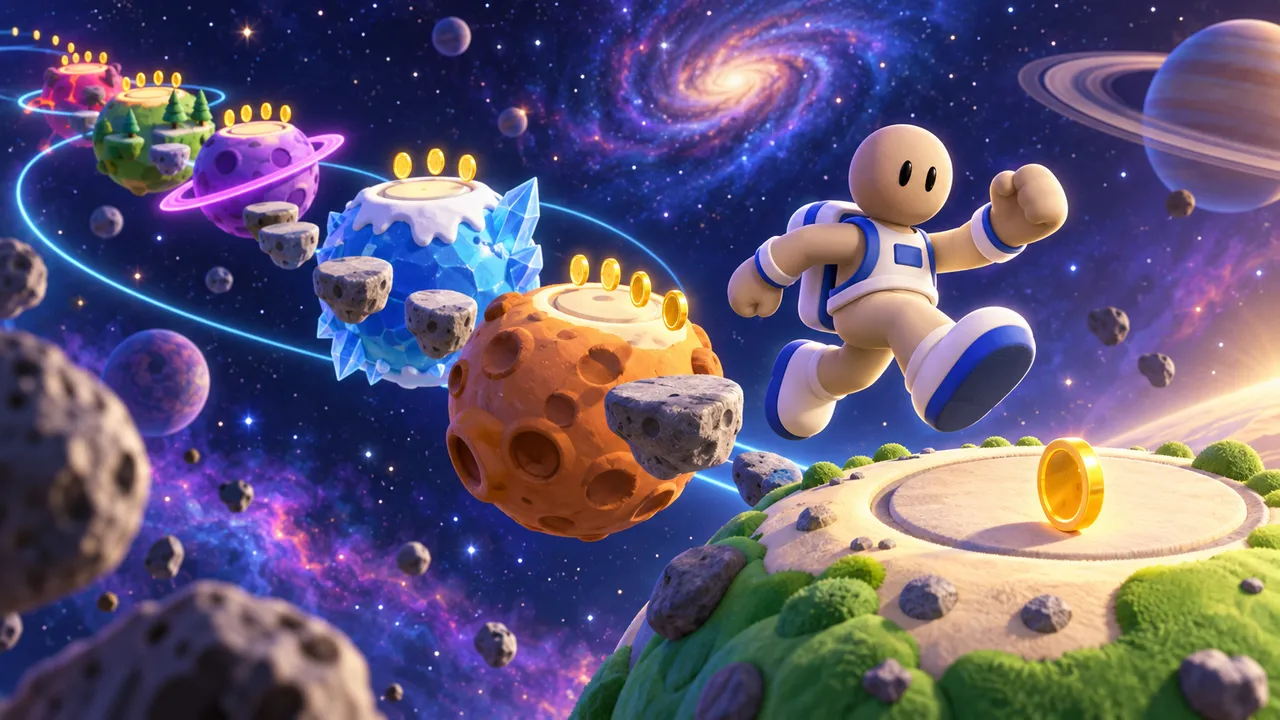
Jump between planets as an astronaut, collect gold and reach 500 points, then try the endless mode.
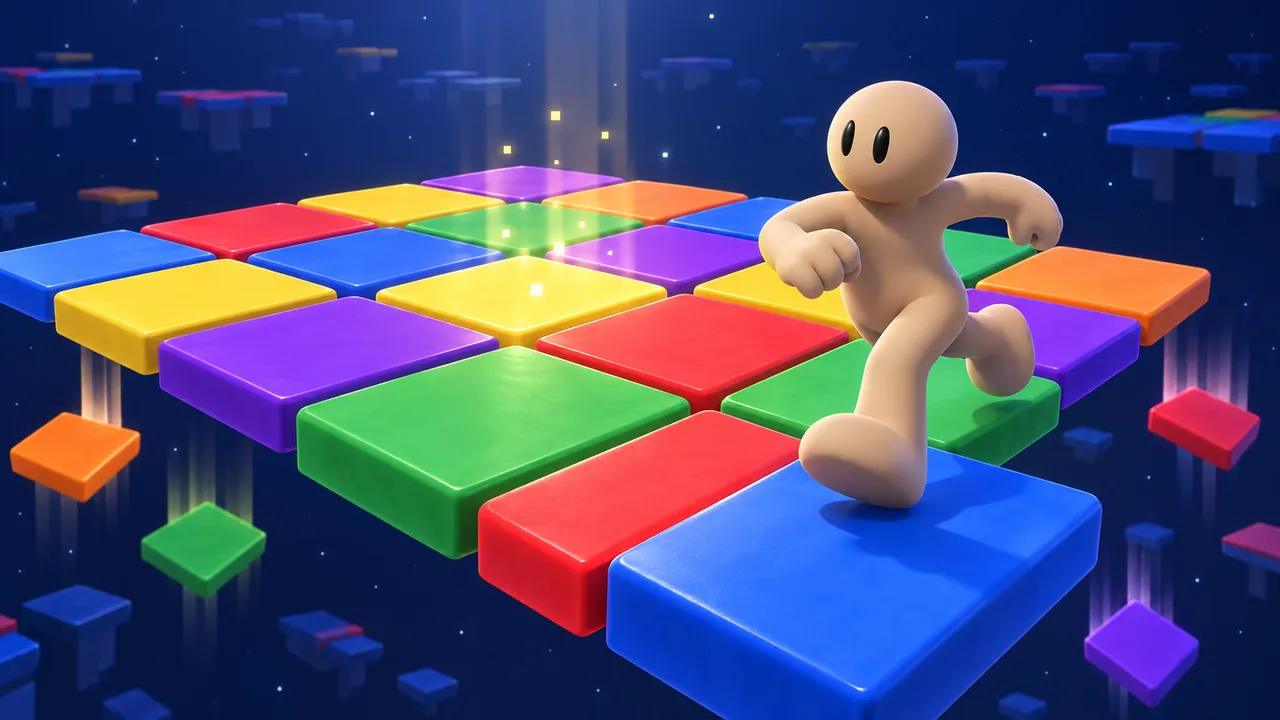
Run to the color shown above before the other tiles vanish. Survive ten faster and faster rounds.
Skip the files, keep the fun
No files to save, no host to set up. Build with Morph, change it by chatting, then share it with the world. Free, in your browser.
Make a game on ArcadeFAQ
Can ChatGPT make a full game?
It can write small, complete games. Bigger games with worlds, art, saves and multiplayer need a lot of work around the code, and that part is yours.
What kind of games work best with ChatGPT?
Classic single-file games: Snake, Pong, brick breakers, simple runners, memory games and quizzes. They are short and well known, so ChatGPT has seen many versions of them.
Do I need to know how to code to make a game with ChatGPT?
Not to start. As the game grows, though, you will read errors, paste code and manage files, so a little coding knowledge goes a long way. ChatGPT's free plan is enough to try, with usage limits.
How do I share a game made with ChatGPT?
Upload the files to a host such as itch.io or GitHub Pages and share the link. You will need to bring players to it yourself.
Do I need a ChatGPT account to use Arcade?
No. Arcade is its own platform. You build with Morph, Arcade's AI buddy, and publish and play everything on Arcade.
Is Arcade free?
Yes. Making, publishing and playing games on Arcade is free, from any browser, phone included.