 ARCADE
How to make a mobile game
Most people play games on their phone. Here is how to design and build a game that feels great on a small screen, without writing a line of code.
Making a mobile game used to mean learning a game engine, buying developer accounts and going through app store reviews. Today you can design a game, build it in your browser and have people play it on their phones the same day.
Mobile games are their own craft, though. Screens are small, fingers cover part of the view, and people play in short bursts on the bus or between classes. This guide covers what to keep in mind and how to build it step by step on Arcade.
What makes a great mobile game
The mobile games people come back to have a few things in common, whatever the genre.
👆 Simple controls
One or two actions, big buttons, nothing that needs precise aiming with a thumb.
⏱️ Short sessions
A round in 1 to 5 minutes, so people can play anywhere and come back often.
👀 Readable at a glance
Big shapes, strong colors, clear goal on screen. No tiny text.
🔁 A reason to replay
A best score, a new level, an upgrade waiting for them.
How to make a mobile game, step by step
Here is the path from idea to a game people play on their phones.
Pick a mobile-friendly genre
Obby, runner, clicker, puzzle, tycoon.
Design for thumbs
Big targets, few buttons.
Keep rounds short
1 to 5 minutes per run.
Build it on Arcade
Describe it, shape it, playtest.
Make it readable
Big UI, clear goal, high contrast.
Share the link
Players open it on their phone.
1. Pick a mobile-friendly genre
Some genres shine on phones: obbies and runners (simple movement), clickers and tycoons (tap to earn), puzzles (one move at a time). Shooters and complex strategy are harder to control with thumbs. Start with a genre that works with one or two gestures.
2. Design for thumbs
Plan your controls around two thumbs: move on one side, one or two actions on the other. Keep the number of actions small, so the on-screen controls stay simple and easy to hit. If a feature needs a keyboard shortcut to work, it does not belong in a mobile game.
3. Keep rounds short
Mobile players play in short moments. Make a round last a few minutes, with checkpoints so nobody loses everything when they put the phone down.
4. Build it on Arcade
Describe your game to Morph, Arcade's building assistant, and shape the world visually. Arcade games come with touch controls and run in the phone's browser, and you can build right on your phone, in the browser, or on a computer and test on your phone as you go.
5. Make it readable
Show the goal and the controls at the start in large text. Use strong colors so the player, the enemies and the goal stand out on a small screen, even in sunlight.
6. Share the link
Publish your game on Arcade and share the link in group chats, Discord or social media. People open it on their phone and play right away, no app store review, no install.
Start with a ready-made idea
Not sure how to begin? Here is a starting idea for a mobile game. Not your style? Roll another one. Copy it, paste it in Arcade and you will have a first playable version to shape. Then change the details to make it truly yours.
Make a mobile-friendly obby game called "Candy Mountain". The player jumps across cakes, cookies and candy blocks to reach the cherry at the top. Use simple controls: move and jump only. Each run should last about 2 minutes, with checkpoints every few platforms and a timer to beat. Show the goal and the controls in large text when the game starts. Use bright, high-contrast colors so everything is easy to see on a phone screen.
Paste it and build on ArcadeMobile game ideas to start from
- Tap Tycoon: Tap to serve customers in a tiny café and upgrade it between rounds.
- Sky Runner: Auto-run across rooftops, swipe to jump, collect coins.
- One-Room Escape: Find the code hidden in a single room, one tap at a time.
- Pocket Obby: A 20-jump course you can finish on a bus ride.
- Daily Puzzle: One new puzzle each day, with a score to share with friends.
Want more? The game idea generator writes a full concept and prompt in one click.
Mobile games made on Arcade
Made by creators like you. Click one to play it free in your browser.
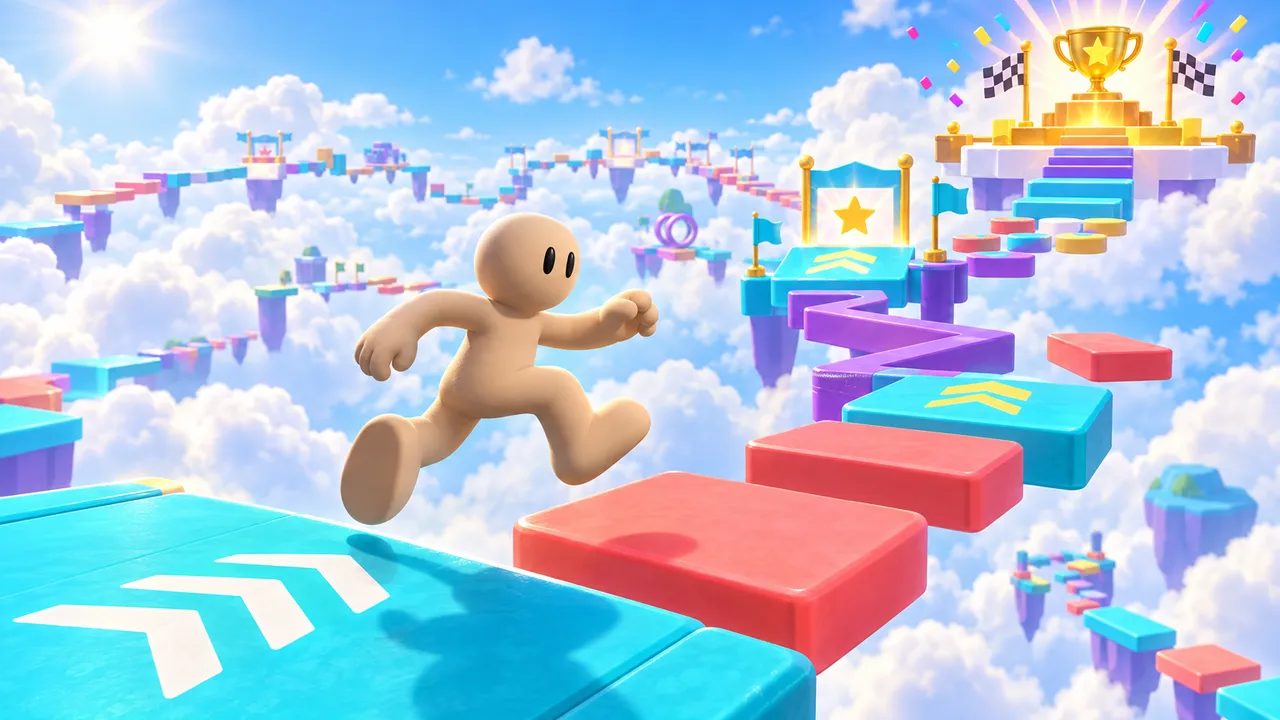
Jump through colorful obstacle courses, reach checkpoints and collect wins. Earn 10 wins to unlock a golden VIP glow and badge.

Tap a pizza slice, recruit Grandpa and build factories, then unlock automatic clicking to grow a pizza empire.
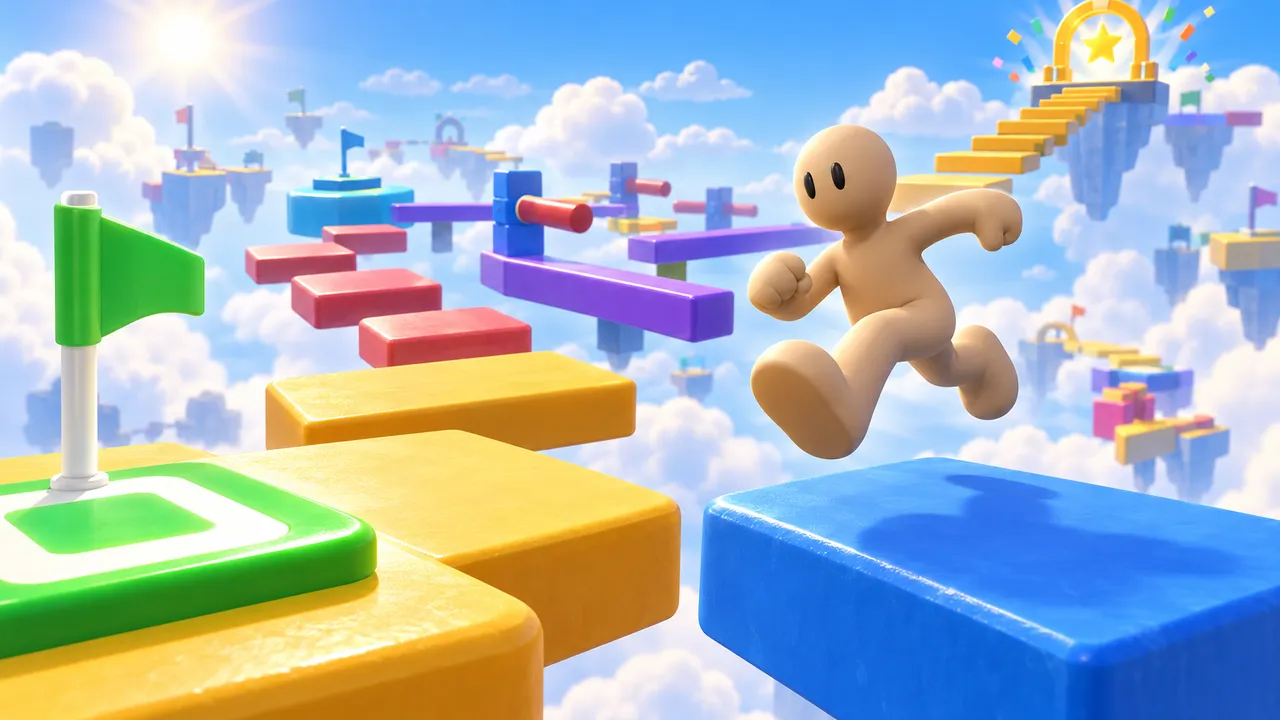
Leap across a colorful sky course, master narrow beams and stepping stones, and reach the finish. Checkpoints keep every fall a chance to try again.
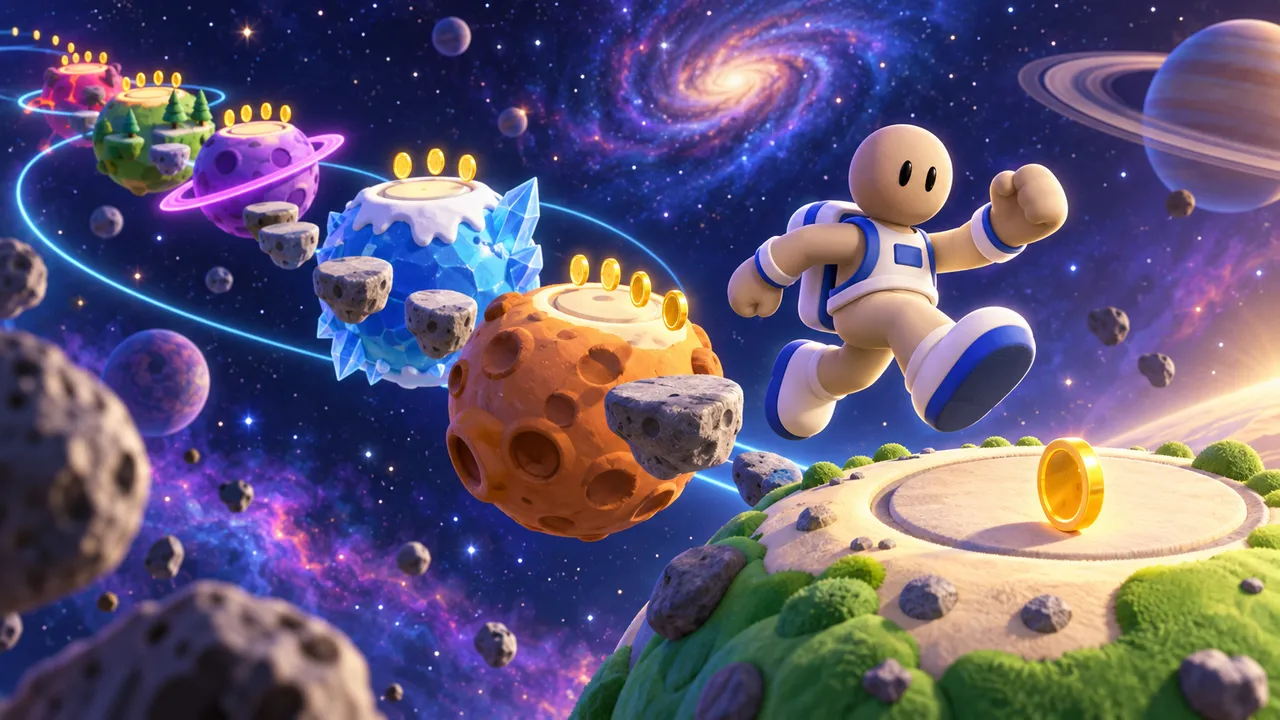
Jump between planets as an astronaut, collect gold and reach 500 points, then try the endless mode.
Common mistakes to avoid
These are the reasons mobile players quit in the first minute.
Too many buttons
Six actions on a phone screen means fingers everywhere and nothing works.
Tiny text
If they have to zoom, they leave.
Long rounds
A 20-minute level with no save point never gets finished.
No goal on screen
Players do not know what to do and close the game.
Make a game people play on their phones
Describe it on Arcade and build it right in your browser. No coding, no downloads, free.
Make your mobile gameFAQ
Can I make a mobile game for free?
Yes. Arcade is free and runs in the browser, on a computer or a phone, so you can build and share a game people play on their phones without paying.
Do I need to know how to code?
No. On Arcade you describe your game to Morph, Arcade's building assistant, and shape it visually. No code at all.
Can people play my game on their phone?
Yes. Share the link to your Arcade game and people can play it on their phone with touch controls, no app store, no install and no account needed.
What kind of game works best on mobile?
Games with simple controls and short rounds: obbies, runners, clickers, tycoons and puzzles.
Can I make a game on my phone?
Yes. Arcade runs in your phone's browser, so you can describe your game to Morph, build it and test it right from your phone.
Can I make a game app without coding?
Yes, in the sense that your Arcade game works like an app in the phone's browser: players open a link and play right away, with nothing to install.
Can I publish my game on the App Store or Google Play?
Arcade games are published on Arcade and shared by link. If you need your own app on the stores, you would need a tool that exports native apps, like Unity or GDevelop.