 ARCADE
Godot vs Unity
Choose Unity for consoles, mobile games with ads and the biggest library of assets and tutorials. Choose Godot for a light, fully free engine with no license to worry about, especially for 2D and solo projects. The table below sorts common projects into one camp or the other.
 GodotCommunity-driven, open source
Why this question got so popular
For years Unity was the default pick for beginners. In September 2023 Unity announced a per-install Runtime Fee, developers pushed back hard, and many tried Godot for the first time. Unity canceled the fee in September 2024. Today Unity Personal is free until your revenue and funding together pass $200,000 over the last 12 months, and since Unity 6 the "Made with Unity" splash screen is optional on that plan.
With the fee gone, the comparison is about the work itself. Both engines cost nothing to get going, both handle 2D and fully modeled worlds, and both have shipped hits. They differ on ecosystem, license, platforms and day-to-day feel.
Pick by your project
Start from the game you want to make, not from the engine.
| Your project | Better fit | Why |
|---|---|---|
| A small 2D game, alone, on evenings | Godot | Light, fast to open, dedicated 2D tools and a simple scripting language |
| A game you hope to release on consoles | Unity | Wide console support. With Godot you usually go through a porting company |
| A mobile game with ads or in-app purchases | Unity | Years of mobile tooling, plug-ins and guides for exactly this |
| A big, detailed world with lots of ready-made assets | Unity | The Asset Store saves months of work on models, effects and tools |
| A project where you never want to pay or ask permission | Godot | MIT license, no fees, no royalties, you can even modify the engine |
| A game jam this weekend | Godot | Tiny download, quick iteration, exports to the web easily |
| Just seeing your idea playable, no coding | Arcade | Build it with Morph in your browser and change it by chatting |
The learning curve, week by week
Week 1
Godot: scenes and nodes, the building blocks of everything, plus your first lines of GDScript. It reads a lot like Python, so a character moving on screen comes quickly. Unity: GameObjects, components and the Inspector, plus your first C# scripts. C# is wordier, but it is used far beyond games.
Month 1
Godot: signals (how nodes talk to each other) click, and you start building reusable scenes. The official docs are solid, but niche problems have fewer answers online. Unity: whatever you are stuck on, someone has probably made a video about it. Check the date, though: Unity has changed a lot and older tutorials can mislead.
Month 6 and beyond
Godot: you know the engine well, and since it is open source you can read how anything works under the hood. Unity: you lean on the Asset Store, and your skills match what many studio job listings ask for, especially in mobile.
Day-to-day differences
⚡ Speed of the editor
Godot✓Opens fast and stays light, even on an older laptop. Great for quick experiments.
Heavier install and longer load times on big projects, in exchange for many more built-in tools.
🧰 Ready-made pieces
Godot~A growing asset library and plenty of community add-ons, but a much smaller catalog.
The Asset Store has models, sounds, shaders and complete systems for almost any genre.
🔓 Who is in control
Godot✓Community-driven and open source. The license cannot be taken back, and you own your copy of the engine.
A company sets the terms. They are friendly to small creators today, but read them before a big project.
If peace of mind about the license matters most, Godot wins. If you want the biggest toolbox and the most help online, Unity wins.
Games made with each
Godot powers indie hits like Brotato, Dome Keeper, Cassette Beasts and Buckshot Roulette. Unity is behind Hollow Knight, Cuphead, Among Us and a large share of mobile games. Most of these came from small teams.
Not ready for either? Start with Arcade
Both engines take months to learn. If you want to make a game and share it rather than learn an engine, Arcade is a different path. You build in the browser with Morph, an AI buddy: tell it about the world, the player and the goal, play what comes out, and keep shaping it by chatting. Then publish it on the Arcade marketplace and share it with the world.
The limits: no code export and no standalone builds for Steam or the app stores. Arcade works well as a quick way to check whether an idea is fun before you open Godot or Unity, or as a home for the game itself, where players find it, play it without an account and rate it.
Big-world games made on Arcade
Survival, racing and battle games built with Morph. Click one to play it free in your browser.
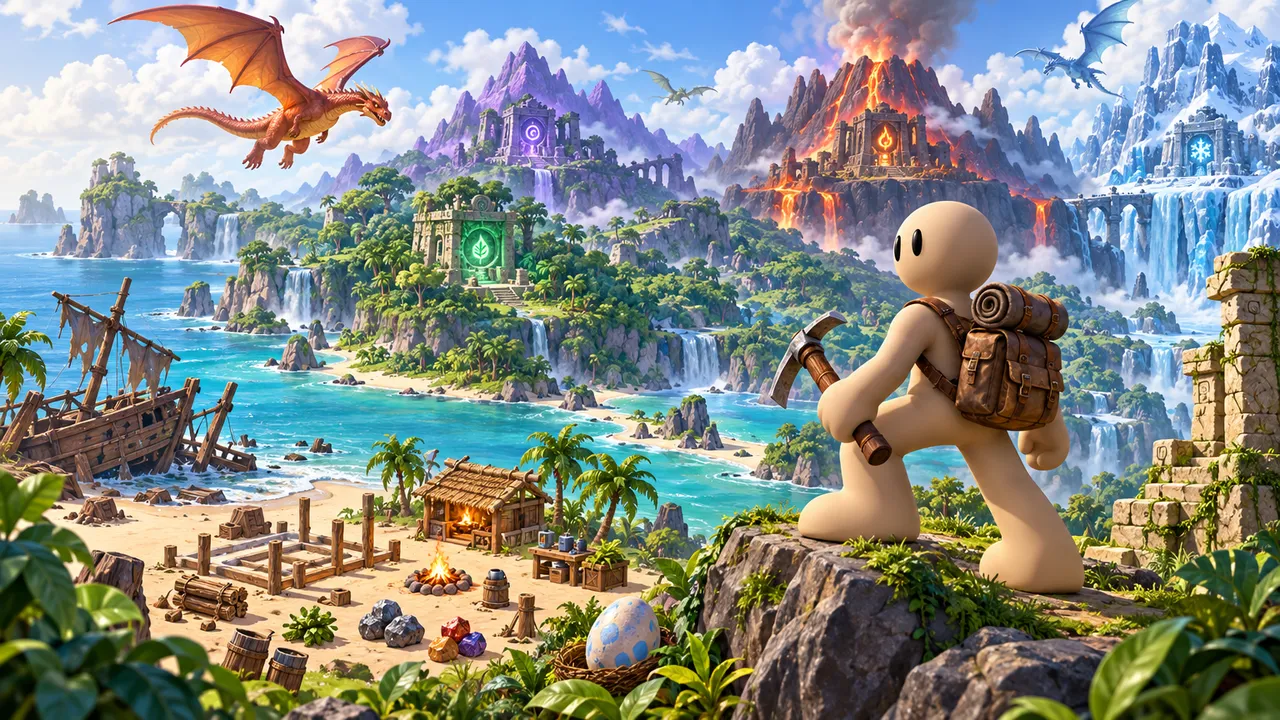
Explore five wild island biomes, gather resources and craft a base. Befriend elemental dragons and restore ancient temples.
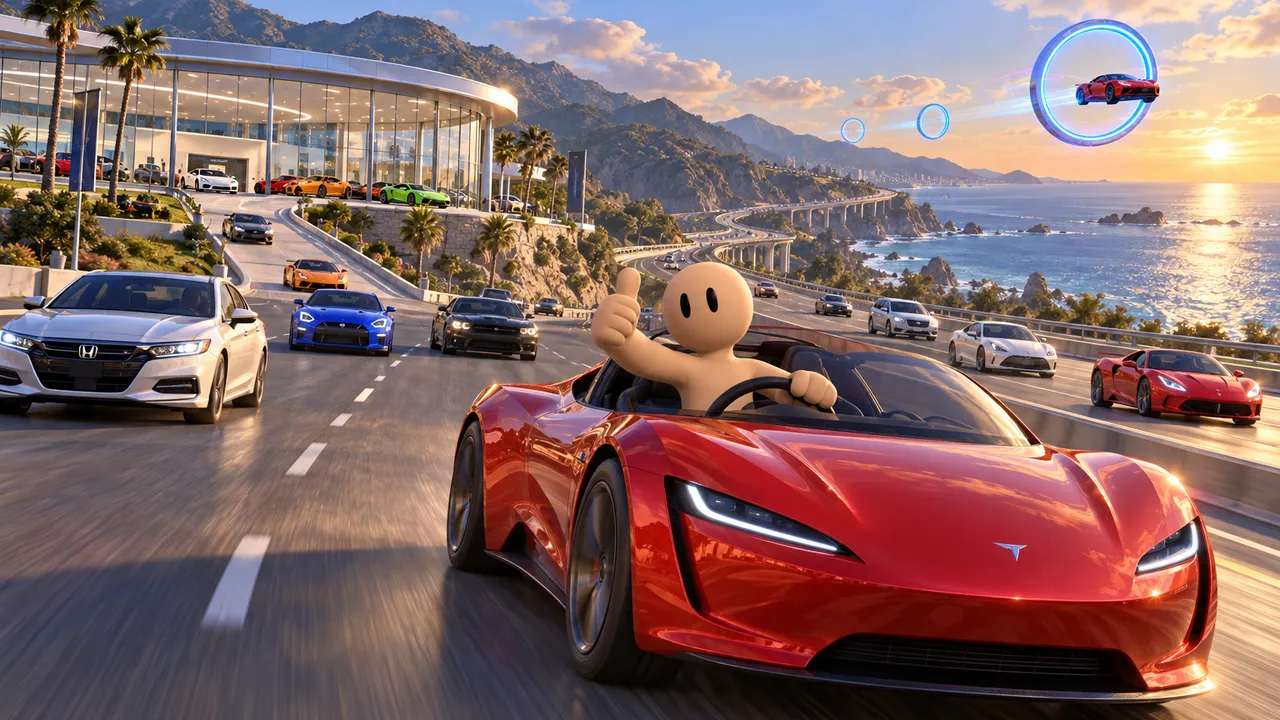
Pick up a free car at the dealership, weave through highway traffic, then switch on flying autopilot for a tour of the sky.
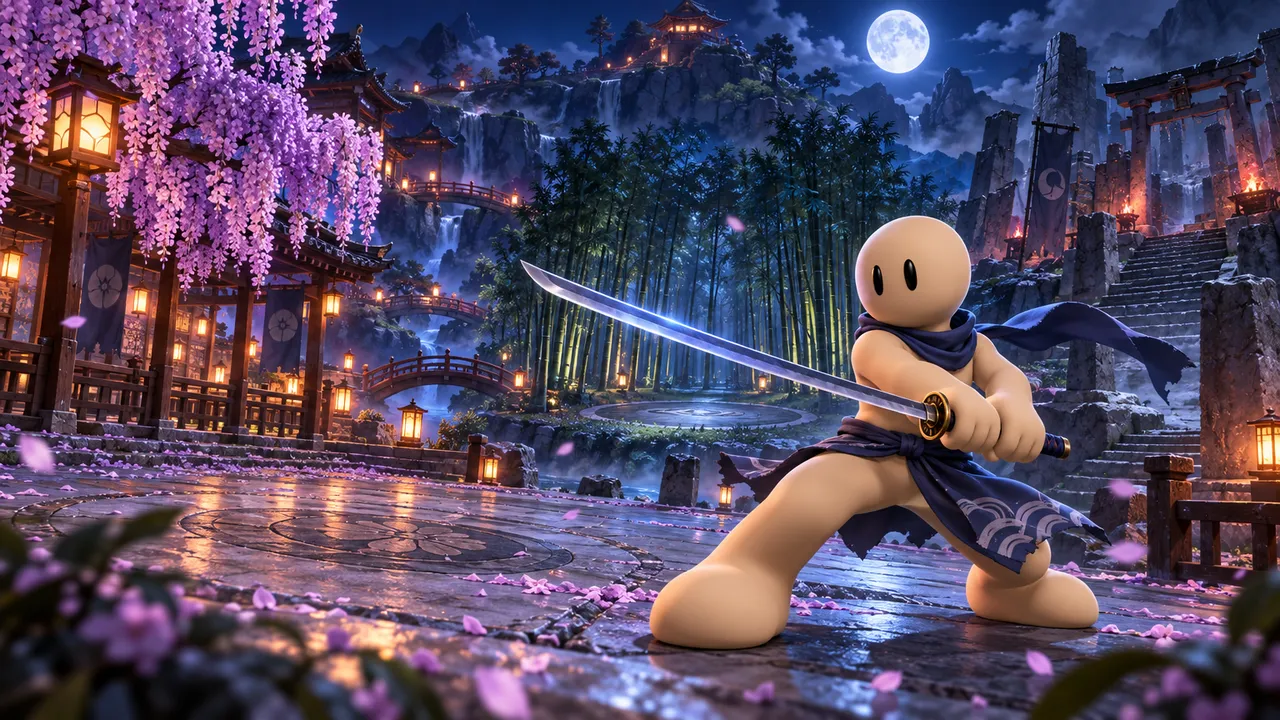
Choose an elemental sword style and battle rival hunters across three arenas. Chain strikes, guard, dash and unleash special moves.
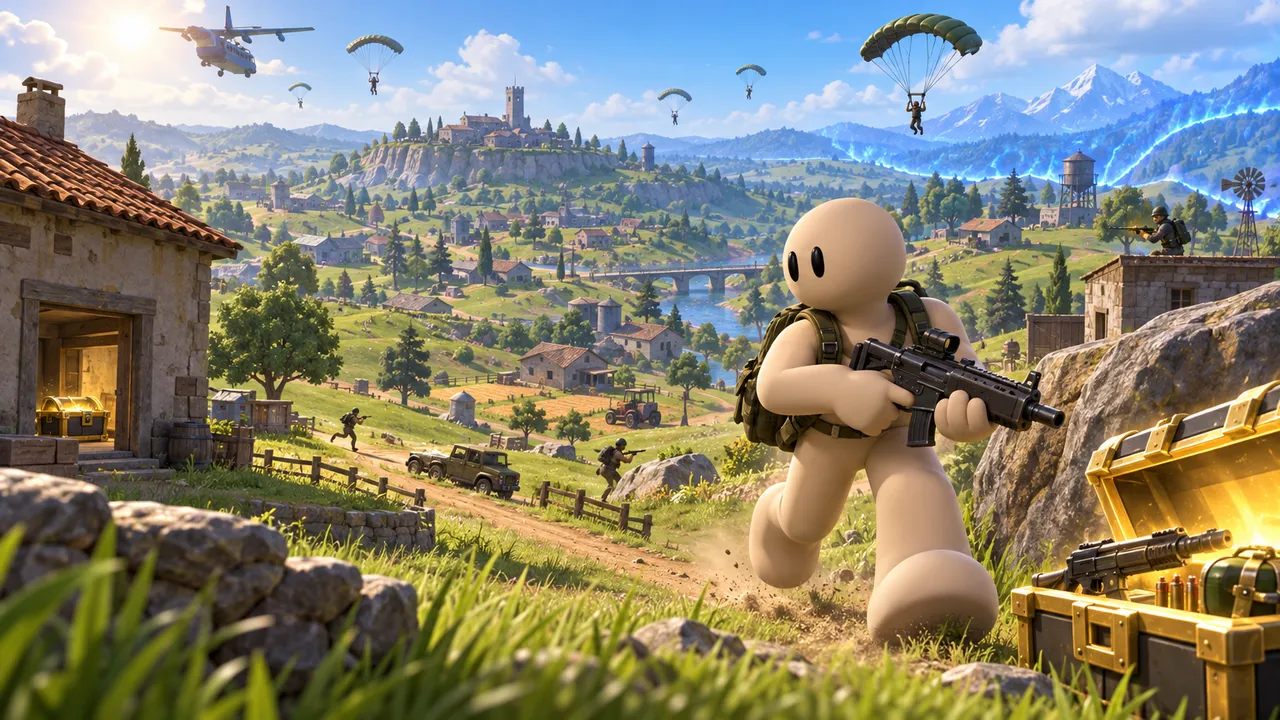
Loot buildings across a hilly island, stay inside the shrinking safe zone and be the last one standing.
Play your idea before you pick an engine
Sketch your game with Morph and test the core idea in your browser. No install, no coding, free.
Try your idea on ArcadeFAQ
Is Godot better than Unity?
It depends on the project. Godot is lighter, fully free and open source, and a great fit for 2D and small teams. Unity has a much bigger ecosystem, more tutorials and assets, and easier console releases.
Is Unity still free?
Unity Personal is free while your revenue and funding together stay under $200,000 over the last 12 months. Above that you need Unity Pro, listed at about $2,300 per seat per year in 2026.
Does Unity still have the Runtime Fee?
No. Unity canceled the Runtime Fee in September 2024, about a year after announcing it.
Can Godot use C# like Unity?
Yes. Godot supports C# alongside GDScript, so Unity developers can keep the language they know. One catch: in Godot 4, C# projects cannot yet be exported to the web, so check the Godot docs if that matters to you.
Which is easier to learn, Godot or Unity?
Most beginners pick up Godot faster thanks to a smaller editor and GDScript. Unity takes longer, but there is a tutorial for almost anything.
Can Godot make console games?
Yes, but usually through third-party porting companies, because console development kits are private and cannot ship with open source code. Unity supports consoles directly once the console maker approves you.
Is there a way to make a game without learning an engine?
Yes. On Arcade you build with Morph in the browser and improve the game by chatting. It is published on the Arcade marketplace, not exported to Steam or app stores.