A Scratch alternative for making real games
Scratch is one of the best ways to learn to code. But if you just want to make a game you can explore and share with the world, there is a faster way: tell Morph, our little AI companion, your idea and watch it come to life.
 ScratchLearn to code with blocks
 ArcadeMake games with an AI companion
Why people look for a Scratch alternative
Scratch is free, it is run by the nonprofit Scratch Foundation, it was first made at the MIT Media Lab, and millions of kids around the world have used it to build stories, animations and games. You make projects by dragging blocks that snap together, so you learn how code works without typing it. That is exactly why it is used in so many schools.
But many people do not come to Scratch to learn coding. They come with a game in their head, and the blocks get in the way. A simple platformer takes a whole afternoon of blocks, and a game with a world to explore, enemies with their own behavior or friends playing together quickly becomes very hard. That is the moment people start looking for something else.
🧱 Too many blocks
Every jump, every enemy and every score needs its own stack of blocks. Big ideas take a long time.
🖼️ Flat games
Scratch is built around 2D sprites on a stage. Worlds you can walk around in are hard to make.
👥 No play together
Real multiplayer is not built in, so playing your game with friends at the same time is a challenge.
Scratch and Arcade, side by side
Scratch
Best for: learning to code, step by stepA free block-based coding platform with a huge, moderated community where kids share stories, animations and games. You can use it in the browser or with the offline app.
Arcade
Best for: from idea to playable game, fastTell Morph, our little AI companion, the game you want and watch it come to life. Keep chatting to level it up, then share it with the world on the Arcade marketplace.
Making a platformer on each
Same idea on both: a cat that jumps across platforms to reach a fish.
Scratch- Draw or pick the sprites and the platforms
- Add blocks for moving left and right
- Add gravity and jumping with variables
- Add blocks to detect the platforms and the fish
- Test, fix bugs, share on the Scratch website
Arcade- Tell Morph: a cat jumping across platforms to a fish
- Play the first version right away
- Ask for moving platforms and a timer
- Add a second level that is harder
- Publish and share the link
On Scratch, you learn how a platformer works from the inside: gravity, collisions, variables. It is slow, but you understand every piece. On Arcade, you are the game director: you describe what you want and level it up by chatting, so you spend your time on the fun parts, the levels, the challenge and the feel.
Which one should you choose?
They are not really rivals. Scratch is a fantastic way to learn to code. Arcade is the fastest way to make the game you have in mind and share it with the world. Plenty of people will enjoy both.
ScratchScratchArcadeArcadeArcadeOther Scratch alternatives
If you want to keep learning to code but need more power than Scratch, GDevelop lets you build game logic with event sheets instead of blocks and export games to phones and computers. We compare it in detail in GDevelop vs Arcade, and you can see more tools side by side in the best free game makers.
Switching from Scratch to Arcade
Pick your idea
That Scratch game you never finished is a perfect start.
Tell Morph
Describe the hero, the goal and the world in a few sentences.
Level it up
Play, then ask for changes: harder jumps, a boss, a timer.
Share it
Publish it on the marketplace and share it with the world.
Games made on Arcade
Made by creators, no code involved. Click one to play it free in your browser.
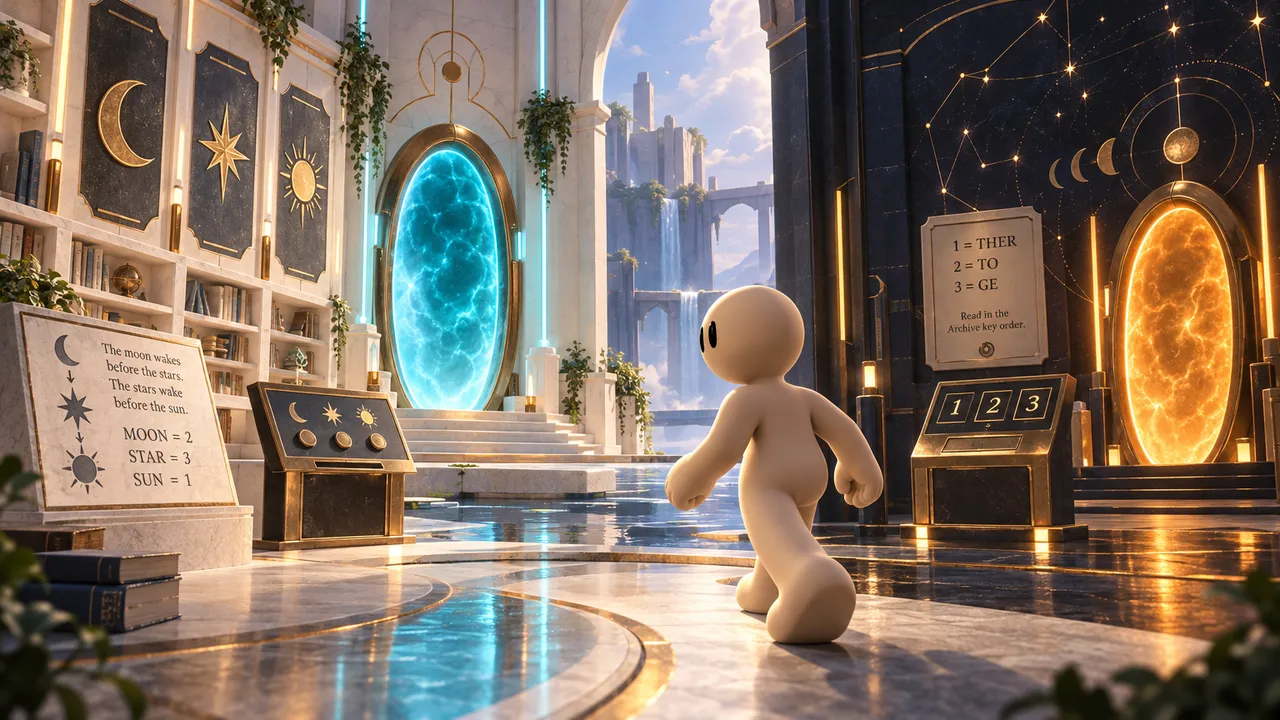
Bloopy's curious partner wandered off in the garden and got sucked into another dimension. Solve the puzzles to bring them back.
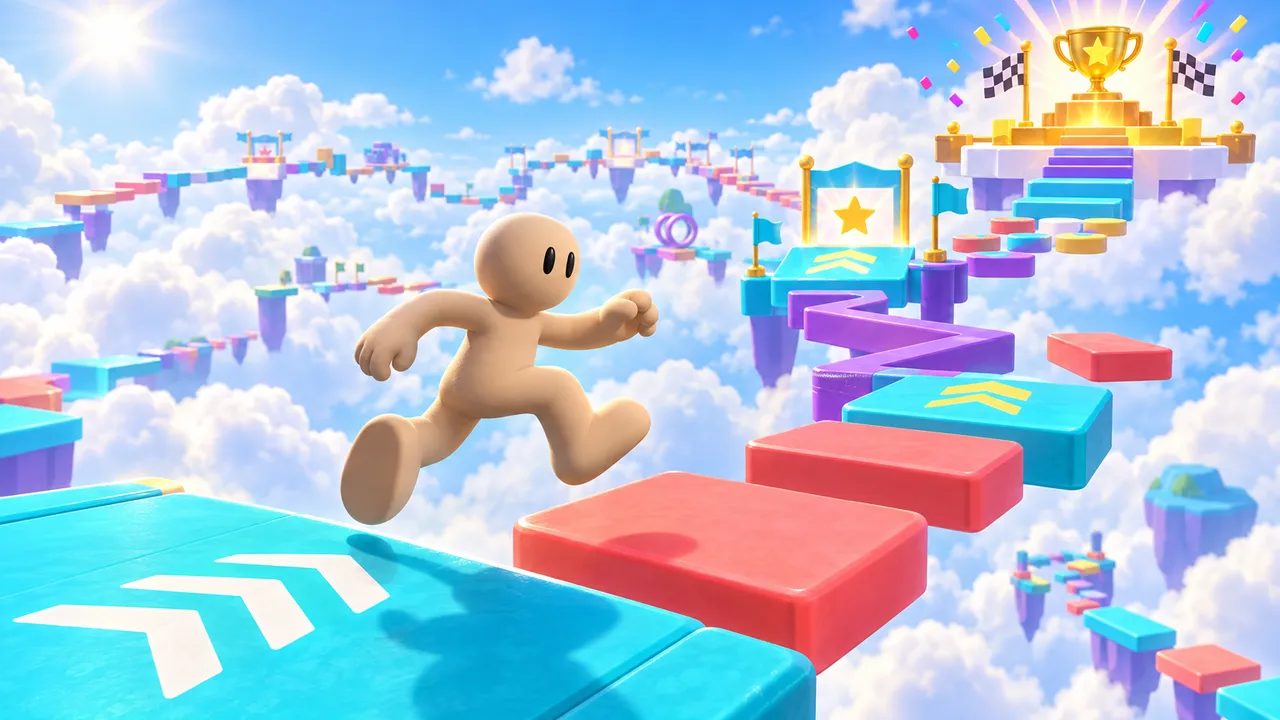
Jump through colorful obstacle courses, reach checkpoints and collect wins. Earn 10 wins to unlock a golden VIP glow and badge.
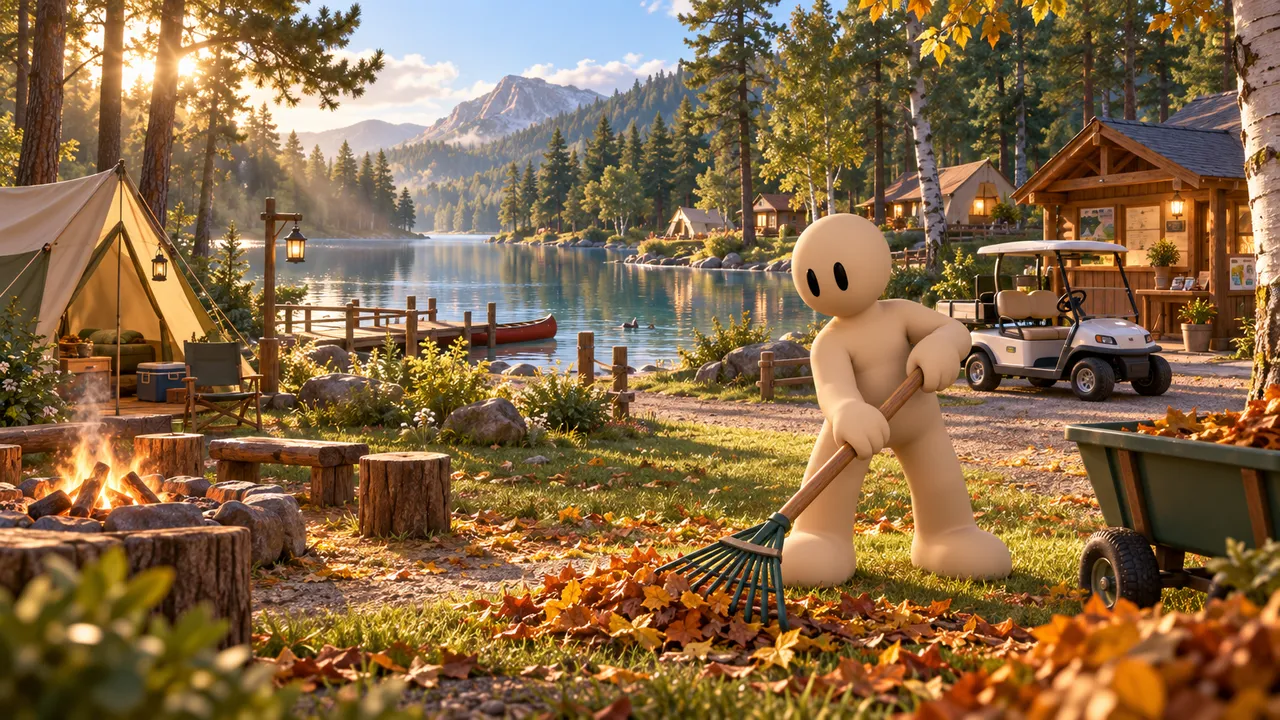
Find a beautiful spot, set up your first pitches and grow your campsite as more campers arrive.
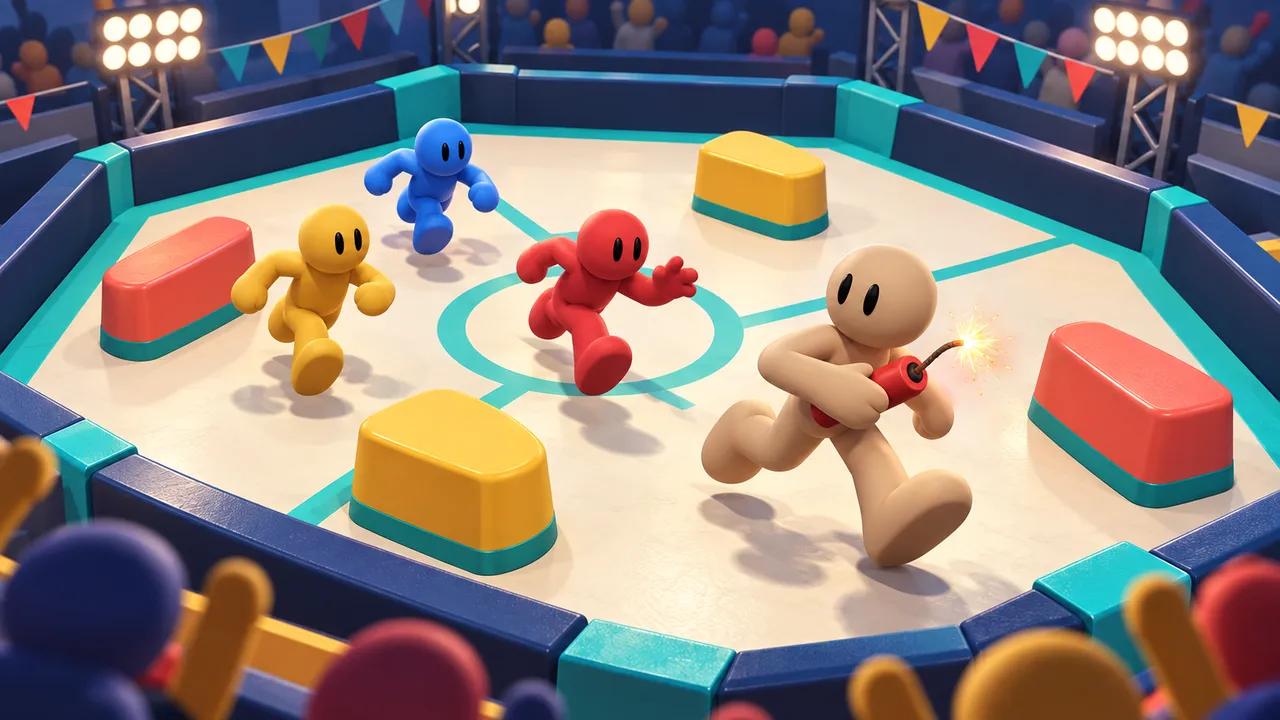
Grab dynamite and throw it at your rivals in a packed party arena.
Got a game idea? Skip the blocks.
Tell Morph your idea and play it a few minutes later. Free, right in your browser, no coding.
Create your gameCurious how it works? See how our AI game maker turns your idea into a playable game with Morph.
FAQ
What is the best alternative to Scratch for making games?
If you want to keep learning to code, GDevelop is a good next step. If you want to make a game quickly without blocks or code, Arcade lets you describe your game to Morph, our little AI companion, and play it in minutes.
Is Scratch free?
Yes. Scratch is free for everyone. It is run by the Scratch Foundation, a nonprofit.
Is Arcade free?
Yes. Arcade is free to use in your browser, on a computer or a phone.
Does Arcade teach coding like Scratch?
No. Arcade teaches game design: goals, levels, difficulty and what makes a game fun. If the goal is to learn to code, Scratch is the better choice.
Can I make multiplayer games without coding?
Yes, on Arcade. Multiplayer games are supported, and your friends join from a link. Scratch does not have real multiplayer built in.
Can I bring my Scratch project to Arcade?
Not the file itself, but the idea, yes. Describe your Scratch game to Morph and you get a new version to explore, often with a full world around it.