 ARCADE
How to make a multiplayer game
Games are better with friends. Here is how to make a multiplayer game your friends can join, without servers to set up or code to write.
Multiplayer used to be the hardest part of making a game: servers, networking, keeping every player in sync. On Arcade, that technical side is handled for you, so you can focus on what matters: making it fun to play together.
Designing for groups is different from designing for one player. People compete, team up, betray each other and laugh. And sometimes only one friend is online, so the game has to work with two players as well as eight. This guide shows you how to plan for all of that and build your multiplayer game step by step.
What makes a great multiplayer game
The multiplayer games friends keep coming back to share these traits.
🎯 A clear format
Free-for-all, teams, co-op or one versus all. Everyone knows how to win.
⚡ Short rounds
3 to 5 minute matches keep everyone engaged and make losing okay.
🤖 NPC bots
So the game is still fun with 2 players, or alone.
😂 Moments to share
Surprises, comebacks and chaos people talk about after.
How to make a multiplayer game, step by step
Here is how to build a multiplayer game step by step.
Choose the format
Versus, teams, co-op, hunter.
Design the arena
A space built for groups.
Set the win condition
Score, survival or objective.
Add NPC bots
Fun even with few players.
Keep rounds short
One more round, every time.
Test with friends and share
Send the link.
1. Choose the format
Free-for-all (everyone against everyone), teams (2 vs 2, 4 vs 4), co-op (everyone against the game) or one versus all (one hunter, many runners). The format shapes the map, the rules and the length of a round.
Pick the format that fits your friends. A group that loves to compete wants versus; a group that likes to chat and explore will enjoy co-op.
2. Design the arena
Make the map big enough for everyone but small enough that players meet often. Nothing kills a multiplayer game faster than walking for a minute without seeing anyone.
Add cover, hiding spots, high ground and more than one route, so there is always more than one way to win. Describe the arena to Morph, Arcade's building assistant, then adjust it by hand.
3. Set the win condition
First to 10 points, last one standing, capture the flag, hold the crown, survive until dawn. Pick one and show it on screen at the start of every round.
Add a live scoreboard so everyone knows who is winning. A close score in the last 30 seconds is what makes people shout and ask for another round.
4. Add NPC bots
Not everyone will have 6 friends online at the same time. NPC bots fill the empty spots, so the game works with 1, 2 or 8 players. Kart racers, rival teams and wandering monsters all work as bots.
Make bots a bit weaker than real players. They should keep the game lively, not steal the win.
5. Keep rounds short
Short matches with a quick restart keep the group together. Show a scoreboard between rounds and start the next one fast.
Give players who lose a reason to stay: a new map each round, a comeback mechanic or a fun reward for second place.
6. Test with friends and share
Play it with at least one friend before you call it done: multiplayer problems only show up with real people. Check that everyone can see the goal, find each other and finish a round.
Then publish your game and share the link in your Discord or group chat. Friends open it in their browser, no download, and can play on a computer or a phone.
Multiplayer formats and how to use them
Not sure which format to pick? Here are the classics, with what each one needs to work:
| Format | Example | Must have |
|---|---|---|
| Free-for-all | Last one standing on shrinking tiles | A small arena, short rounds |
| Teams | Capture the flag, team soccer | Team colors, two bases, a shared score |
| Co-op | Escape a haunted hotel together | A shared goal, a way to help or revive teammates |
| One versus all | Tag, hide and seek | A clear hunter, places to hide |
| Racing | Kart race with items | Laps, positions, NPC racers for empty spots |
| Party | A new mini-game every round | Simple rules explained in one sentence |
Start with a ready-made idea
Not sure how to begin? Here is a starting idea for a multiplayer game. Not your style? Roll another one. Copy it, paste it in Arcade and you will have a first playable version to shape. Then change the details to make it truly yours.
Make a multiplayer game called "Crown Rush". Players race across floating islands to grab a crown and hold it as long as possible; holding the crown earns points. First to 60 points wins. Add pickups (speed boost, shield) and rounds of 3 minutes. Add NPC bots that fill empty spots so the game also works with only 1 or 2 players. Show the goal, the controls and a live scoreboard on screen.
Paste it and build on ArcadeMultiplayer game ideas to start from
- Impostor Kitchen: Cook together while one player secretly ruins the food.
- Tag in the Dark: Only the hunter has a flashlight.
- Build Battle: Everyone builds the same theme in 3 minutes, then votes.
- Treasure Thieves: Steal treasure from the other team's base.
- King of the Hill: Hold the top of the hill as long as you can.
- Paint Wars: Cover the arena in your team's color.
Want more? The game idea generator writes a full concept and prompt in one click.
Multiplayer games made on Arcade
Made by creators like you. Invite a friend and play together in your browser.
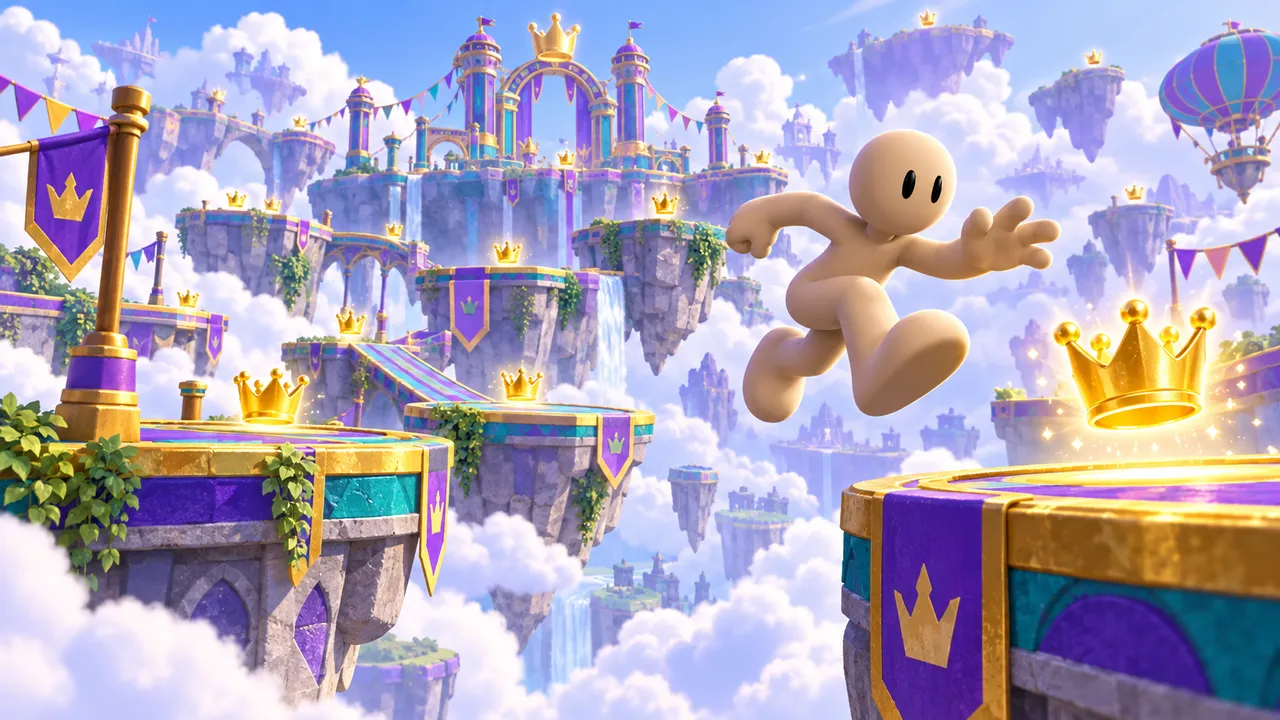
Race across sky islands and collect every crown before time runs out, while low-gravity chaos turns the round upside down.
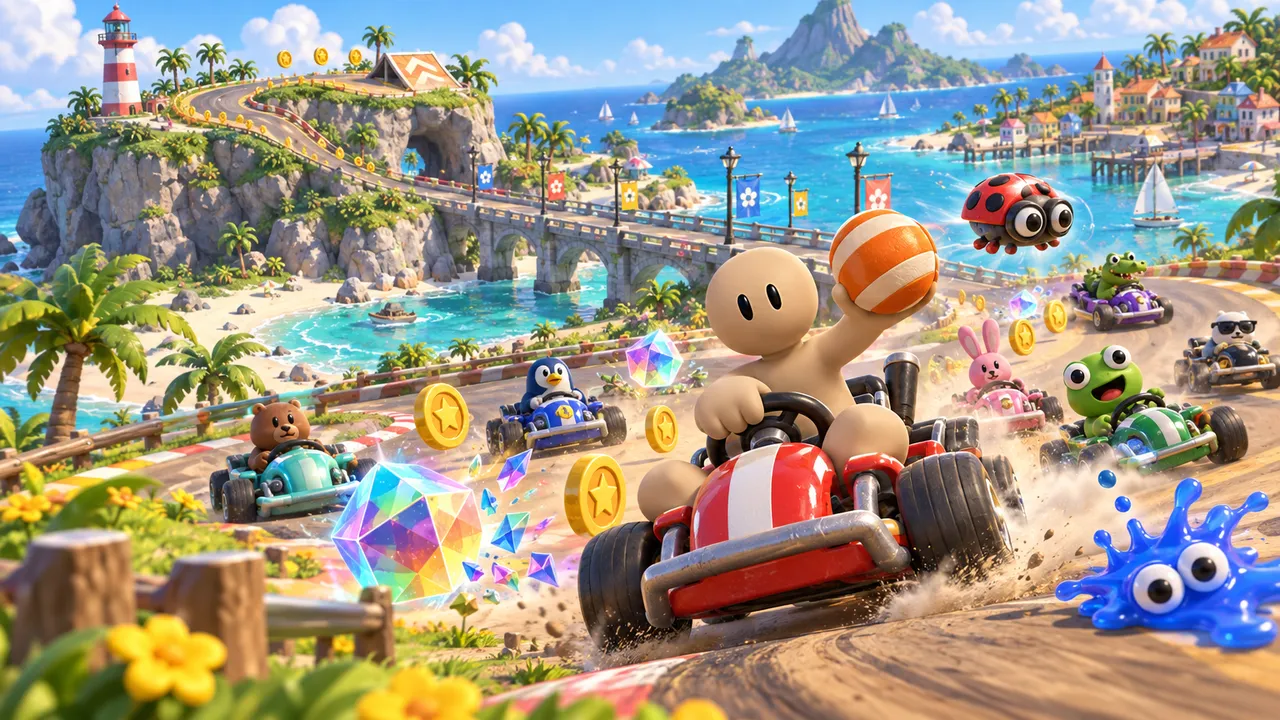
Kart racing for up to 8 players around a sunny island. Drift for boosts, grab items and collect coins.
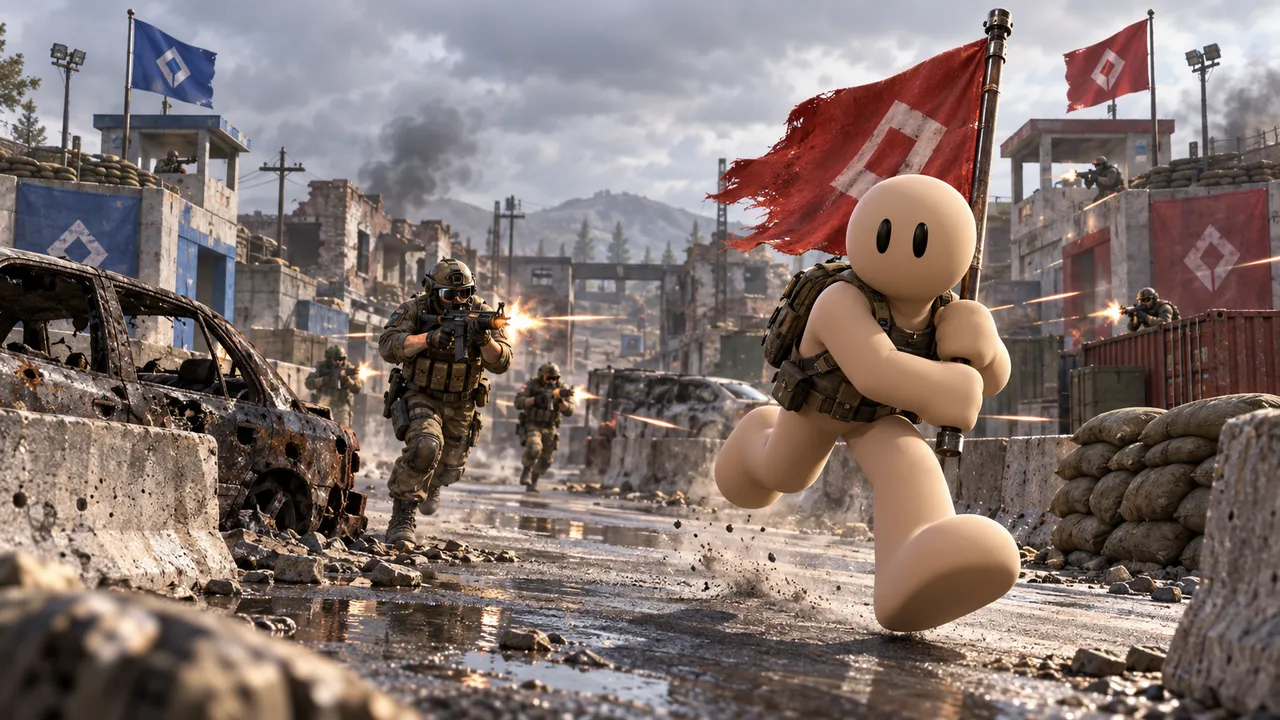
Team capture the flag: steal the enemy flag, bring it home and defend your own base.
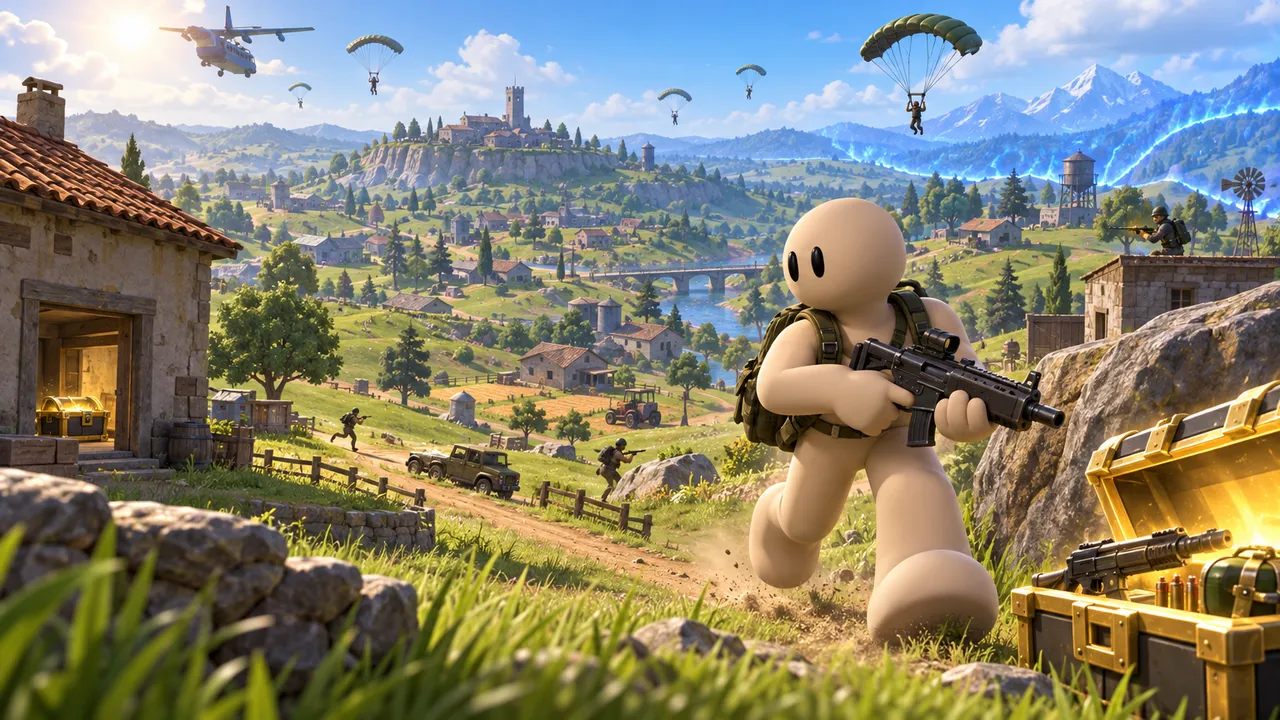
Loot buildings across a hilly island, stay inside the shrinking safe zone and be the last one standing.

Step into a wrestling ring under the spotlights, dodge, strike and land the finishing move.
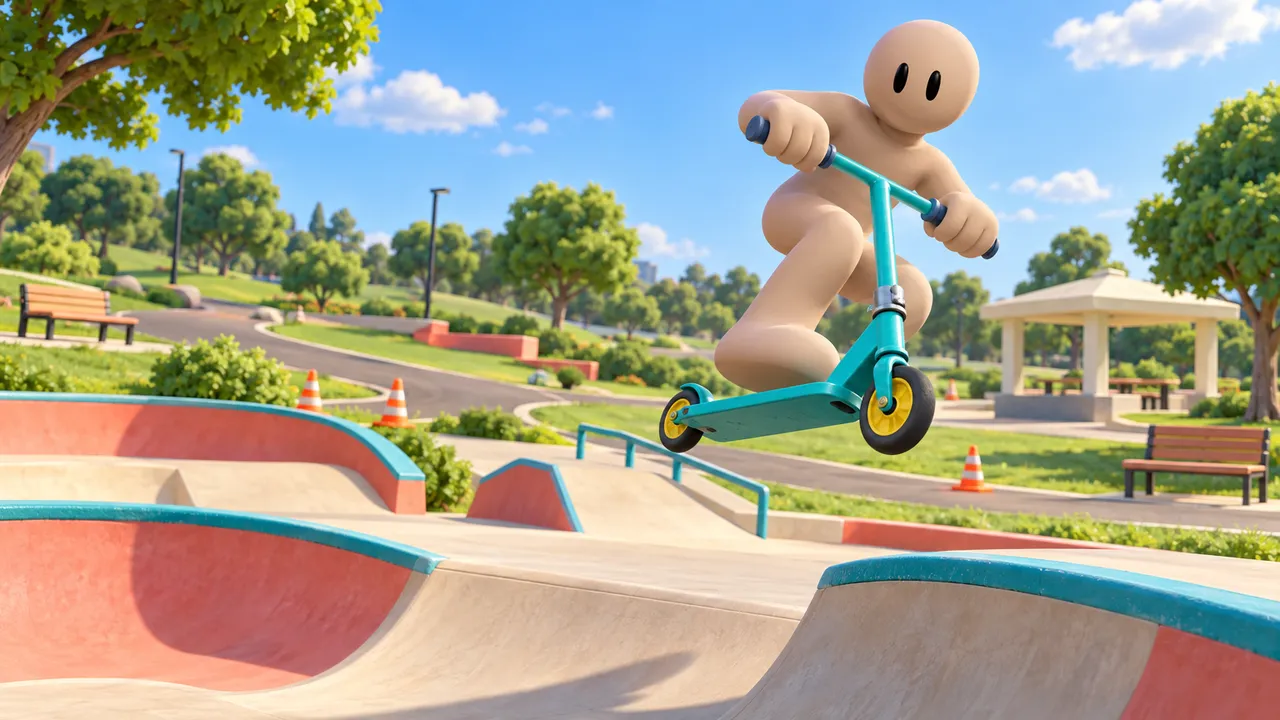
Explore a skatepark on a trick scooter. Hop ramps, throw tailwhips and spins, and keep riding with no timer.
Common mistakes to avoid
What kills multiplayer games.
Empty lobbies
A multiplayer game with no NPC bots is unplayable when nobody is online.
Unclear win condition
If players do not know how to win, the group gets bored fast.
Matches too long
20-minute rounds lose players halfway.
One strategy wins
If one trick always works, everyone does it and the fun is gone.
Build a game for your friends
Describe it on Arcade and build it right in your browser. No coding, no downloads, free.
Make a multiplayer gameFAQ
Can I make a multiplayer game without coding?
Yes. On Arcade you describe your game and its rules to Morph, Arcade's building assistant, and shape it visually. The multiplayer side (servers, syncing players) is handled for you.
Is Arcade free?
Yes. Arcade is free: build, publish and share your games in your browser, on a computer or a phone.
How do my friends join my game?
Publish your game on Arcade and share the link. Your friends open it in their browser and join, with nothing to download.
What if nobody is online?
Add NPC bots. They fill empty spots so your game works with any number of players, even when you are playing alone.
How many players should my multiplayer game have?
Design for 2 to 8 players for a first game. Small groups are easier to balance, and NPC bots can make the game feel full.
What are easy multiplayer game ideas for beginners?
Tag, king of the hill, a race, floor is lava or capture the flag. They have simple rules everyone already knows, so you can focus on making the arena fun.
Can I make a co-op game instead of a versus game?
Yes. In a co-op game, players team up against the game: escape a haunted place, survive waves of monsters or solve puzzles together. Our survival game guide is a good starting point.