 ARCADE
How to make a racing game
Fast cars, sharp turns and a finish line. Here is how to build a racing game that feels great to drive, without writing code.
Racing games are all about feel: the rush of speed, the drift around a corner, the boost on the final straight. Get the driving right and even a simple track becomes addictive. Get it wrong and nothing else saves the game.
The good news: a racing game needs fewer systems than most genres. One car, one great track, a few rivals and a clear finish line are enough for a game people replay. This guide walks you through building yours on Arcade, from the first corner to the last lap.
What makes a great racing game
The racing games people replay have these four things.
🏎️ Fun handling
Cars that respond fast, turn when you ask and can drift.
🛣️ A readable track
Players see the next turn coming and can learn the best line.
🏁 Rivals
NPC drivers or a ghost of the best lap to beat.
🚀 Boosts and shortcuts
Risk and reward on every lap.
How to make a racing game, step by step
Here is how to build a racing game step by step.
Pick a style and a setting
Kart, rally, street, hover.
Design one great track
Straights, turns, one surprise.
Tune the car
Speed, grip, drift.
Add rivals
NPC drivers or a ghost.
Add laps, boosts and pickups
3 laps, a timer, power-ups.
Show the goal and polish
Laps, position, timer on screen.
1. Pick a style and a setting
First decide what kind of racing game you want. Kart racing has items and chaos, rally is about drifting on dirt and snow, street racing is about speed and traffic, and a time trial is you against the clock.
Then pick a setting that brings its own hazards: wet city roads, sand jumps in the desert, icy curves, a candy town. The setting makes the track memorable before the race even starts.
2. Design one great track
Mix long straights for speed with turns of different sharpness, so players have to brake sometimes and can go flat out elsewhere. Add one memorable moment: a jump, a tunnel, a shortcut, a loop.
Make the track wide enough to overtake, and mark the edges clearly. One excellent track beats five average ones, so start with one and polish it.
3. Tune the car
Drive the track again and again. If turns feel impossible, the car needs more grip or less speed. If it feels slow, add top speed or a stronger boost. Describe what you feel to Morph, Arcade's building assistant: "the car slides too much in corners" is all it takes.
Make sure the car accelerates and steers well from the very first second. A car that does not turn properly is the number one reason racing games get bad reviews.
4. Add rivals
NPC drivers make a race feel alive: something to overtake, someone to beat at the line. Make them a bit slower than a good player, so winning feels earned but possible.
For a time trial, a ghost of the best lap gives solo players something to chase without any rivals on the track.
5. Add laps, boosts and pickups
Three laps on a medium track gives a race of about 2 to 4 minutes. Add a lap timer and checkpoints so nobody can cut across the grass to win.
Put boost pads or pickups on the risky line of the track, not the safe one. That way good players are rewarded for taking chances, and every lap has decisions.
6. Show the goal and polish
Display the lap count, the player's position and the controls when the race starts, then a clear finish screen with the time and the rank. Players need to know where they stand at every moment.
Finish with the details that sell speed: a countdown before the start, a sound for the boost, a celebration at the finish line.
Which kind of racing game should you make?
Each style of racing game asks for different ingredients. Pick the one that fits your idea:
| Style | What makes it fun | Must have |
|---|---|---|
| Kart racing | Chaos and comebacks | Item boxes, 6 to 8 racers, short tracks |
| Rally | Drifting on loose ground | Dirt, snow or sand, jumps, a timer |
| Street racing | Pure speed | Long straights, traffic, a boost |
| Time trial | Beating your best | Checkpoints, a ghost, a best time |
| Delivery or chase | A mission on wheels | A map arrow, time limit, shortcuts |
Start with a ready-made idea
Not sure how to begin? Here is a starting idea for a racing game. Not your style? Roll another one. Copy it, paste it in Arcade and you will have a first playable version to shape. Then change the details to make it truly yours.
Make a racing game called "Neon Drift". The player drives a sports car through a neon city at night. Create one track with long straights, sharp drift corners, a tunnel and a ramp jump. Add 5 NPC rival drivers, 3 laps and boost pads on the racing line. Show the lap count, the player's position, the timer and the controls on screen when the race starts.
Paste it and build on ArcadeRacing game ideas to start from
- Toy Car Grand Prix: Race tiny cars across a giant bedroom.
- Desert Rally: Survive sandstorms and jumps across the dunes.
- Ice Lake Drift: Drift on a frozen lake without hitting the cracked ice.
- Delivery Dash: Deliver pizzas across town before they get cold.
- Hover Cup: Hover racers on a track above the clouds.
- Volcano Run: Dodge falling lava rocks on the final lap.
Want more? The game idea generator writes a full concept and prompt in one click.
Racing games made on Arcade
Made by creators like you. Click one to play it free in your browser.
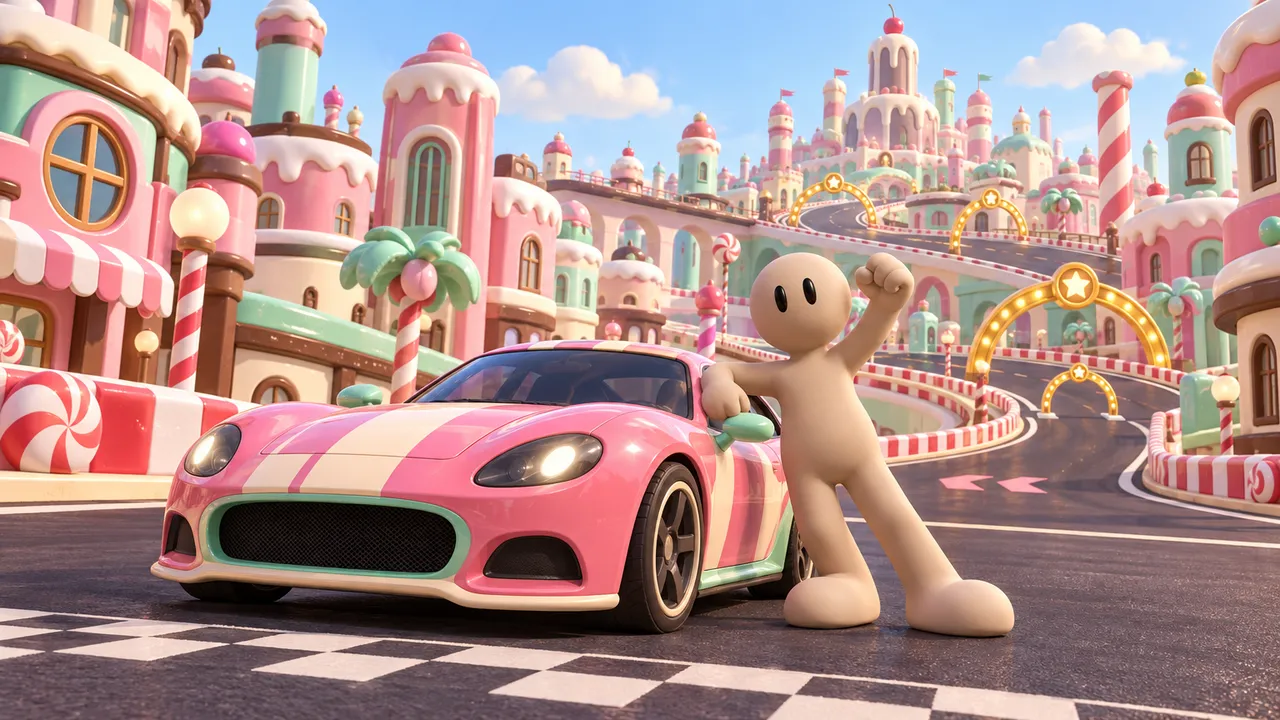
Race a candy-colored sports car through a city of sweets and finish three laps before time runs out.
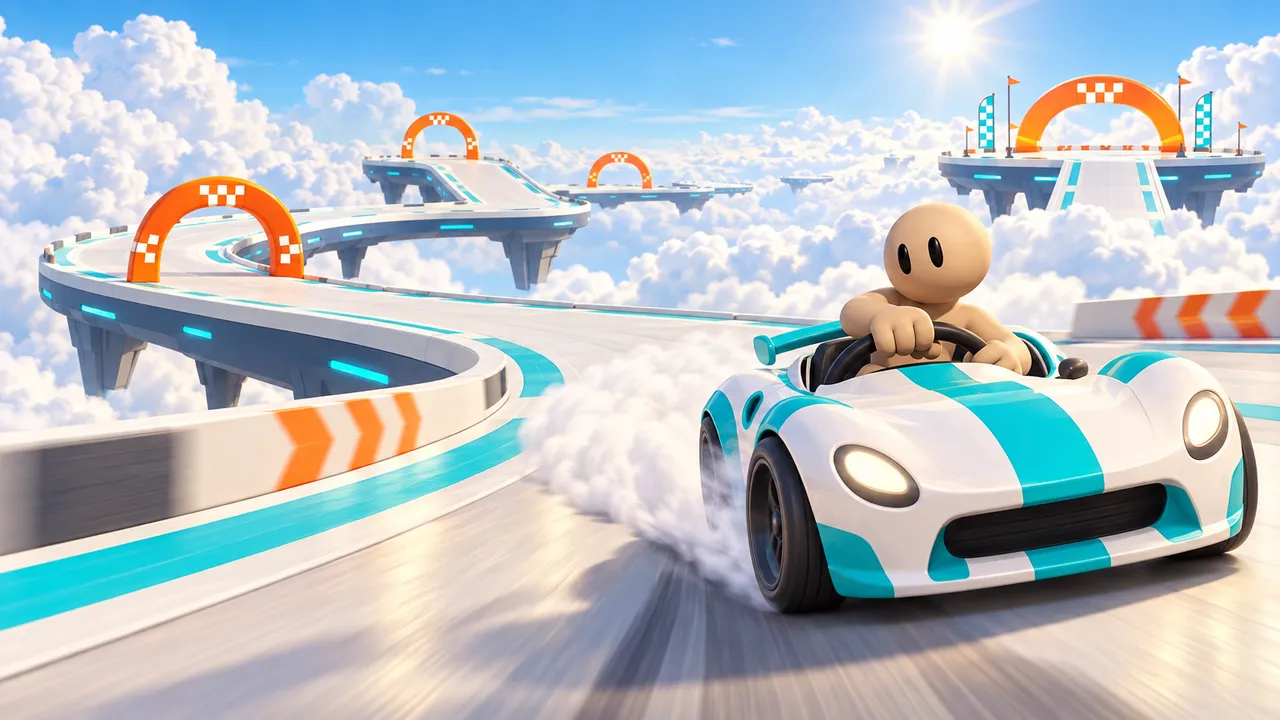
Drive a racecourse high above the clouds, clear every checkpoint and beat the clock.
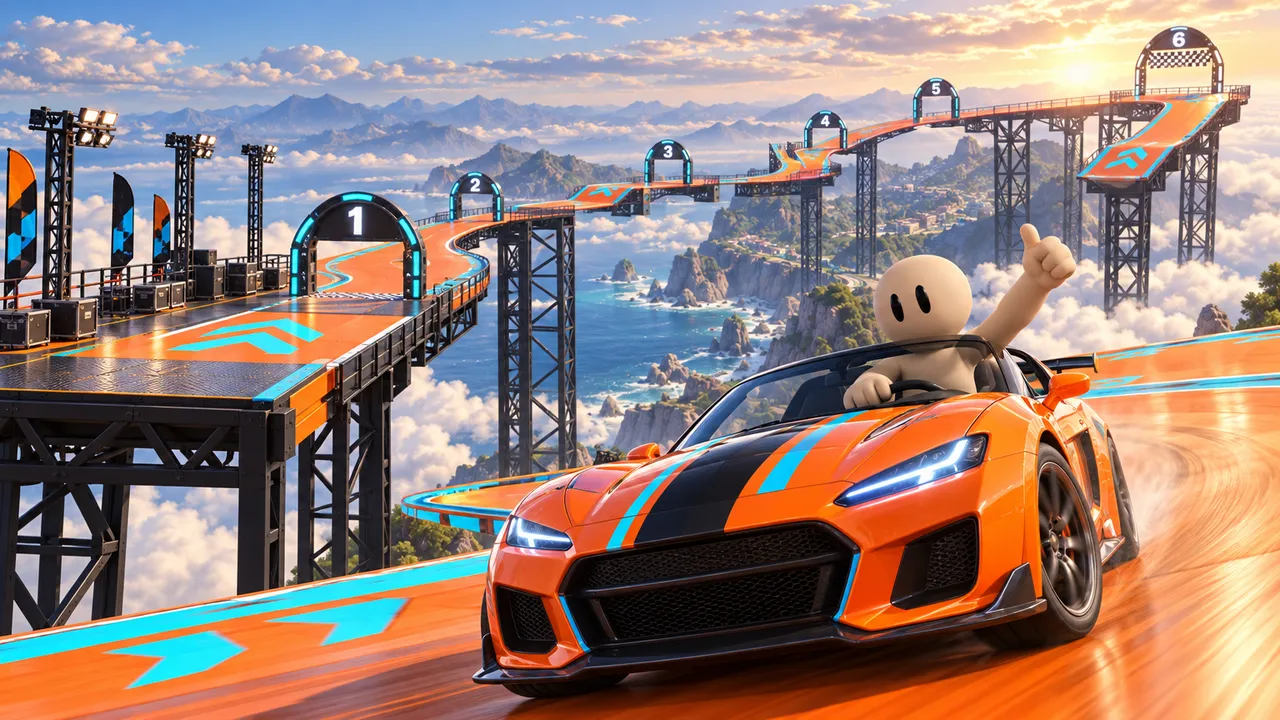
Race a sports car along a twisting track above the clouds. How many tries will you need?
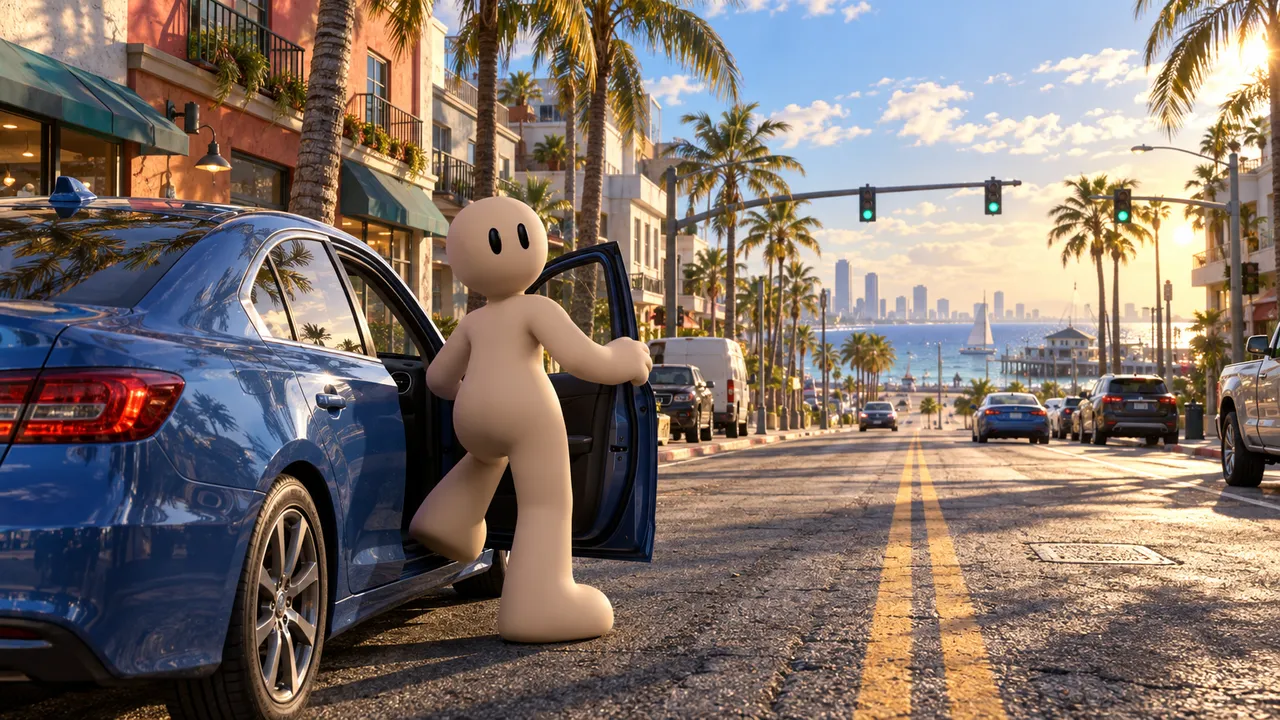
Explore a sunny coastal town, get behind the wheel and pull off a timed getaway to the waterfront.
Common mistakes to avoid
What makes racing games frustrating.
Cars that do not turn
If the car will not steer or accelerate properly, nothing else matters.
No rivals and no clock
Racing alone on an empty track with no goal gets boring fast.
Blind corners
Players should see turns coming, or learn them after one lap.
No lap or position info
Players need to know where they stand.
Start your engines
Describe it on Arcade and build it right in your browser. No coding, no downloads, free.
Make your racing gameFAQ
Can I make a racing game without coding?
Yes. On Arcade you describe your car, your track and your rules to Morph, Arcade's building assistant, then shape the track visually. No code needed.
Is Arcade free?
Yes. Arcade is free: build, publish and share your games in your browser, on a computer or a phone.
Can I add opponents to my racing game?
Yes. Add NPC rival drivers, or a ghost of the best lap for solo players. Make NPC rivals slightly slower than a good player so winning feels earned.
How long should a race be?
Around 2 to 4 minutes: 3 laps on a medium track is a good start. Short races get replayed.
Can I race against my friends?
Yes. Arcade supports multiplayer games, so friends can join the same race. Add NPC racers to fill the empty spots when only a few players are online. See how to make a multiplayer game.
Can people play my racing game on their phone?
Yes. Arcade games run in the phone's browser with touch controls. Keep the controls simple: steer, accelerate and one boost button.
How do I make my racing game feel faster?
Narrow the track, add objects close to the road, use boost pads with a sound and a camera that pulls back a little at top speed. Speed is a feeling as much as a number.