 ARCADE
How to make an obby
Jump, fall, try again, make it. Obbies are simple to play and fun to build. Here is how to make yours from the first platform to the finish line.
An obby (short for obstacle course) is a game where you jump, run and balance your way across platforms to reach the end. Obbies are some of the most played games on Arcade because anyone understands them in two seconds, and that one last jump keeps players coming back.
Building an obby is also the easiest way to start making games. You do not need a story or complex rules, only a course that gets harder at the right pace. This guide shows you how to plan it and build it with Morph, our little AI companion.
What makes a great obby
The obbies players finish and replay all get these four things right.
📈 A smooth difficulty curve
Easy jumps first, tricky ones later. Never a wall at level 2.
🚩 Checkpoints
A fall sends players back a few jumps, not to the start.
🎨 A theme
Candy land, lava, sky islands, a giant kitchen. A theme makes it memorable.
⏱️ A reason to replay
A timer, a best time, a secret shortcut.
How to make an obby, step by step
Here is the path from a blank sky to an obby players race through.
Pick a theme
Lava, candy, sky, space.
Plan the course
Stages from easy to hard.
Design the jumps
One new idea per stage.
Add checkpoints
Every stage, at least.
Add a goal and a timer
Finish line, best time.
Test every jump
Then share it.
1. Pick a theme
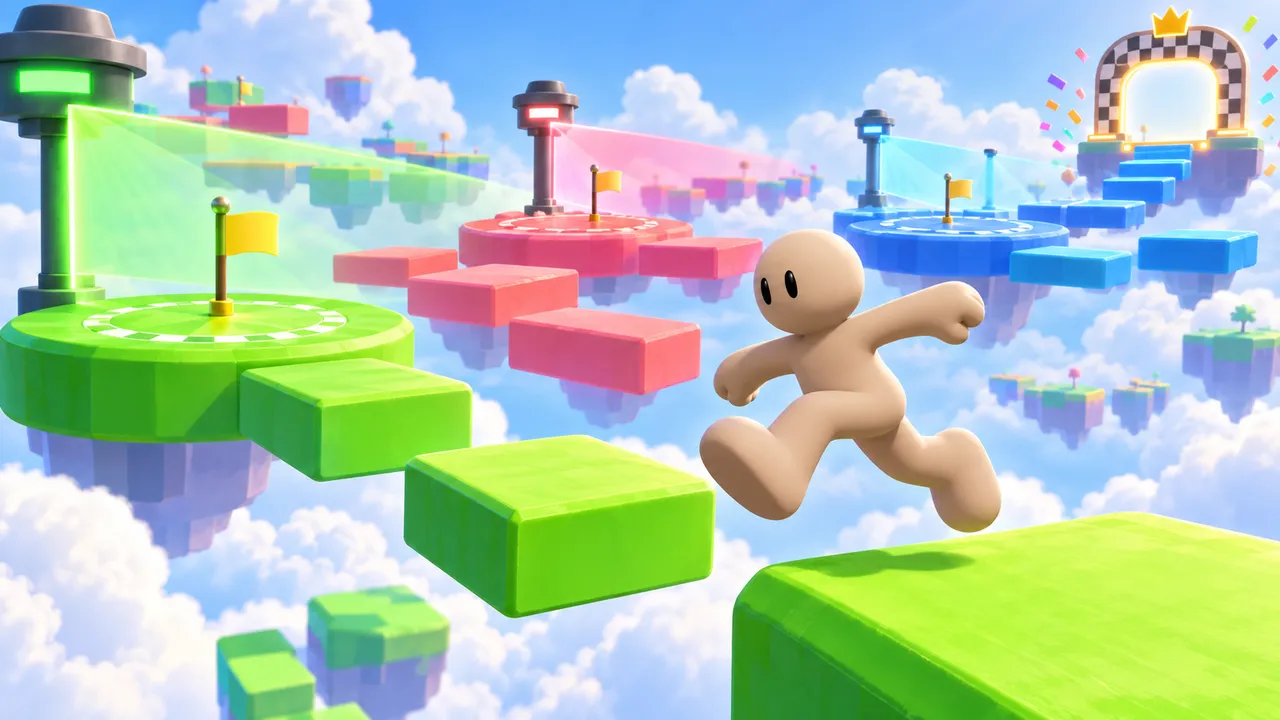
Start with a theme that changes how the course looks and feels: platforms made of candy, a kitchen where you jump between plates, floating islands above the clouds, a volcano with rising lava.
The theme also gives you obstacle ideas for free: a candy obby has bouncing gummies, a kitchen obby has spinning fans.
2. Plan the course
Split your obby into stages of 5 to 10 jumps. Stage 1 teaches the basics, the middle stages mix obstacles, the last stage is the big challenge.
Tell Morph, our little AI companion, the plan in plain words: "10 stages, each one a bit harder, with lava under every platform". Then play it and shape each stage.
3. Design the jumps
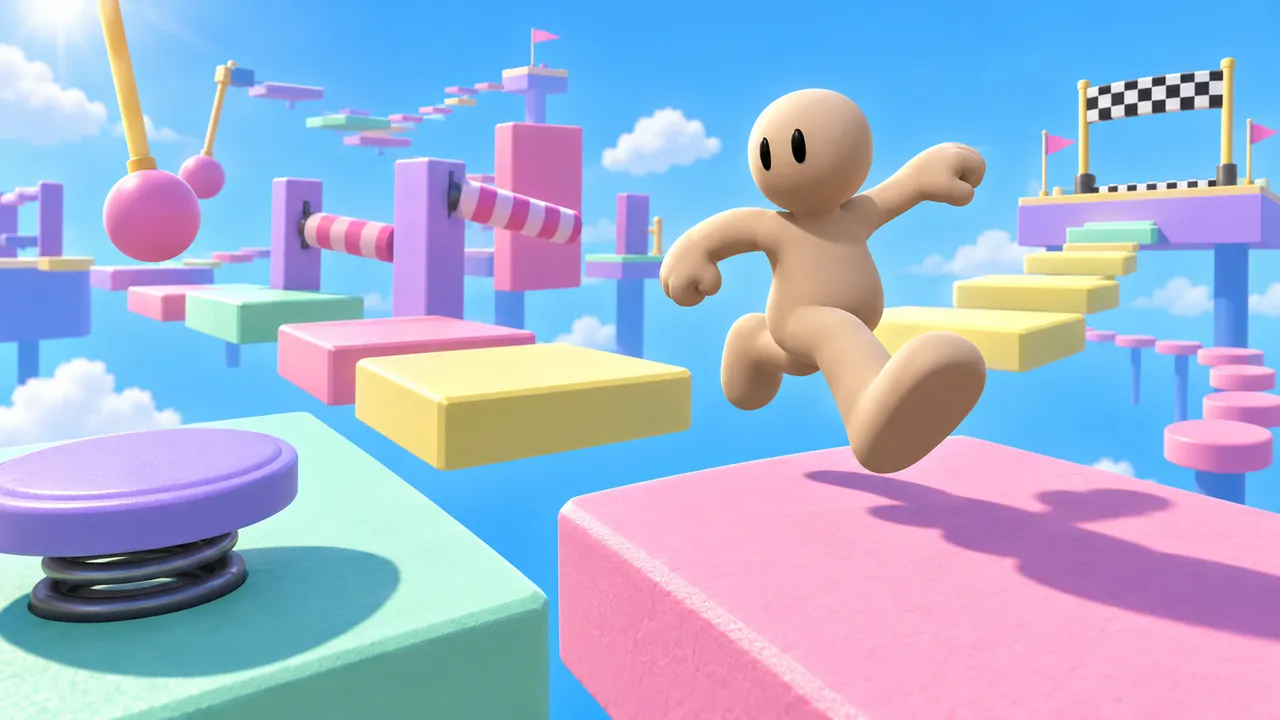
Give each stage one new idea: moving platforms, disappearing blocks, narrow beams, spinning bars, bounce pads. Players learn it, master it, then meet the next one.
Mix big jumps with small ones. A rhythm of easy, easy, hard keeps players in the flow.
4. Add checkpoints
Put a checkpoint at the start of each stage. Losing 20 seconds is fine, losing 5 minutes makes people quit.
Make checkpoints visible, like a flag or a glowing pad, so players feel the progress.
5. Add a goal and a timer
A finish line with a celebration (confetti, a trophy, a sound) makes the end feel earned. A timer gives players a reason to replay and beat their best time.
You can also hide a shortcut or a secret coin for players who like to explore.
6. Test every jump
Play your own obby from start to finish, then ask a friend to try it. If they fail the same jump 10 times, make it a little easier. If they finish in a minute, add a stage.
When it feels right, publish it on Arcade and share it with the world.
Obstacles to use in your obby
Here are the classic obby obstacles, from the easiest to the hardest. Add them in roughly this order:
| Obstacle | Difficulty | Tip |
|---|---|---|
| Static platforms | Easy | Perfect for the first stage |
| Bounce pads | Easy | Fun and good for big jumps |
| Moving platforms | Medium | Keep them slow at first |
| Disappearing blocks | Medium | Show a warning before they vanish |
| Narrow beams | Medium | Great for a calm, careful stage |
| Spinning bars | Hard | Leave a safe spot to wait |
| Rising lava | Hard | Perfect for the final stage |
A good first obby uses 4 or 5 of these, one new obstacle per stage.
Start with a ready-made idea
Not sure how to begin? Here is a starting idea for an obby. Not your style? Roll another one. Copy it, paste it in Arcade and you will have a first playable version to shape. Then change the details to make it truly yours.
Make an obby game called "Candy Climb". The player jumps across 10 stages of candy platforms up a giant cake. Each stage adds one new obstacle: bouncing gummies, melting chocolate blocks, spinning lollipops. Add a checkpoint flag at the start of every stage and a timer. At the top, a confetti celebration. Show the stage number, the timer and the controls on screen.
Paste it and build on ArcadeObby ideas to start from
- Candy Climb: Jump up a giant cake made of candy platforms.
- Kitchen Chaos: Cross a giant kitchen while fans blow you around.
- Sky Islands: Hop between floating islands to a golden temple.
- Lava Rush: Climb a volcano before the lava catches you.
- Space Hop: Low gravity jumps across asteroids.
- Color Switch Obby: Only platforms of your current color are solid.
Want more? The game idea generator writes a full concept in one click, and our list of 100 video game ideas has plenty more.
Obby games made on Arcade
Made by creators like you. Click one to play it free in your browser.
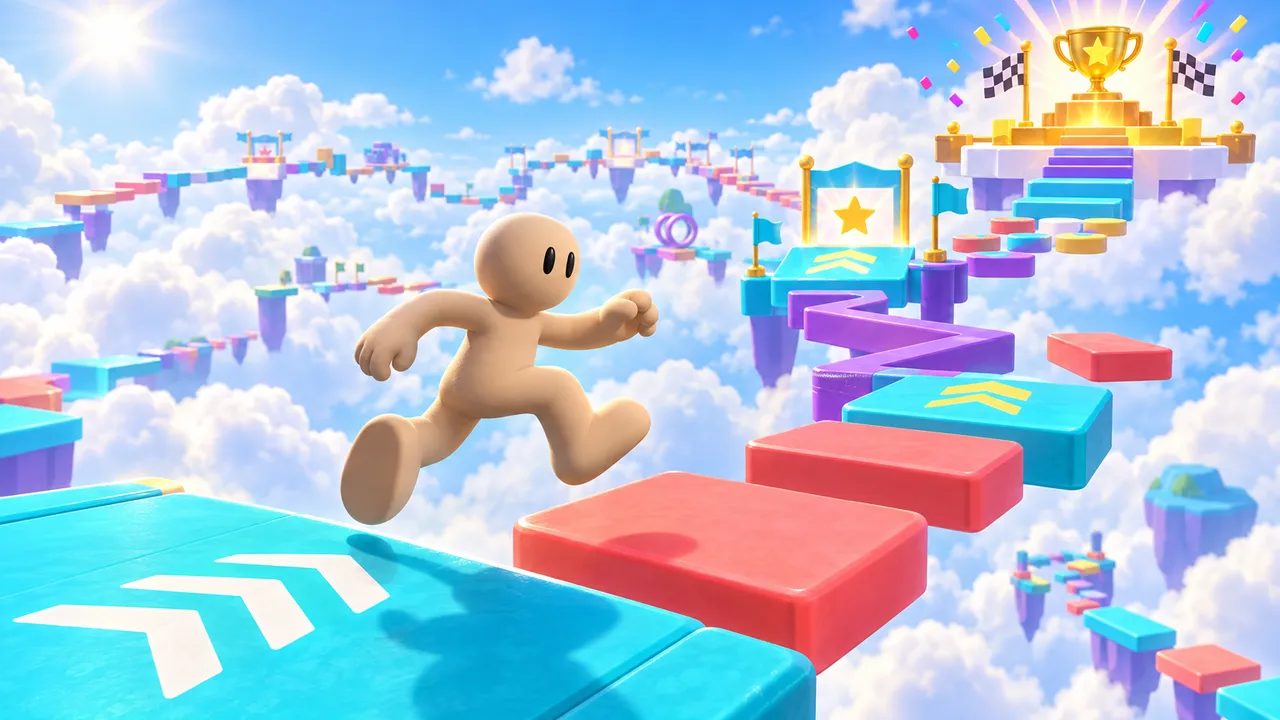
Jump through colorful obstacle courses, reach checkpoints and collect wins. Earn 10 wins to unlock a golden VIP glow and badge.
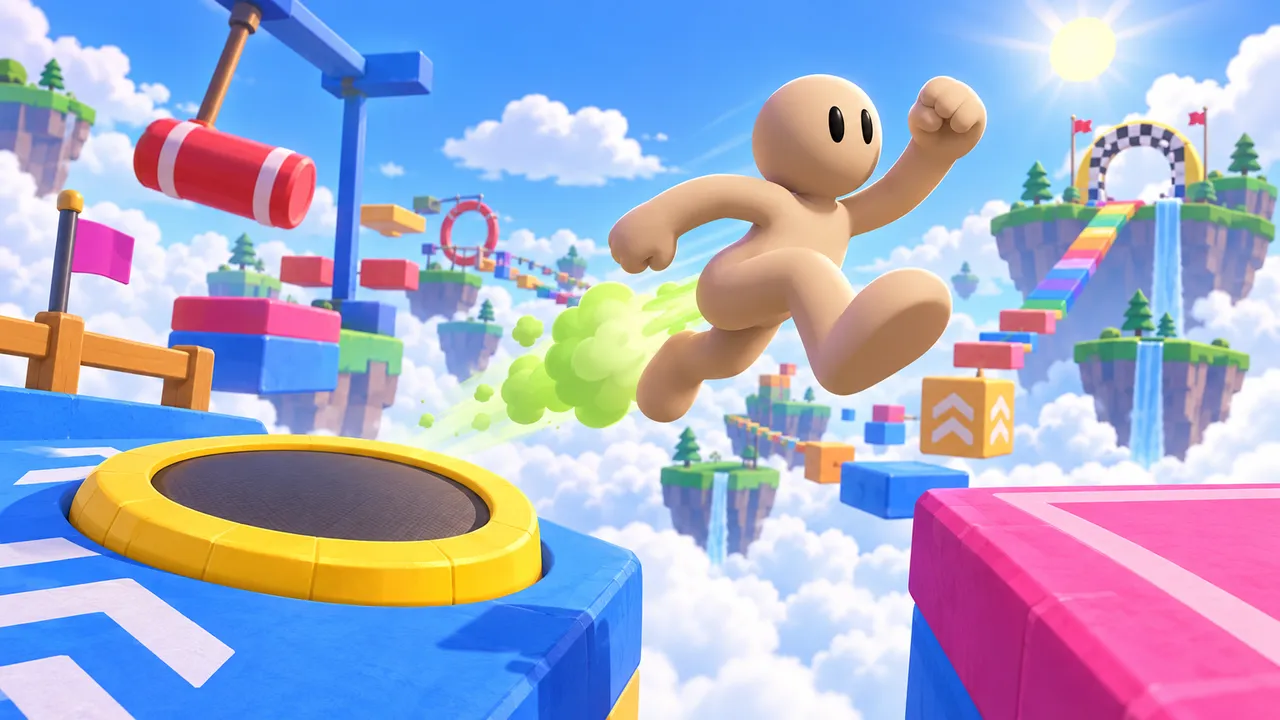
Fart-boost your way across a sky obstacle course of trampolines, swinging hammers and floating islands to the finish.
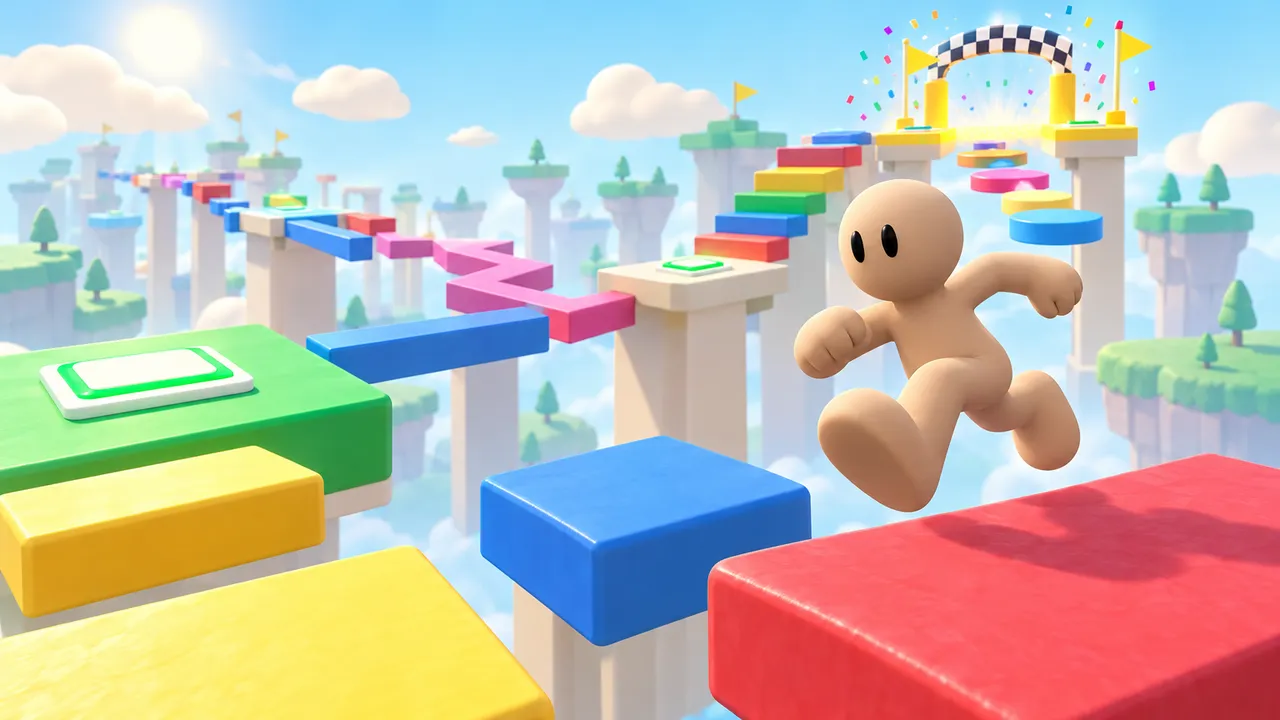
Leap across a floating obstacle course, hit the checkpoints and race your own best time.
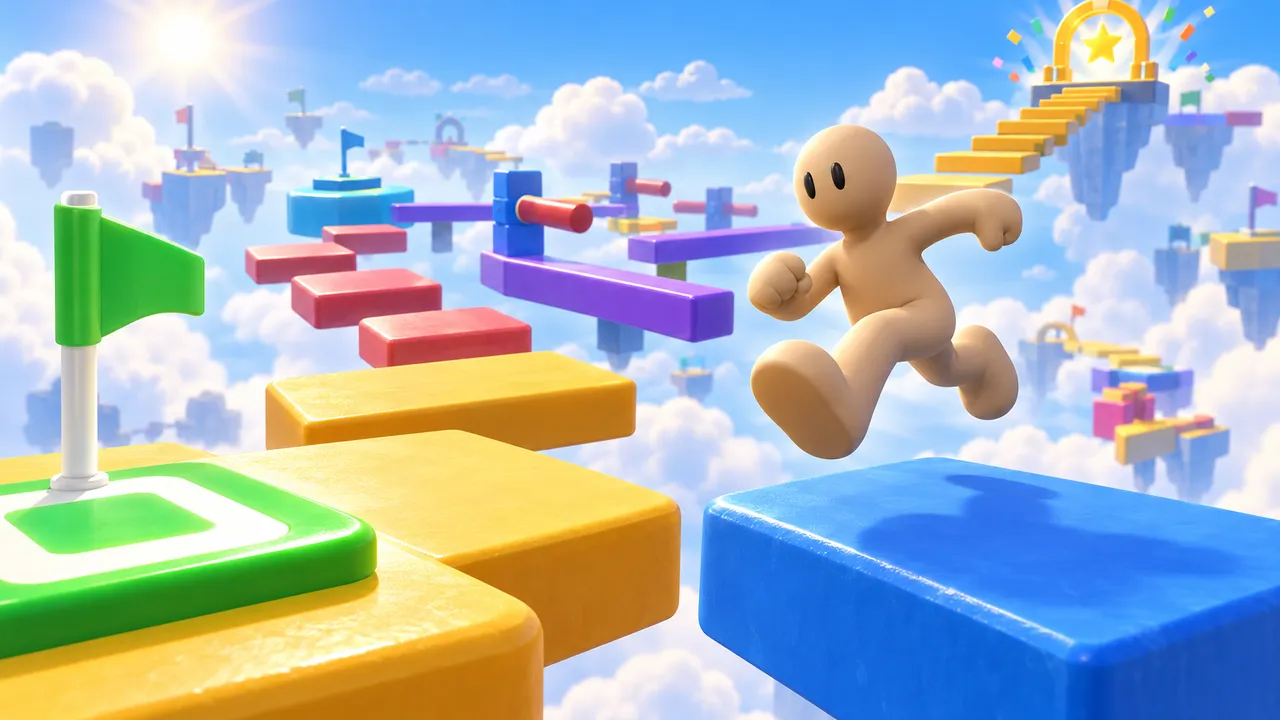
Leap across a colorful sky course, master narrow beams and stepping stones, and reach the finish. Checkpoints keep every fall a chance to try again.
A sky obby with a twist: repaint yourself to hide from scanner sweeps before you reach the finish.
Twenty obstacle levels that get trickier as you climb, with checkpoints to catch your falls.
Common mistakes to avoid
These are the reasons players leave an obby on the first stages.
Too hard too soon
If stage 1 has a pixel-perfect jump, most players leave.
No checkpoints
Going back to the start after one fall is the fastest way to lose players.
All the same jumps
Twenty identical platforms in a row get boring fast.
No finish moment
Players want a celebration at the end, not a silent platform.
Build your obby today
Tell Morph, our little AI companion, what you want to make and watch it come to life, right in your browser. No coding, no downloads, free.
Make your obbyNew to making games? See how our AI game maker works, or follow the step-by-step guide to make your own game.
FAQ
Can I make an obby without coding?
Yes. On Arcade you describe your course to Morph, our little AI companion, and it builds a playable obby you can keep changing by chatting. No code needed.
Is Arcade free?
Yes. Arcade is free: build, publish and share your games in your browser, on a computer or a phone.
How many stages should my obby have?
8 to 12 stages of 5 to 10 jumps is a great size for a first obby. It takes 5 to 10 minutes to finish, which is perfect for replays.
How do I make my obby fun and not frustrating?
Raise the difficulty slowly, add a checkpoint at each stage and introduce one new obstacle at a time.
What is the difference between an obby and a platformer?
An obby is a type of platformer focused on an obstacle course: no enemies or story needed, just jumps to the finish. Our platformer guide covers the bigger family.
Can people play my obby on their phone?
Yes. Arcade games run in the phone's browser with touch controls. Keep jumps a little more forgiving for players on a phone.
Where can I play obbies made on Arcade?
Check our list of free obby games, all made by Arcade creators.