 ARCADE
Educational game maker: make a game that teaches
A bridge that only holds if you pick the right answer. A library to sort before closing time. A world that breaks every time the homework is wrong. On Arcade you pick the skill, then build a real game around it with Morph, an AI buddy, by chatting. Free, no coding.
Lots of "educational games" are a quiz with a cartoon on top, and students can tell. The ones that teach make the skill the way you win: a wrong answer breaks the bridge, a book on the wrong shelf keeps the library a mess. This page shows how to build that kind of game, for teachers, parents and students working on a class project.
Who makes learning games on Arcade
🍎 Teachers
A short game to review a lesson, open a new topic or reward the class on a Friday.
🏠 Parents
Times tables, spelling words or a reading challenge built around what your child loves.
🎒 Students
Making a game about a topic is one of the best ways to learn it, and to show what you know.
How to make an educational game, step by step
Pick one learning goal
"Multiply by 7", not "math". One skill per game keeps it clear.
Make it the way you win
The right answer opens a door, builds a bridge or powers the rocket.
Describe it to Morph
The world, the challenge, the questions or tasks and what happens on a mistake.
Test it with a learner
Watch one student play, then fix whatever confused them by chatting with Morph.
Three rules for a game that really teaches
1. The skill is the gameplay
Do not stop the game to ask a question, then go back to jumping. Put the question inside the action: glass panels labeled with answers, enemies that are only weak to the right word, a shop where the player has to count the change. In WrongLand, made on Arcade, wrong answers literally become the laws of nature, and players fix their homework to put four strange worlds right.
2. Mistakes cost a little, never everything
Learners need to try, fail and retry quickly. A wrong answer should cost a life or a few steps, not the whole game, so add a checkpoint every few questions.
3. Show the right answer after a mistake
Many learning games skip this. When a student gets it wrong, show the correct answer for a second or two before they retry. That moment does most of the teaching.
Educational game ideas by subject
| Subject | Game idea | How the skill is the gameplay |
|---|---|---|
| Math | Glass bridge | Each panel shows an answer. Only the right result holds your weight. |
| Math | Corner shop | Customers pay, the player hands back the right change to earn stars. |
| Spelling | Letter runner | Run through gates in the right order to spell the word you hear. |
| Reading | Story detective | Find clues in short texts to solve a mystery in the village. |
| Geography | Lost pilot | Fly to the country or capital the radio asks for before fuel runs out. |
| History | Time museum | Put objects back in the right era room before the museum opens. |
| Science | Food chain island | Place animals so each one has something to eat, or the island fails. |
| Languages | Market quest | Buy what the list says in the new language to cook the dinner. |
| Sorting and logic | Library rush | Shelve every book in the right section, like Tidy Library on Arcade. |
Example: describe your learning game to Morph
Be precise about the skill, the questions and what happens after a mistake. Copy this idea and adapt it to your lesson, or roll the dice for another subject.
Make a math game called "Times Table Bridge". The player crosses a glass bridge over a canyon. Before each row of glass panels, a multiplication question from the 6, 7 and 8 times tables appears on a big sign. Each panel in the row shows a different answer, and only the panel with the right answer holds. If the player jumps on a wrong panel, it breaks, the right answer flashes in green, and the player goes back to the last checkpoint. Add a checkpoint every 3 rows and a counter of correct answers. Show the controls when the game starts.
Build it on ArcadeAfter the first version, adjust it by chatting: "use only the 7 times table", "make the questions appear slower", "add an easy mode with two panels instead of three". You can make a version for each group of students in a few minutes.
Games made on Arcade that make you think
Puzzles, logic and a world built on wrong answers. Click one to play it free in your browser.

Sprint and jump through a colorful candy city. Follow the checkpoint arches and reach the finish before time runs out.

A school where wrong answers become the laws of nature: fix your homework to put four strange worlds right.

Elves have turned the library upside down. Sort every book onto the right shelf, then enjoy a cup of tea.
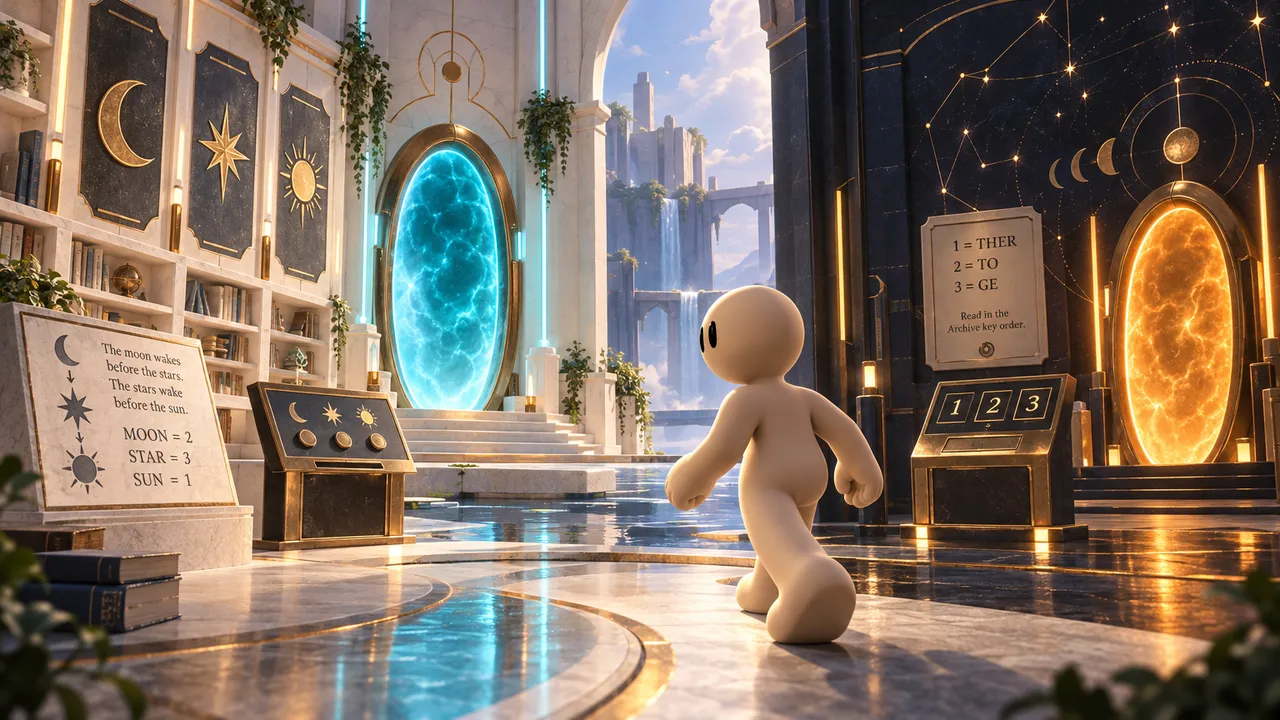
Bloopy's curious partner wandered off in the garden and got sucked into another dimension. Solve the puzzles to bring them back.
Using a learning game in class
Arcade is a game maker, not a classroom platform: there is no gradebook and it does not report student scores to you. Here is how teachers can still use a game well.
- Share one link. Publish the game and put the link on the board or in your class space. Games run in the browser on computers, tablets and phones, with no download.
- Show the score on screen. Ask Morph to display a final score or a "correct answers" counter at the end, and have students write it down or show it to you.
- Play first, then talk. Ten minutes of play, then five minutes on the questions that broke the most bridges. The mistakes are your lesson plan.
- Let students remix the idea. Making their own version of the game for the next topic is a project that checks understanding better than any quiz.
Turn your next lesson into a game
Pick the skill, build the world with Morph and test it before class. Then share it with your students, or with the world. Free, no coding.
Make an educational gameLooking for a first game project for younger kids, on any topic they like? Read our page on the game maker for kids. For puzzle design tips, see how to make a puzzle game.
FAQ
Can I make an educational game without coding?
Yes. On Arcade you explain the learning goal, the world and the rules to Morph, play the first version in your browser, and keep changing it by chatting.
How do I make a math game?
Pick one skill (for example the 7 times table), then make the right answer the way to move forward: a panel that holds, a door that opens, a rocket that launches. Show the correct answer after each mistake and add checkpoints.
Can I choose the questions myself?
Yes. List the exact questions and answers you want when you describe the game, or ask for a range like "additions up to 20". You can change them later by chatting.
Does Arcade track my students' scores?
No. Arcade does not have a gradebook or a teacher dashboard. You can show a score at the end of the game and ask students to share it with you.
Is the educational game maker free?
Yes. Teachers, parents and students can build and publish learning games on Arcade at no cost, and students play them without an account.
Can students play on tablets and phones?
Yes. Games made on Arcade run in the browser on computers, tablets and phones, with touch controls on mobile.