 ARCADE
A game maker for kids and teens
Your kid has been inventing games for years. On Arcade they can finally build one: tell Morph, our little AI companion, the idea, watch it come to life, then level it up together. No coding, right in the browser.
Why Arcade works for young game makers
💬 They just describe it
No code and no complicated editor. Kids explain their game in their own words, like they would to a friend.
⚡ Results in minutes
A first playable version appears fast, so they stay excited instead of stuck on a tutorial.
🧠 Real game design
Goals, rules, levels, enemies, rewards: they learn how games work by building and testing one.
💻 Nothing to install
It runs in the browser, on a home computer, a school laptop or a phone.
🌍 Share it with the world
Publish it and anyone can play in their browser, without an account.
🆓 Free
Arcade is free. No credit card needed.
How a kid makes a game on Arcade
Pick an idea
A pet café, a candy obby, a race on a rainbow road. Their idea, their rules.
Tell Morph
Describe the world, the hero and the goal. Morph builds a first version.
Play and fix
Try it, find what is too hard or too easy, and ask Morph to change it.
Share it
Publish it on the marketplace and share it with the world.
What kids learn by making games
Making a game is one of the best ways to learn design thinking without anyone calling it a lesson. Every game they build on Arcade asks the same questions real game designers ask:
- What is the goal? A game needs a clear way to win. Collect 10 stars, reach the top, beat the boss.
- What are the rules? What happens when you fall? How many lives do you have? Is there a timer?
- Is it fun? Playtesting teaches them to watch someone else play, notice what is confusing and fix it.
- How do I explain it? Describing a game clearly to Morph is great practice for writing and logical thinking.
Curious about the building blocks? Our list of game mechanics explains jumping, collecting, timers and more with real examples.
Game ideas kids love to build
🧁 A cozy tycoon
Run a cupcake shop or a pet hotel, earn coins and buy upgrades. See how to make a tycoon game.
🌈 A colorful obby
Jump across floating candy islands with checkpoints. Try the obby maker.
🏎️ A silly race
Bathtub cars on a kitchen track, against NPC racers. See how to make a racing game.
🗝️ A puzzle adventure
Find 3 keys to open the treasure room. See how to make an escape room game.
⚽ A sports game
Soccer against robots, or a basketball shootout with a timer.
🐉 A fantasy quest
A small village, a friendly dragon and a quest. See how to make an RPG.
Make an obby game called "Candy Cloud Climb". The player jumps across floating candy islands high in the sky. Add 3 stages that get a little harder, a checkpoint at the start of each stage, and a giant cupcake at the top as the finish. Falling sends the player back to the last checkpoint. Show the goal, the controls and a timer on screen.
Copy it and build on ArcadeFamily friendly games made on Arcade
Games rated 3+ on the Arcade marketplace. Click one to play it free in your browser.

Find a beautiful spot, set up your first pitches and grow your campsite as more campers arrive.

Jump through colorful obstacle courses, reach checkpoints and collect wins. Earn 10 wins to unlock a golden VIP glow and badge.
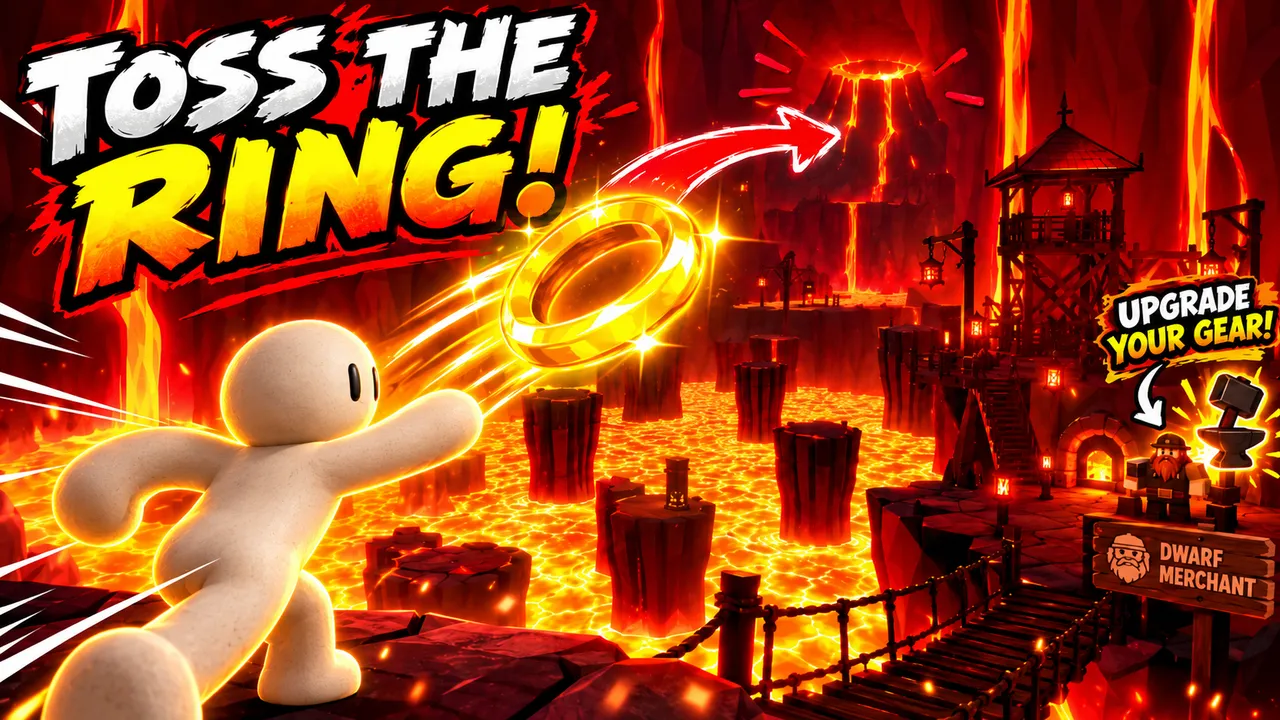
Throw a golden ring across a kingdom of lava, cash in and buy better gear from the dwarf merchant.

Elves have turned the library upside down. Sort every book onto the right shelf, then enjoy a cup of tea.
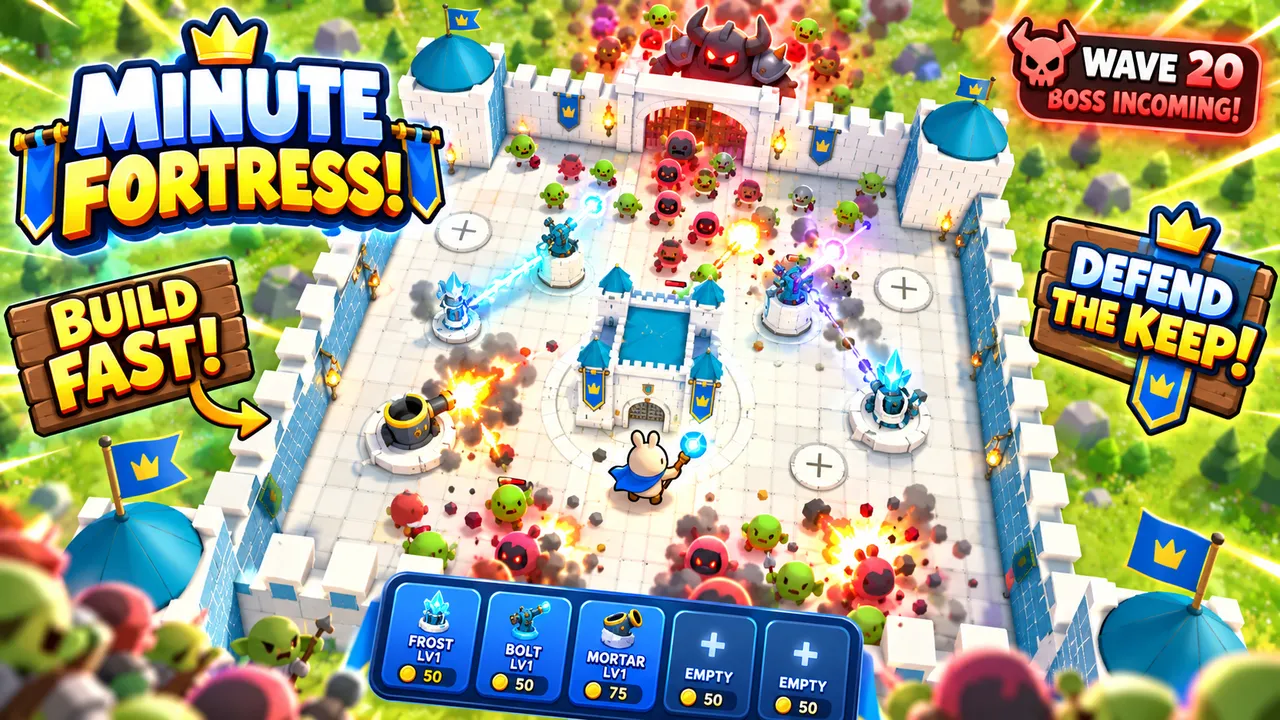
Build towers fast and defend your keep against waves of monsters, all the way to the boss wave.

Leap across a colorful sky course, master narrow beams and stepping stones, and reach the finish. Checkpoints keep every fall a chance to try again.
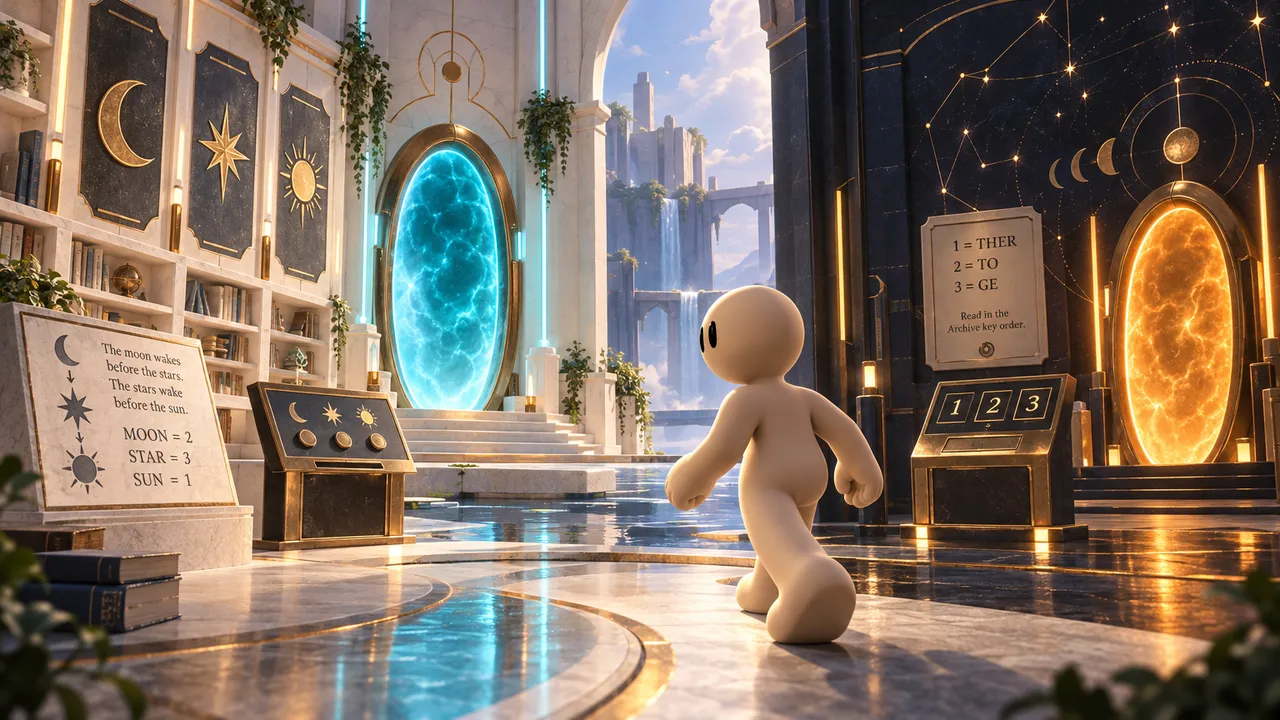
Bloopy's curious partner wandered off in the garden and got sucked into another dimension. Solve the puzzles to bring them back.

Race a candy-colored sports car through a city of sweets and finish three laps before time runs out.
Tips for parents and teachers
Build the first game together
Create the account yourself and sit next to your kid for the first game. Let them do the talking with Morph while you help them think about the goal and the rules. Most kids are on their own after one or two sessions.
Games are checked before they go public
Every game submitted to the Arcade marketplace is reviewed by the Arcade team before it goes live, and each game shows an age rating, so you can browse games by age. A game your kid makes stays private until they choose to publish it.
Start small, then add levels
One map, one goal, one mechanic. A small game that works feels like a big win. Levels, bosses and secrets can come later.
Make it a class project
Teachers can use Arcade for a game design unit: each student writes a short game design document (goal, rules, characters), builds it on Arcade, then the class playtests each other's games and gives feedback. Our guide on how to write a game description is a good writing exercise to finish with.
Out of ideas?
The game idea generator gives a full concept in one click, and the game name generator finds it a name.
Their first game is one idea away
Open Arcade Studio, tell Morph the idea and watch it come to life. Free, in your browser.
Make a game togetherCurious how it works? See how our AI game maker turns your idea into a playable game with Morph.
FAQ
Is Arcade a good game maker for kids?
Yes. Kids build by describing their game to Morph, our little AI companion, instead of writing code, so they get a playable game in minutes. We recommend that a parent creates the account and makes the first game with them.
What age is Arcade for?
Arcade is made for everyone, kids included. Younger kids do best with a parent: the parent creates the account and makes the first game with them, then they can keep building on their own. Every game on the marketplace also shows an age rating, so you can pick games that fit your kid.
Does my kid need to know how to code?
No. There is no code to write on Arcade. Kids explain what they want, play the result and ask Morph for changes.
Is Arcade free?
Yes. Arcade is free and runs in the browser, with no credit card needed.
Are the games on the marketplace checked?
Yes. Every game submitted to the Arcade marketplace is reviewed by the Arcade team before it goes live, and each game shows an age rating.
Can kids play games without an account?
Yes. Games on the Arcade marketplace can be played from a link in the browser, without an account. An account is only needed to make games.
Can my kid make games on a phone or a school laptop?
Arcade runs in the browser, so it works on a computer and on a phone with nothing to install.
What is the difference with Scratch or Roblox Studio?
Scratch teaches coding with blocks and Roblox Studio is a full engine with Luau scripting. On Arcade, kids describe the game in words and play it right away. See the best free game makers guide for a full comparison.