The Roblox Studio alternative that runs in your browser
Roblox Studio is powerful, but it means a desktop install and learning Luau. On Arcade, you tell Morph, our little AI companion, the game you want and watch it come to life, right in your browser.
Why people look for a Roblox Studio alternative
Roblox Studio is the free tool behind every game on Roblox. It is a full engine, it has a huge community and your game can reach millions of Roblox players. So why look elsewhere? Usually for one of these reasons:
💻 It needs a computer
Roblox Studio is a Windows and Mac app you download and install. There is no version for the browser or the phone.
📜 Scripting means Luau
Anything beyond placing parts, like rules, scores or enemies, is written in Luau, Roblox's scripting language.
⏳ It takes time to learn
Between the editor, the explorer, scripts and testing, a first real game often takes many evenings.
If you just want to turn an idea into a game you can play and share tonight, a lighter tool can be a better start.
How it works on Arcade
Tell Morph your idea
"An obby in the clouds with checkpoints and a timer." Plain words, no code.
Watch it come to life
Morph builds a playable first version in minutes. Jump in and try it.
Level it up
Keep chatting: more stages, a boss, a score, NPCs. Or edit things by hand.
Share it with the world
Publish on the Arcade marketplace. Anyone can play in their browser.
 Roblox StudioThe Roblox engine
 ArcadeMake games by chatting
Roblox Studio and Arcade, side by side
Roblox Studio is a free desktop application for Windows and Mac. You build worlds by placing and shaping parts, and you bring them to life with scripts written in Luau. Its AI Assistant can create and edit scripts, add objects and pull models from the Creator Store, which saves a lot of time, but you still work inside a full engine, and you need to understand scripts to fix what goes wrong. In return you get a mature tool and access to the huge Roblox audience.
Arcade is a free AI game maker that runs in your browser, on a computer or a phone. You do not open an engine first: you tell Morph, our little AI companion, what you want, and a playable version appears. Then you keep chatting to level it up, or edit the world by hand. When you publish, your game lands on the Arcade marketplace, where anyone can play it from a link without creating an account.
The short version: Roblox Studio is the right tool if you want to grow into a Roblox developer. Arcade is the fastest way from an idea to a game anyone can play, with nothing to install and nothing to learn first.
Making an obby on each
Same idea on both tools: an obby in the clouds with checkpoints and a timer.
Roblox Studio- Install Studio and open a template
- Place and anchor the platforms
- Script checkpoints and kill bricks in Luau
- Script the timer and the finish line
- Test, then publish to Roblox
Arcade- Tell Morph about the cloud obby
- Jump in and try it right away
- Ask for checkpoints and a timer
- Add more stages and a finish line
- Publish and share the link
With Roblox Studio you learn how every piece works, which is great if you want to become a Roblox developer. With Arcade you skip straight to playing and improving your game. Want more detail? Read how to make a platformer or try the obby maker.
Other Roblox Studio alternatives worth a look
Arcade is not the only option. Depending on what you want to make, these tools are great too.
Arcade
Best for: from idea to playable game, fastMake a game by chatting with Morph, our little AI companion, right in your browser. Publish on the Arcade marketplace and share it with the world from a link anyone opens instantly.

GDevelop
Best for: a full engine without scriptingAn open source engine where you build game logic with event sheets instead of code, with an AI agent to help. Exports to the web, mobile and desktop.

Rosebud AI
Best for: AI-made web games with code accessBuild games in the browser by chatting with Rosie, Rosebud's AI assistant. Paid plans let you edit the code, and higher plans let you download it.
Want the full picture? See our guides to the best free game makers and the best AI game generators, or compare GDevelop vs Arcade and Rosebud AI vs Arcade in detail.
Which one should you choose?
If your dream is to publish on Roblox and grow into a Roblox developer, stick with Roblox Studio and learn Luau step by step. If you want to see your idea playable today, from any computer or phone, Arcade is the easier start.
Roblox StudioRoblox StudioArcadeArcadeArcadeGames made on Arcade
Obbies, tycoons and more, made by creators like you. Click one to play it free in your browser.

Jump through colorful obstacle courses, reach checkpoints and collect wins. Earn 10 wins to unlock a golden VIP glow and badge.

Leap across a colorful sky course, master narrow beams and stepping stones, and reach the finish. Checkpoints keep every fall a chance to try again.
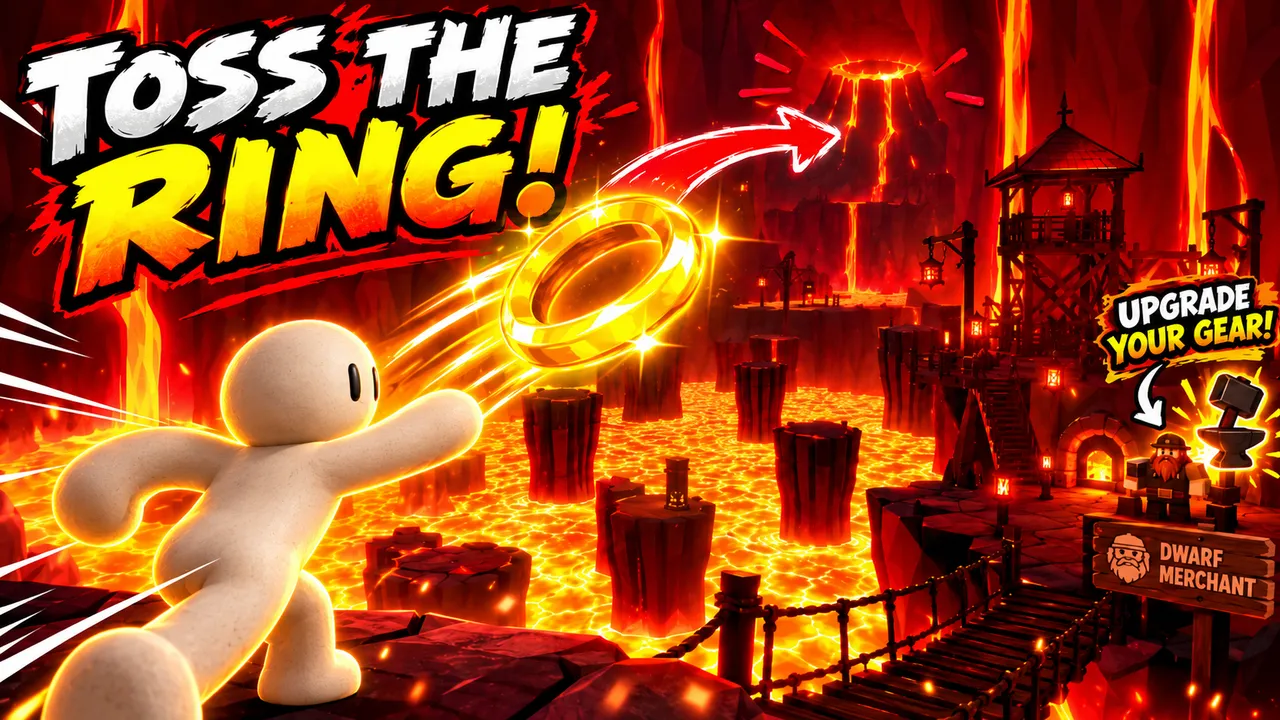
Throw a golden ring across a kingdom of lava, cash in and buy better gear from the dwarf merchant.

Find a beautiful spot, set up your first pitches and grow your campsite as more campers arrive.

Grab dynamite and throw it at your rivals in a packed party arena.
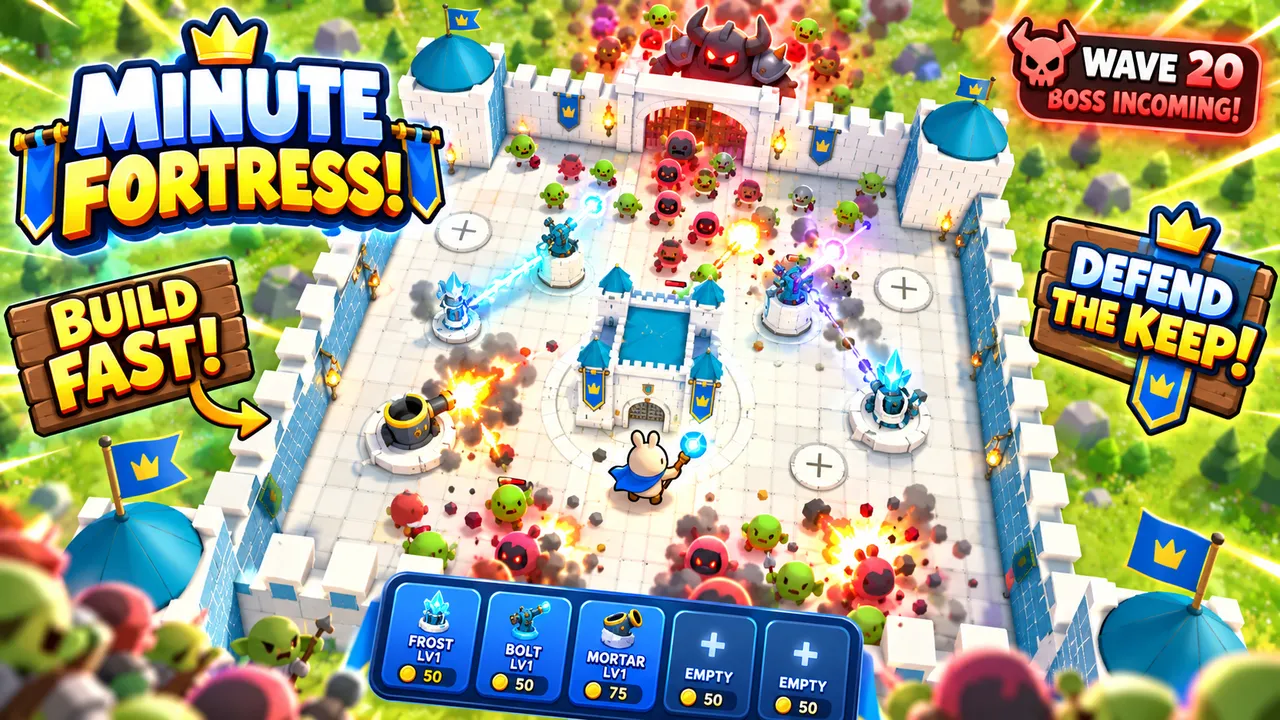
Build towers fast and defend your keep against waves of monsters, all the way to the boss wave.
Make your first game tonight
Tell Morph your idea and watch it come to life. Free, in your browser, nothing to install.
Start building on ArcadeWant the full path from idea to published game? Follow our guide to make your own game.
FAQ
What is the best Roblox Studio alternative for beginners?
If you have never made a game, Arcade is one of the easiest: you describe your game to Morph, our little AI companion, and get a playable version in minutes, with no install and no scripting. GDevelop is a good pick if you want a full engine without code.
Is there a Roblox Studio for the browser?
No. Roblox Studio is a desktop app for Windows and Mac. If you want to make games in the browser, on a computer or a phone, Arcade runs entirely online.
Do I need to learn Luau to make a game on Arcade?
No. On Arcade there is no code to write. You describe what you want and Morph builds it, then you keep chatting or edit things by hand.
Can I put my Arcade game on Roblox?
No. Games made on Arcade are published on the Arcade marketplace and shared by link. If publishing on Roblox is your goal, Roblox Studio is the tool for that.
Is Arcade free?
Yes. Arcade is free to use in your browser, on a computer or a phone, and your players do not need an account to play.
Can I make multiplayer games like on Roblox?
Yes. You can make multiplayer games your friends join from a link. Add NPC bots too, so the game is still fun when someone plays alone.
Does Roblox Studio have AI?
Yes. Roblox Studio has an AI Assistant that can create and edit scripts, add objects and insert models from the Creator Store. You still build inside the full Studio editor.