 ARCADE
How to make a game like Geometry Dash
A game like Geometry Dash needs four things: one button, a runner that never stops, obstacles placed on the beat of the music and a restart so fast that players always try again. This guide covers each one, with a beat calculator and a level plan you can copy.
Geometry Dash, by RobTop Games, is a rhythm platformer: your icon moves forward on its own and you only choose when to jump. Spikes and gaps line up with the music, so a level feels like a song you learn with your fingers. Arcade has no link to Geometry Dash or RobTop Games. This guide is about a game of your own with the same kind of play, and your own look, music and levels.
Looking for the Geometry Dash level editor?
If you want to make a level that people play inside Geometry Dash itself, use the editor built into that game. This page is for a different goal: making a whole game of your own in the same spirit, that anyone can open from a link and play in their browser.
Why this formula works
On paper there is almost nothing here: one input, one direction. Yet players replay the same minute over and over. Four design choices explain it:
👆 One action
Tap to jump. Everyone understands it in a second, on a phone or a keyboard.
🎵 Obstacles on the beat
The music tells you when to jump, so the level becomes something you can feel.
⚡ Instant restart
Under a second between failing and trying again. No menu, no waiting.
📊 Visible progress
A percent bar and an attempts counter turn every failure into a small step forward.
How to make your own rhythm runner, step by step
1. Pick your shape and your world
Skip the cube and the neon look of the original. Pick your own runner: a bouncing bottle, an astronaut, a paper plane, a slime. Then a world with a strong color identity: a candy factory, a space station track, a jungle at night. On Arcade, Running in Space uses an astronaut on a station track, and Flip Pop flips a bottle across colorful courses.
2. Set a constant speed
The runner moves forward at a fixed speed. That is what makes the level learnable: the same jump at the same spot always works. Keep the speed the same for the whole first level. Speed changes, like in Speed Surge Obstacle Run where you get faster as you move, are a great twist for a later level.
3. Place obstacles on the beat
Pick the tempo of your music (its BPM, beats per minute) and place each obstacle where a beat lands. Players will start jumping in rhythm without thinking about it. Use the calculator below to find the right gap between obstacles.
4. Make restarting instant
When the player hits a spike, flash the screen and send them back to the start right away, with "Attempt 23" on screen. The counter turns frustration into a challenge: players want to beat the level in as few tries as they can.
5. Add practice checkpoints
Long levels need a practice mode where players can place or reach checkpoints, train the hard part, then go back for a full run without them. It keeps beginners playing while the real goal stays a clean run from 0 to 100%.
6. Add one new idea per section
Split your level into sections of 8 to 16 beats. Each section brings one idea: a double jump, a jump pad, a gravity flip, a speed portal. First show it alone and easy, then combine it with what came before.
Beat spacing calculator
Enter your song's tempo and your runner's speed to see how far apart obstacles should sit so each jump lands on a beat.
A level plan you can copy
| Section | Length | What happens |
|---|---|---|
| Intro | 8 beats | No obstacles. The player hears the beat and sees the runner move. |
| Learn | 16 beats | Single spikes every 2 beats. One jump each. |
| Gaps | 16 beats | Pits to jump over, then a spike after a pit. |
| Jump pads | 16 beats | A pad launches the runner high. Land on a platform. |
| Drop | 16 beats | The music hits hardest: obstacles every beat for a short burst. |
| Breather | 8 beats | Easy jumps, a few coins to collect. |
| Finale | 16 beats | Everything combined, then the finish line. |
That is 96 beats, about 45 seconds at 128 BPM: short enough that a failed run never feels like wasted time.
Start with a ready-made idea
Make a one-touch runner game called Jelly Beat. A little jelly blob slides forward on its own through a candy factory, and the player taps to jump. Place spikes, gaps and jump pads at a steady rhythm. If the jelly hits an obstacle, restart instantly from the beginning and add 1 to an attempts counter on screen. Show a progress bar from 0 to 100% at the top. Add a practice mode with checkpoints.
Build it on ArcadeThen fine-tune the level with Morph, Arcade's AI buddy, one change at a time: "move the third spike a little later", "add a gravity flip after the jump pads", "make the finale slightly easier".
Runners and obstacle games made on Arcade
Play them to feel speed, rhythm and restarts in action.
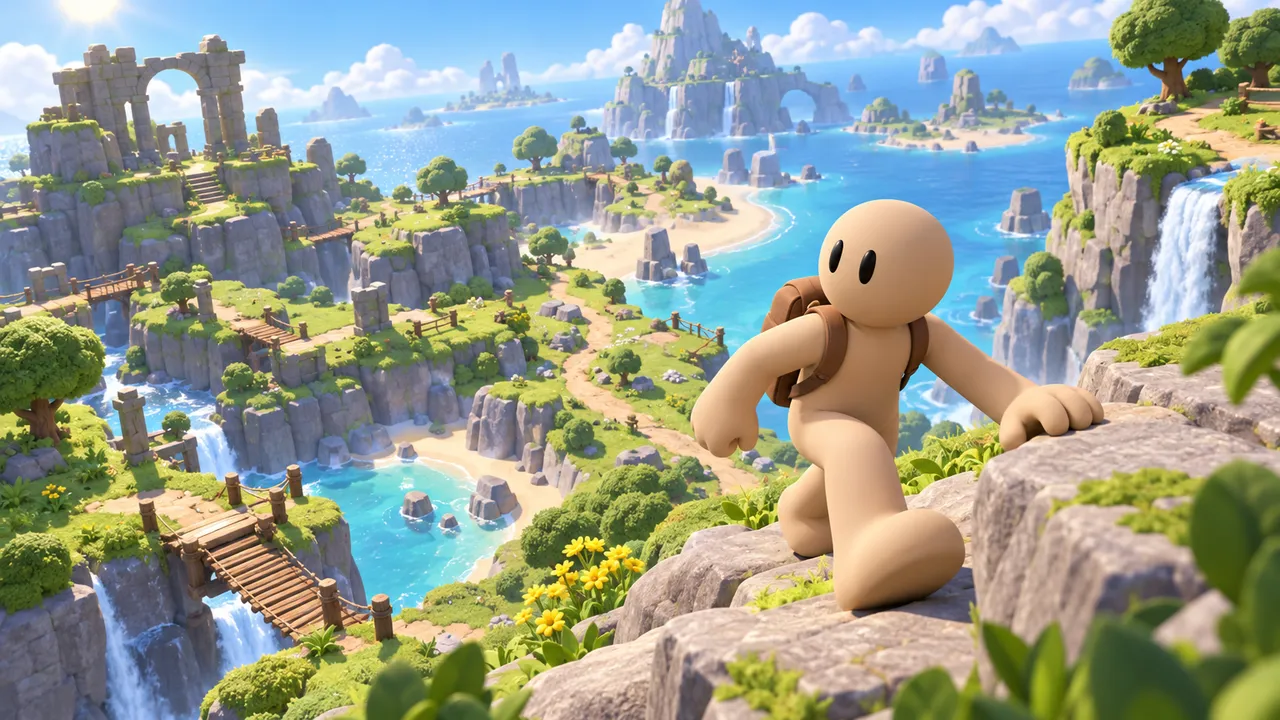
Run across three platform stages where your speed keeps growing as you move. Hit checkpoints to save your progress.
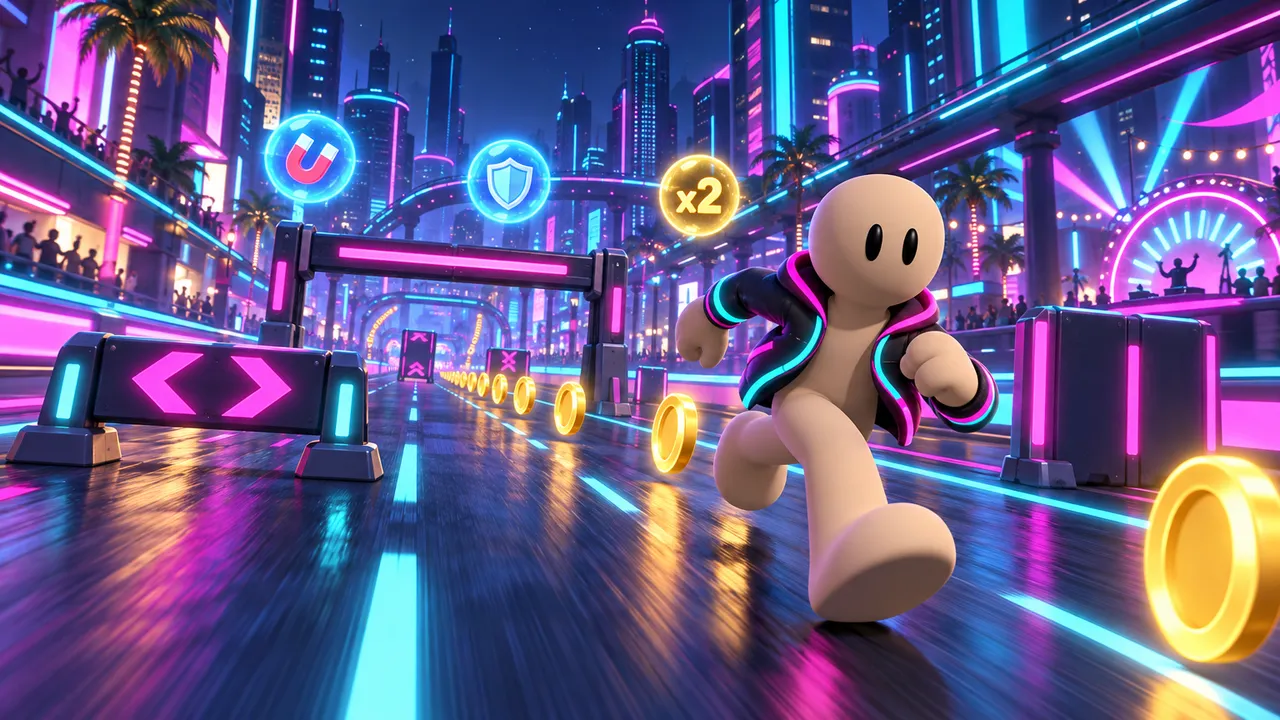
Race through a glowing neon city, dodge obstacles and scoop up coins with magnets, shields and score boosts.
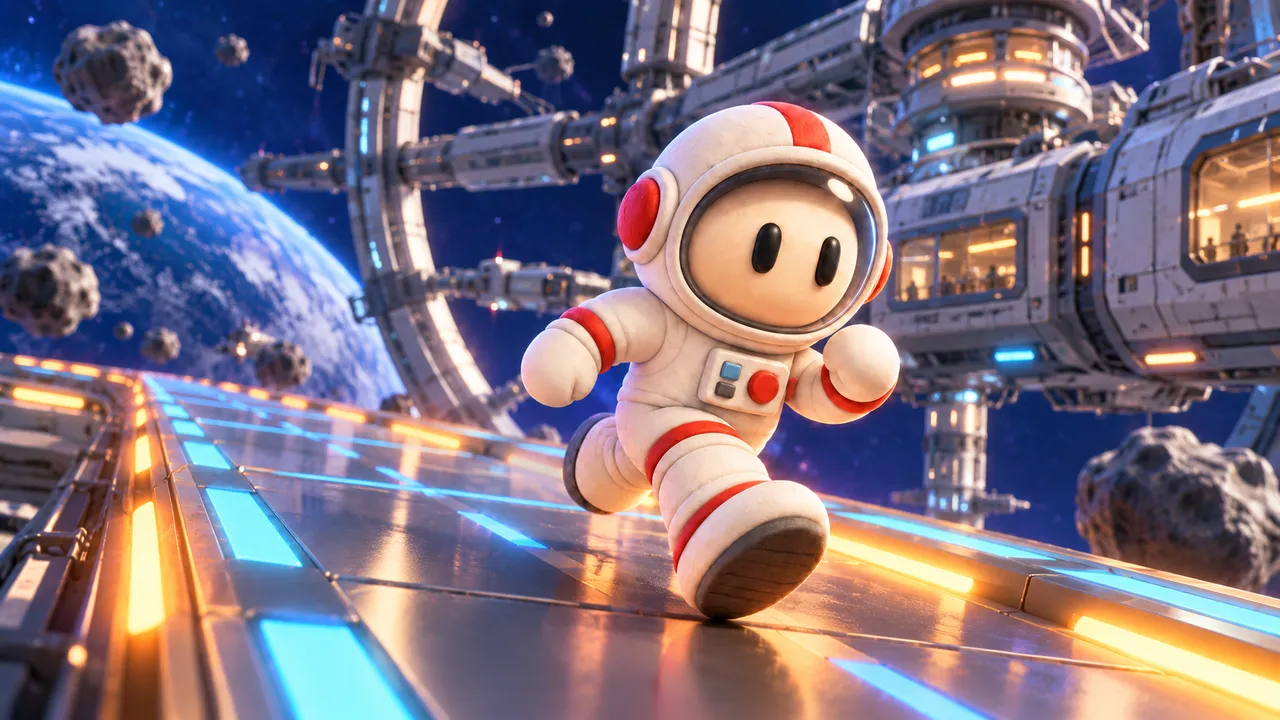
Sprint along a space station track in an astronaut suit, dodge the obstacles and see how far you get.
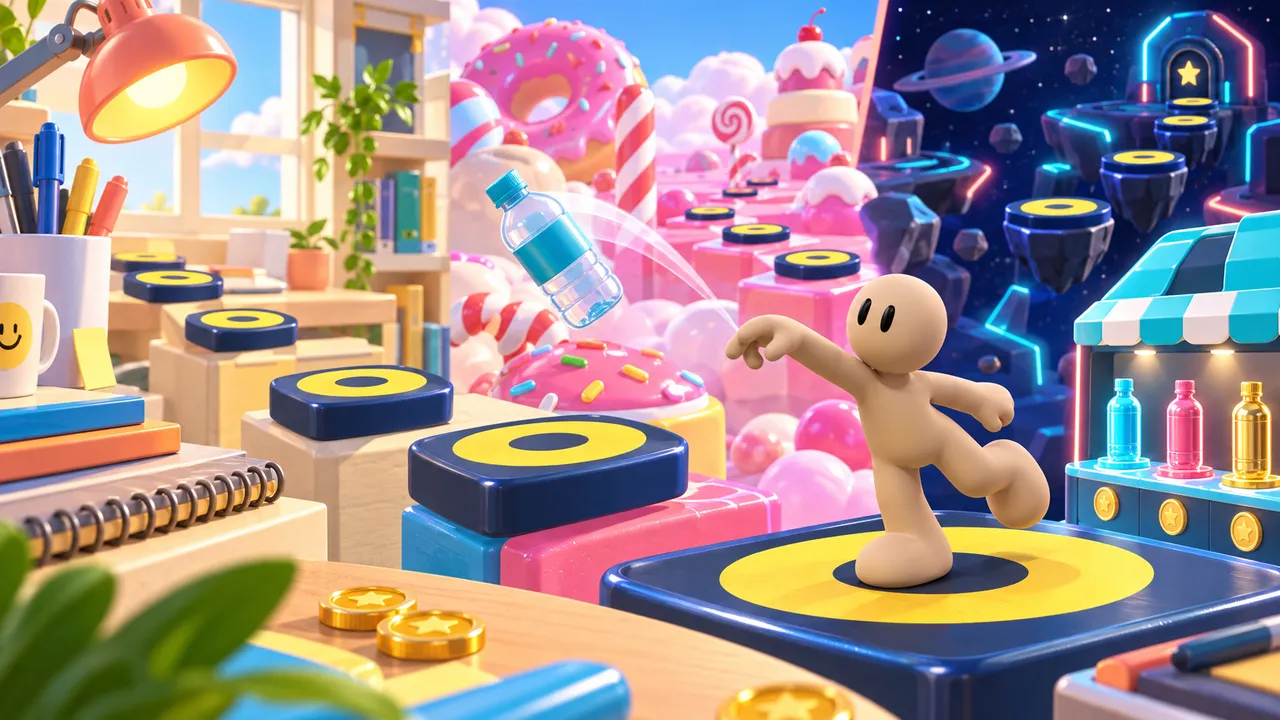
Flip across three colorful obstacle courses, earn coins for clean landings, and unlock fresh bottle styles in the shop.
Keep it yours
Players will spot the inspiration, so give them something only your game has. Leave the original's icons, characters, level names, menus and music alone. A few ways to stand out: a runner with a personality, a story told through the backgrounds, a mechanic the original does not have (a color switch, a shrink pad, a section where the screen goes dark and only the beat guides you).
One tap, one more try
Tell Morph about your runner, your world and your first level, tweak the timing by chatting, then share it with the world. Free to make, free to play.
Make your rhythm runnerFAQ
Can I make a game like Geometry Dash without coding?
Yes. On Arcade you build it with Morph: explain the runner, the obstacles and the level, play it, then move spikes and change the speed by chatting.
Can I use Geometry Dash characters, levels or music?
No. They belong to RobTop Games and the music artists. Make your own runner and levels, and only use music you have the rights to. Borrowing the style of play is fine, copying the game is not.
Is this the same as the Geometry Dash level editor?
No. The editor inside Geometry Dash makes levels for that game. Here you make your own standalone game that anyone can play from a link.
How long should a level be?
30 to 60 seconds for a first level. Short levels get replayed, long ones get abandoned.
How do I make it hard but fair?
Introduce every obstacle alone first, keep the speed constant, place jumps on the beat and give players a practice mode. Hard is fine when players can see why they failed.
Can people play my runner on their phone?
Yes. Arcade games run in the browser on computers and phones, and one-tap controls are a natural fit for a touchscreen. Building and publishing is free.