 ARCADE
How to make a game like Roblox
Obbies, tycoons, simulators and spooky stories. Here is how to make your own Roblox-style game in your browser, without Roblox Studio and without code, and share it with the world from a link.
Roblox is not one game: it is millions of small games made by players. The most popular ones all share a few habits: a short loop you want to repeat, progress you can see, and something to show off to your friends.
You do not need Roblox Studio or Luau scripting to make a game with that feel. This guide shows how the biggest Roblox genres work and how to build your own with Morph, our little AI companion, right in your browser. Arcade is not affiliated with Roblox: your game is published on Arcade, where anyone can play it from a link. If publishing on Roblox itself is your goal, see our Roblox Studio alternative page for an honest comparison.
What makes a game feel like Roblox
The hit Roblox games are very different, but they rest on four ingredients.
🔁 A short loop
Jump, earn, upgrade, repeat. One more run is always tempting.
📈 Visible progress
Coins, levels, a bigger base, a new badge.
🎨 A bright, simple look
Cartoony or blocky worlds that are easy to read.
👥 Friends
Something to share, compare or play together.
How to make a Roblox-style game, step by step
Here is the path from an idea to a game players will want to replay.
Pick your genre
Obby, tycoon, simulator or story.
Add your twist
What makes it yours?
Build the world
Bright, small and readable.
Build the loop
Do, earn, upgrade.
Add rewards to show off
Badges, glows, new areas.
Playtest and share
Watch a friend play.
1. Pick your genre
Start with one of the big Roblox families. An obby is a course of jumps with checkpoints. A tycoon is a business you grow with coins. A simulator is one simple action you repeat to collect more and more. A story game is a short adventure with a scare or a mystery.
If this is your first game, an obby or a small tycoon is the easiest place to start.
2. Add your twist
The best Roblox games take a known genre and add one funny or surprising idea: an obby where you fart to jump higher, a tycoon where every customer is a monster, a simulator where your pet grows bigger every time you feed it.
Your twist is also your title and your thumbnail, so make it easy to say in one sentence.
3. Build the world
Describe the world to Morph, our little AI companion: a candy island, a monster café, a sky course. Keep the first version small and colorful.
Then walk around it and fix what is confusing. Players should understand where to go in a few seconds.
4. Build the loop
Every Roblox-style game has a loop. Obby: jump, reach a checkpoint, finish, try again faster. Tycoon: earn coins, buy upgrades, earn more. Simulator: collect, sell, buy a better tool.
Show the numbers on screen: coins, stage, level, time. Every number that goes up is a reason to keep playing.
5. Add rewards to show off
Give players something to unlock: a golden glow after 10 wins, a new area after 1,000 coins, a rare item. Rewards are what turn a first run into a second one.
Unlock things at a steady pace: one early, one in the middle, one hard to get.
6. Playtest and share
Ask a friend to play for 5 minutes. Where do they get stuck? When do they stop? Fix that first.
Then publish your game on Arcade and share it with the world. Anyone can play in their browser or on their phone, without an account.
The loop behind each Roblox genre
Pick your genre and start with this loop:
| Genre | The loop | What to add first |
|---|---|---|
| Obby | Jump, reach a checkpoint, finish | 3 stages, checkpoints and a timer |
| Tycoon | Earn coins, buy upgrades, grow | A money counter and 5 upgrades |
| Simulator | Collect, sell, buy a better tool | One action and 3 tool levels |
| Survival | Gather, build, last the night | A shelter and a night timer |
| Story game | Explore, find clues, escape | 3 items to find and a chase |
Each genre has a full guide: how to make an obby, how to make a tycoon game, how to make a simulator game and how to make a survival game.
Start with a ready-made idea
Not sure how to begin? Here is a starting idea. Not your style? Roll another one. Copy it, paste it in Arcade and you will have a first playable version to shape. Then change the details to make it truly yours.
Make an obby game called "Jelly Jump Tower". The player climbs a tower of wobbly jelly platforms in the sky. Add 3 stages that get harder, a checkpoint at the start of each stage and a golden crown at the top. After 5 wins, the player unlocks a rainbow trail. Falling sends the player back to the last checkpoint. Show the stage, the wins, the timer and the controls on screen.
Paste it and build on ArcadeRoblox-style game ideas to start from
- Jelly Jump Tower: A wobbly obby with a rainbow trail to unlock.
- Monster Burger Empire: A tycoon where every customer is a monster.
- Pet Feeder Simulator: Feed a tiny dragon until it is huge.
- Candy Island Night: Build a candy shelter and survive 3 nights.
- Escape the School: Find 3 keys while the janitor hunts you.
- Floor Is Lava Party: Rounds of jumping as the lava rises.
Want more? The game idea generator writes a full concept in one click, and our list of 100 video game ideas has plenty more.
Roblox-style games made on Arcade
Made by creators like you. Click one to play it free in your browser.
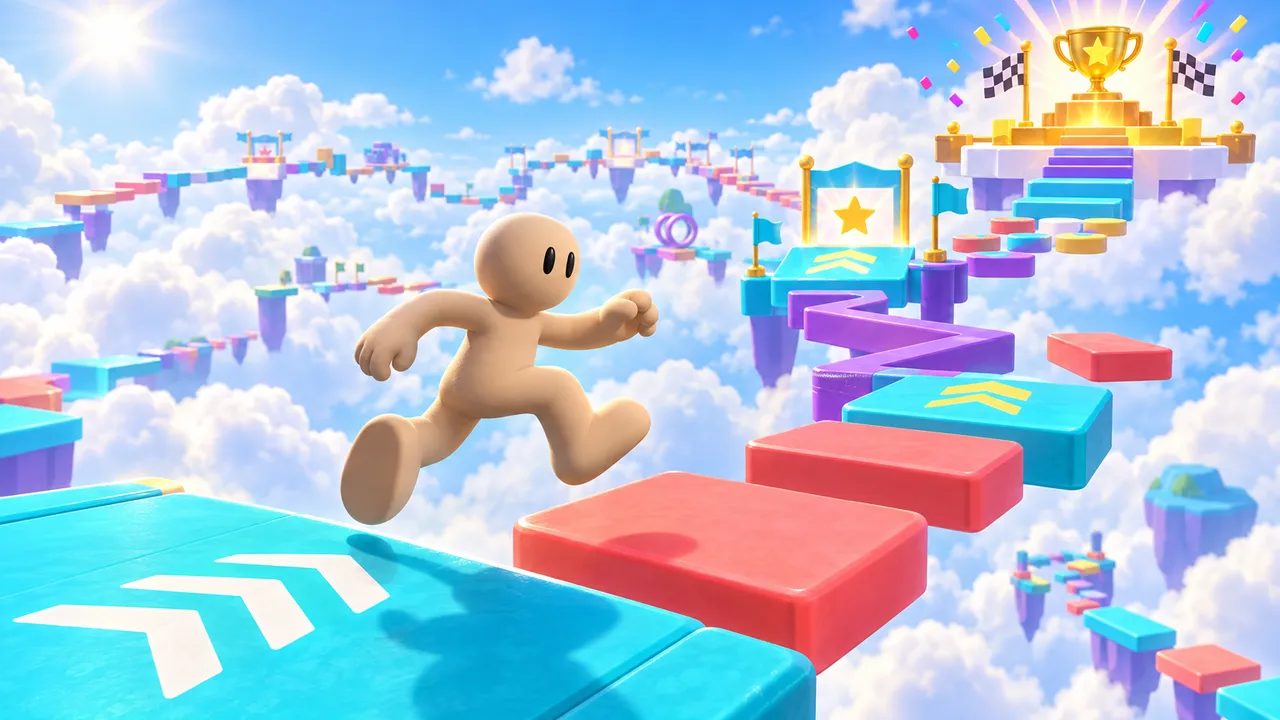
Jump through colorful obstacle courses, reach checkpoints and collect wins. Earn 10 wins to unlock a golden VIP glow and badge.
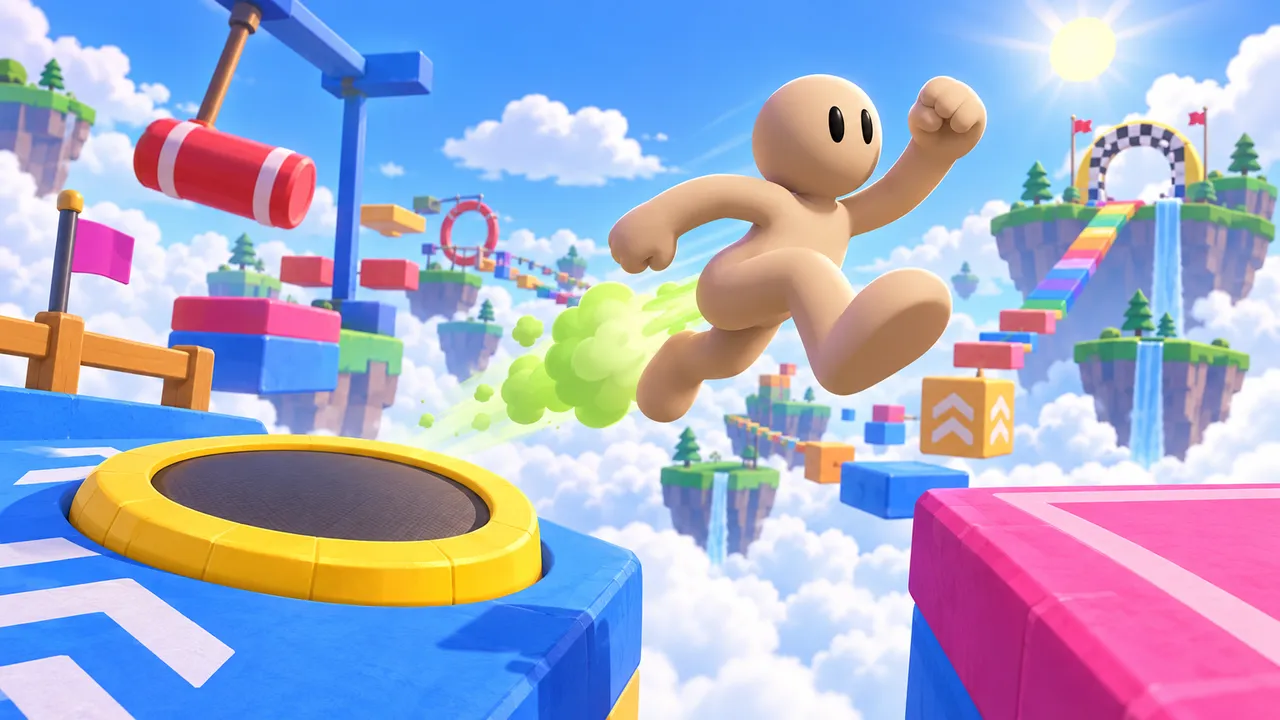
Fart-boost your way across a sky obstacle course of trampolines, swinging hammers and floating islands to the finish.
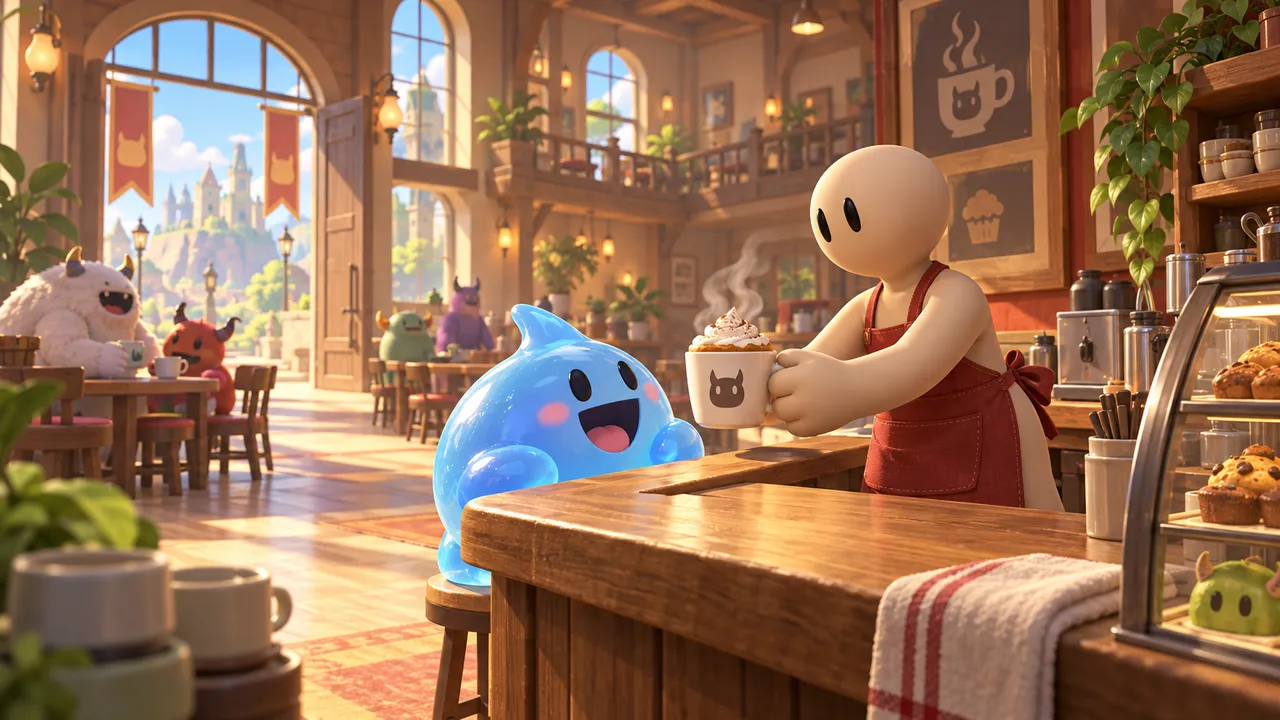
Run a café where the customers are monsters. Serve, earn, invest in better equipment and hire staff.
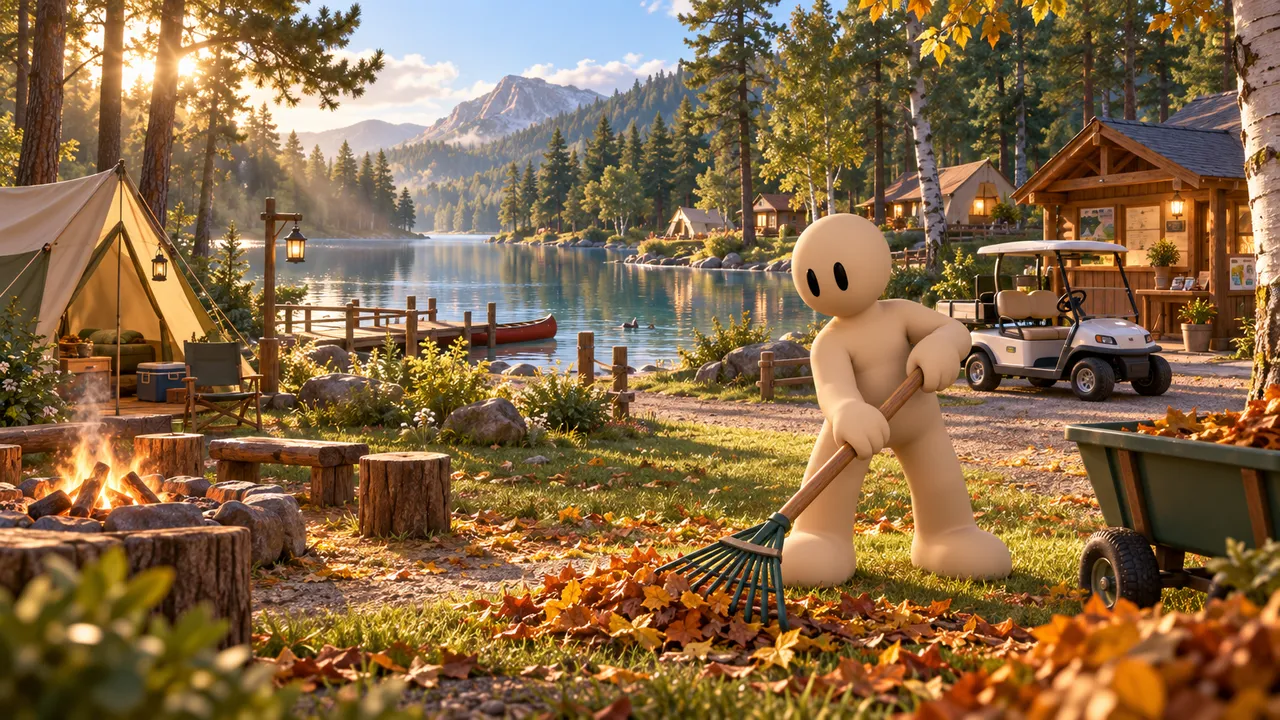
Find a beautiful spot, set up your first pitches and grow your campsite as more campers arrive.
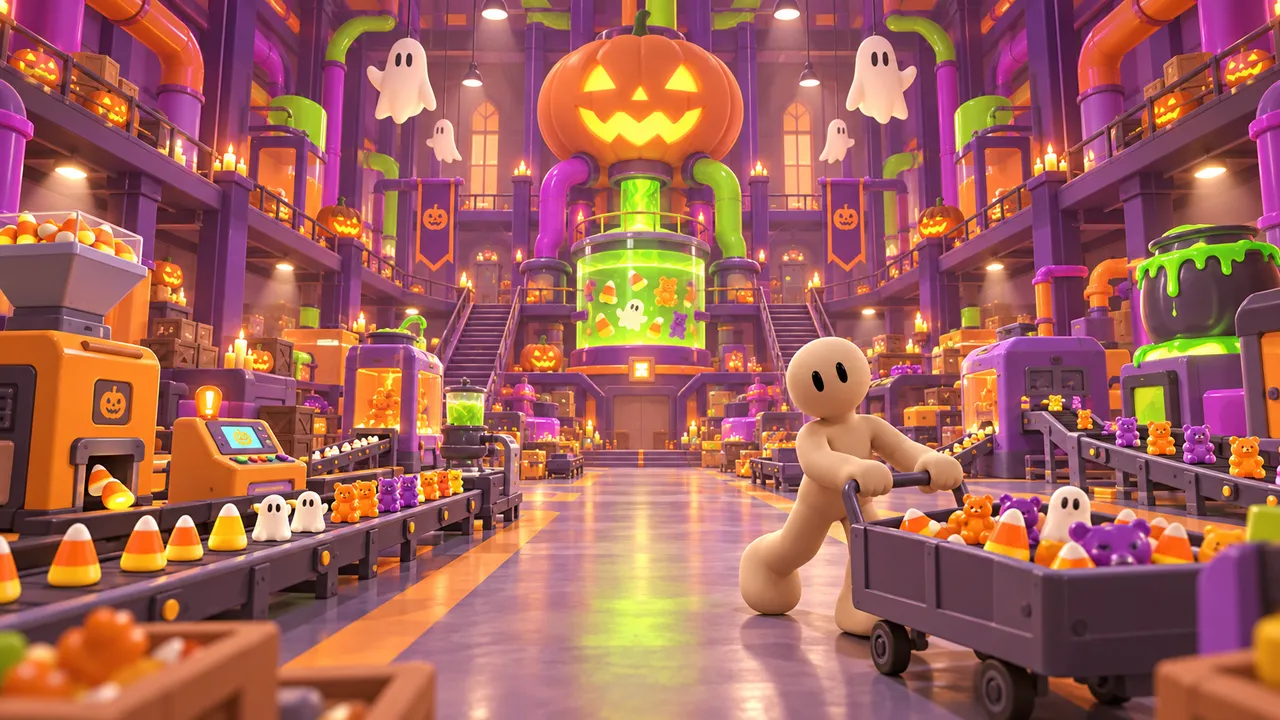
Produce Halloween candy, fuse it to discover rare mutations and grow a small workshop into a monstrous candy factory.
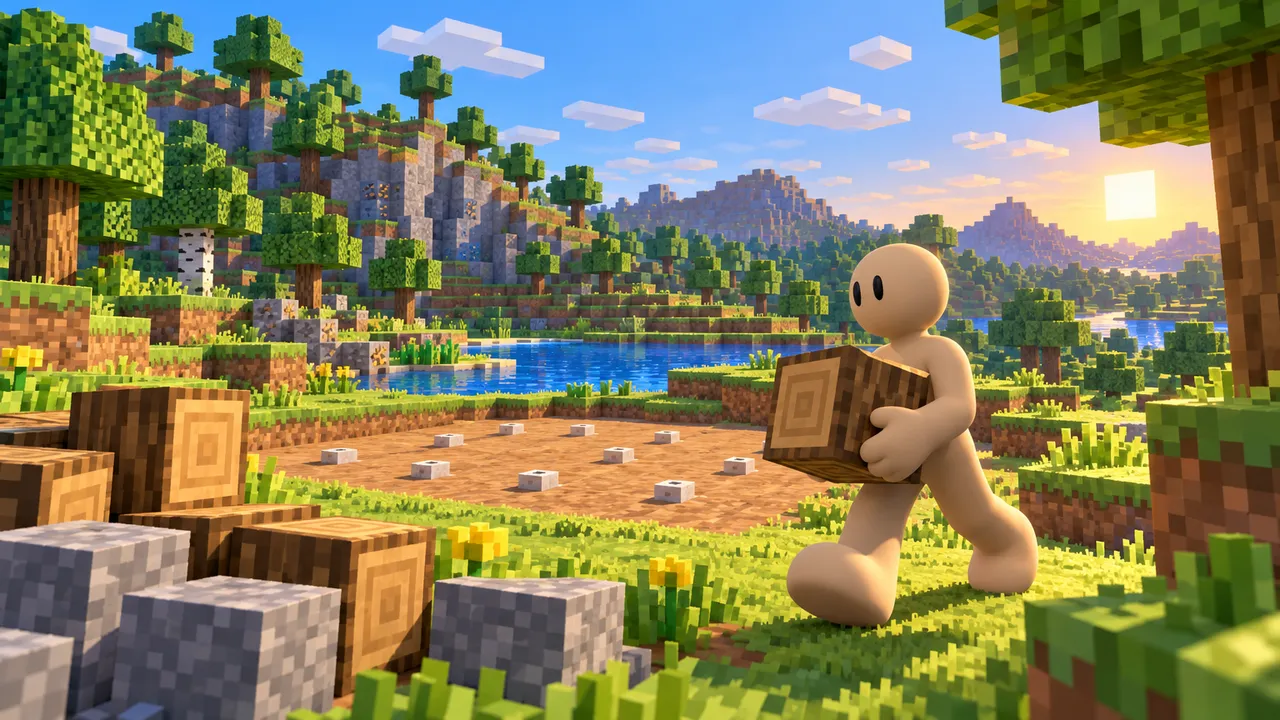
Explore a blocky world, gather wood and stone, and build your shelter before night falls.
Common mistakes to avoid
These are the reasons players leave a Roblox-style game in the first minute.
No goal on screen
If players do not know what to do in 5 seconds, they leave.
Nothing to unlock
Without rewards, a second run has no point.
A huge empty map
Small and full beats big and empty.
A straight copy
Players already have the original. Add a twist.
Build your Roblox-style game
Tell Morph, our little AI companion, what you want to make and watch it come to life, right in your browser. No coding, no downloads, free.
Make your Roblox-style gameNew to making games? See how our AI game maker works, or follow the step-by-step guide to make your own game.
FAQ
Can I make a game like Roblox without coding?
Yes. On Arcade you describe your obby, tycoon or simulator to Morph, our little AI companion, and it builds a playable game you can keep changing by chatting. No Luau, no scripts.
Do I need Roblox Studio?
No. Arcade runs in your browser, on a computer or a phone, with nothing to install. If you want to publish on Roblox itself, Roblox Studio is the tool for that.
Can I put my Arcade game on Roblox?
No. Games made on Arcade are published on the Arcade marketplace and shared by link. Players do not need a Roblox account or app to play.
Is Arcade free?
Yes. Arcade is free: build, publish and share your games in your browser, on a computer or a phone.
Can my friends play my game together?
Yes. Arcade supports multiplayer games your friends join from a link. Add NPC bots too, so the game is still fun when someone plays alone.
Can I use Roblox names or characters?
No. Roblox is a trademark of Roblox Corporation. Use your own name, world and characters, inspired by the genres but not copied.
Which genre should I start with?
An obby or a small tycoon. Both have a simple loop and are easy to test. Our obby maker page is a good first step.